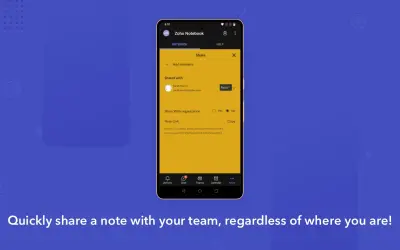
Zoho Notebook
Adds Zoho Notebook to Microsoft Teams, Outlook, and Microsoft 365 for creating, organizing, searching, and sharing notes.
Zoho Corporation Private LimitedPrice not published
Accesses, edits, searches, shares, and syncs NetDocuments content within Microsoft Teams.
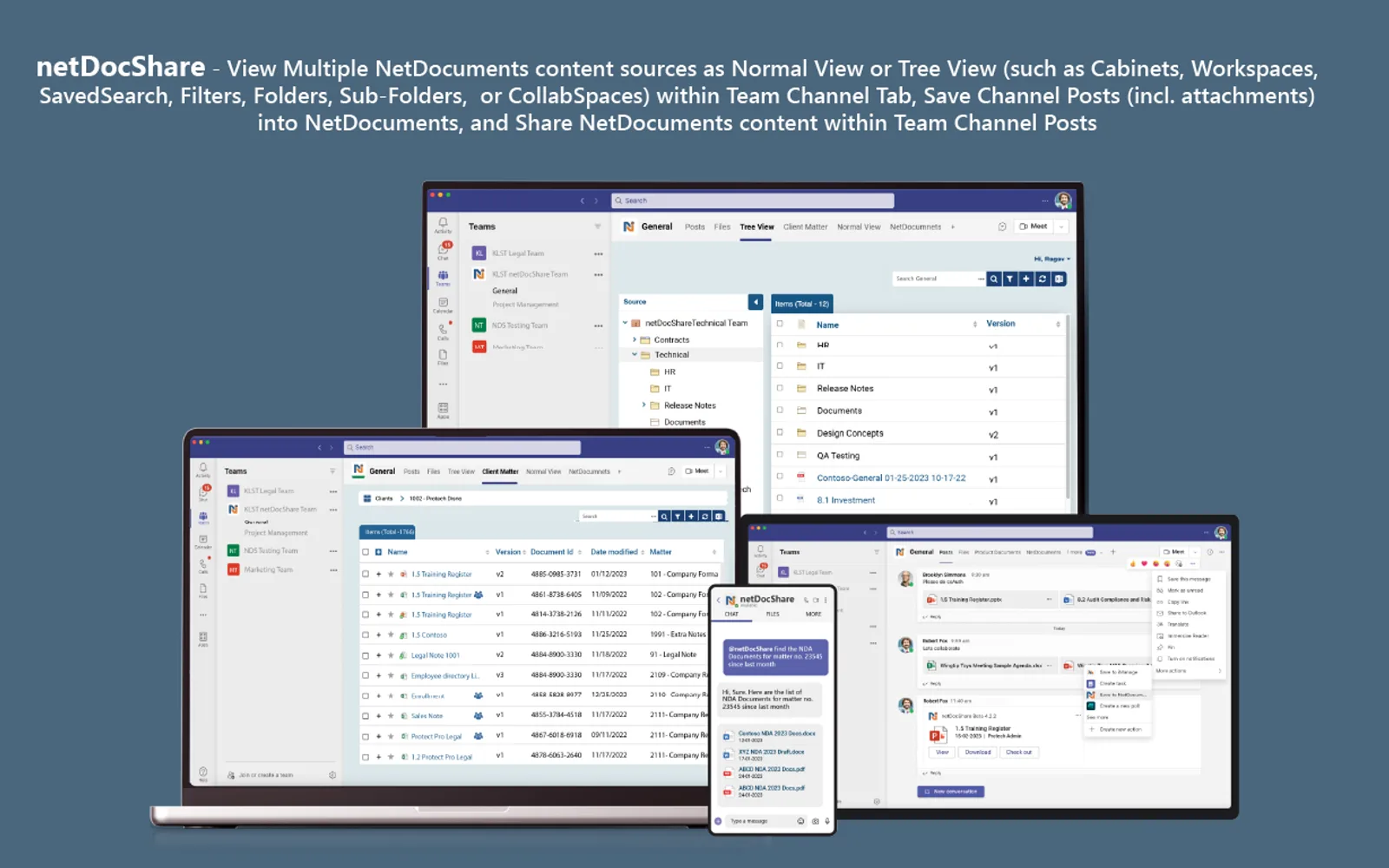
netDocShare provides access to NetDocuments content through Microsoft Teams channel tabs, private chats, meeting chats, and a personal app. It supports viewing, searching, editing, sharing, and synchronizing NetDocuments content within Teams. Users can check documents in or out, create versions, change official versions, lock documents, and save Teams messages with or without attachments to NetDocuments.
Displays NetDocuments content in Teams channel tabs, private chats, meeting chats, and the Teams personal app.
Supports checking in, checking out, renaming, locking, downloading, deleting, following, and sharing secure links for NetDocuments documents.
Creates new document versions and changes the official version of a document within Teams.
Searches and looks up NetDocuments content, including advanced searches of specified content sources.
Synchronizes NetDocuments workspaces, folders, and filters from a Teams channel tab with the channel Files tab.
Saves Teams channel posts, private chat messages, and meeting chat messages with or without attachments into NetDocuments.
Displays and shares NetDocuments CollabSpace content with internal and external users in Microsoft Teams.
netDocShare and Zoho Notebook both use cloud deployment and have an unknown price type. netDocShare was updated on May 2026, while Zoho Notebook was updated in Sep 2024.
| Name | Pricing | Deployment | Updated |
|---|---|---|---|
| this plugin | Price not published | Cloud | |
| Zoho Notebook | Price not published | Cloud |
957 plugins in Microsoft 365 · Collaboration
Price distribution: 19 free, 11 freemium, 100 paid, 827 price not published
Adds Zoho Notebook to Microsoft Teams, Outlook, and Microsoft 365 for creating, organizing, searching, and sharing notes.
Zoho Corporation Private Limited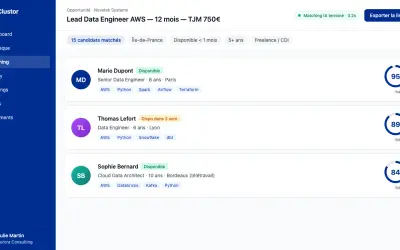
Clustor automates candidate matching, skills portfolio generation, and prospect sourcing for IT services and staffing firms.
Clustor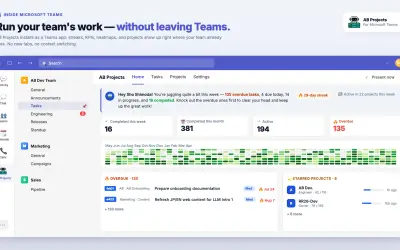
Manages team tasks inside Microsoft 365, surfacing them in Teams, Outlook, and Calendar with AI agent support via MCP.
RECEIPTROLLER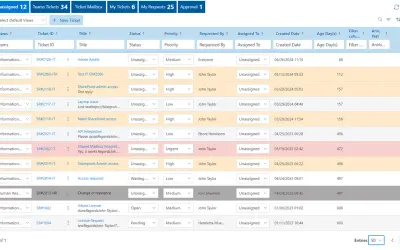
Helpdesk 365 lets employees create helpdesk tickets in SharePoint and Microsoft Teams using existing Microsoft 365 credentials.
Apps 365 and HR 365«netDocShare built for Microsoft Teams allows users to view, edit, add, search, and quick sync NetDocuments content within Microsoft Teams Channel Tab, 1-1 Private Chat, Meeting Chat, and Teams Personal app, enabling quick and easy access to relevant firm documents right within a Team Channel, Team Meetings, and …»