
Nintex Apps for Salesforce | Portal & UX Builder (Formerly Skuid)
Builds low-code portals, forms, workflows, and Salesforce applications in Experience Cloud.
NintexPaid
Create, copy, and delete multiple records in Experience Cloud, with multi-field text search and customizable branding.
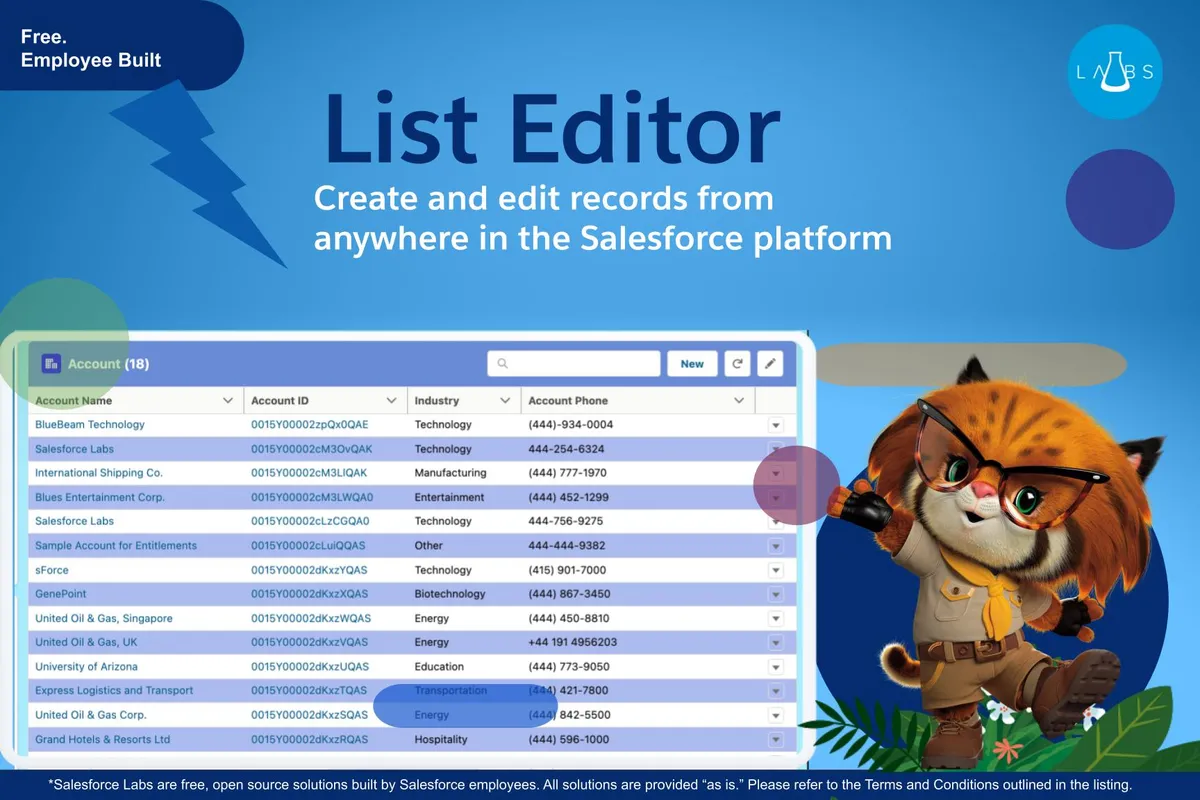
List Editor provides a responsive component for Internal Org and Experience Cloud pages. It supports searches across multiple text fields and lets records be created, copied, or deleted in batches. Text color, background color, and alternating-row color can be customized.
The component is optimized for mobile use.
Records can be searched across multiple text fields.
Multiple records can be created at once.
Multiple records can be copied at once.
Multiple records can be deleted at once.
Text color, background color, and alternating-row color can be customized.
The component can be placed on Application Pages and Record Pages in an Internal Org, and on Standard/Object Pages in Experience Cloud.
11 plugins in Experience Cloud · Productivity
Price distribution: 5 free, 2 freemium, 4 paid
Builds low-code portals, forms, workflows, and Salesforce applications in Experience Cloud.
Nintex
Manage external documents from Salesforce Experience Cloud records.
CloudFilesTranslates and localizes Salesforce Experience Cloud sites, portals, CMS material, and other digital experiences.
Venizum Marketing Technology AB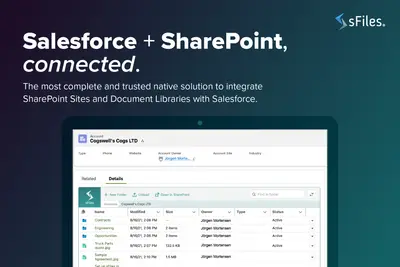
Connects Salesforce Experience Cloud records to SharePoint Online for linked file and folder management.
Upsource Solutions«Available on Internal Org and Experience Cloud! Features a responsive design for comfortable use on mobile. Unlike the standard list view, you can do more branding and advanced record searches for multiple text fields! Streamline your data entry processes by creating, copying and deleting multiple records at once.»