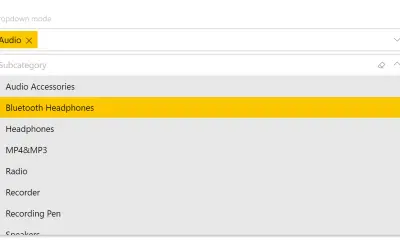
Smart Filter Pro by OKVIZ
Smart Filter Pro by OKVIZ provides multiple filter modes (drop-down, multi-select, search, hierarchy) for Power BI reports.
OKVIZ Corp.Paid
Bulk filtering for Power BI reports using inclusion or exclusion lists instead of selecting filter values individually.
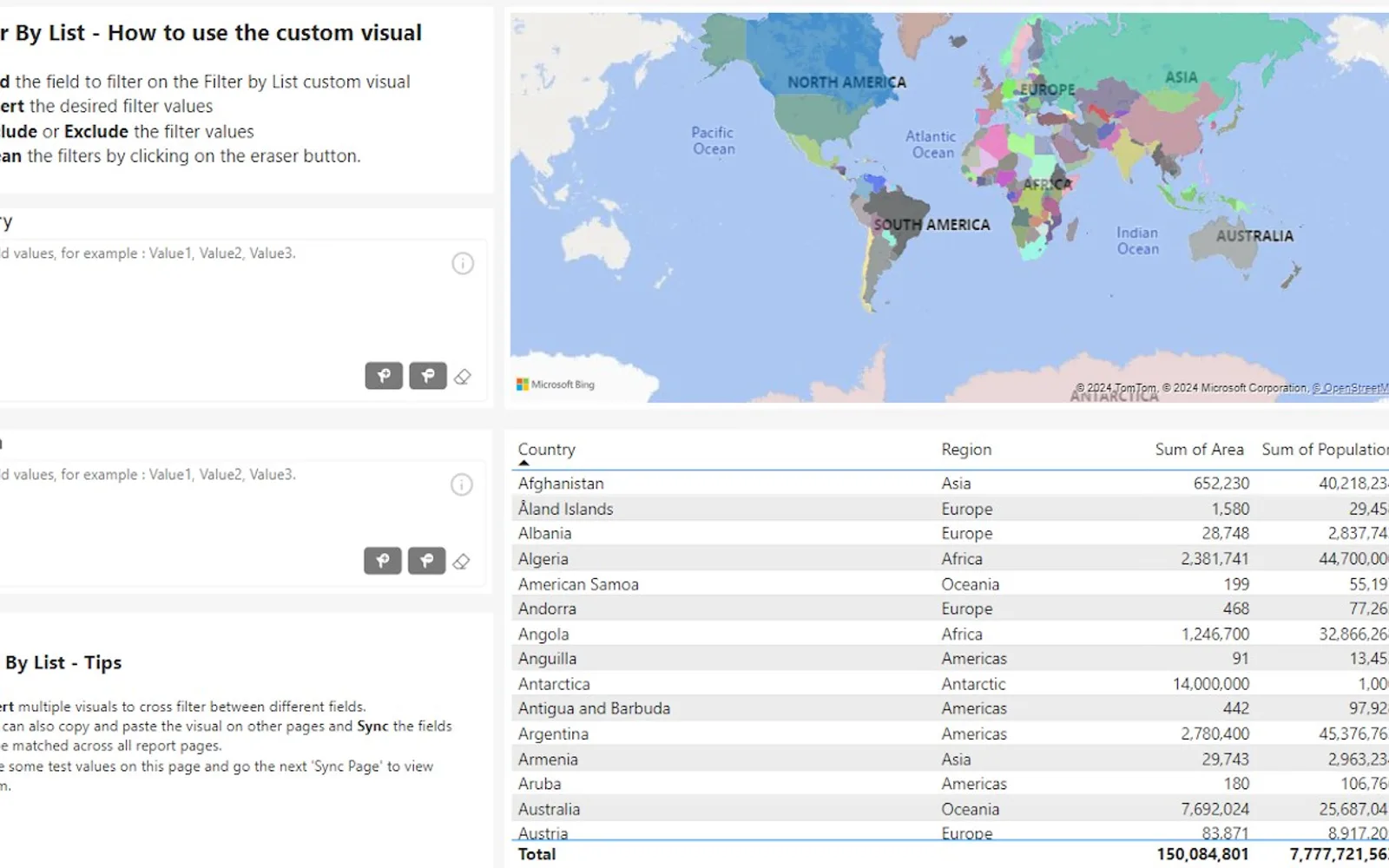
Filter by List is a Power BI visual for applying multiple filter values to a report at once. An inclusion filter adds a pasted list of products to the slicer, while an exclusion filter uses pasted values to display the remaining items. The free version supports filtering up to 20 values. Licensed and unlicensed users have different interaction limits when sharing filtered reports.
Adds a list of products to the slicer visual for report filtering.
Uses pasted values to exclude them from the report and display the remaining items.
Accepts multiple filter values in a list instead of requiring individual selections in the filter pane.
Filter by List is free, while Smart Filter Pro by OKVIZ and Advance Card are paid. Filter by List and Smart Filter Pro by OKVIZ were both updated in Dec 2025, while Advance Card was updated in Oct 2024. All three list cloud deployment.
| Name | Pricing | Deployment | Updated |
|---|---|---|---|
| this plugin | Free | Cloud | |
| Smart Filter Pro by OKVIZ | Paid | Cloud | |
| Advance Card | Paid | Cloud |
657 plugins in Power BI · Analytics
Price distribution: 73 free, 108 freemium, 441 paid, 35 price not published
Smart Filter Pro by OKVIZ provides multiple filter modes (drop-down, multi-select, search, hierarchy) for Power BI reports.
OKVIZ Corp.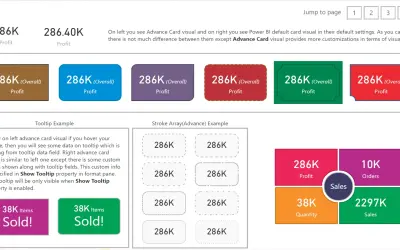
Custom card visual for Power BI that extends the default card with conditional formatting, tooltips, and alignment options.
Bhavesh Jadav
Records all Power BI Service activity and stores the full history in your own data repository without time or capacity limits.
Bismart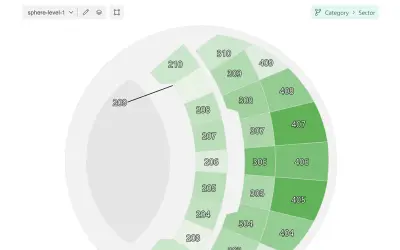
Microsoft-certified Power BI visual for map-based visualizations with multi-level navigation and local map loading.
OKVIZ Corp.«Filter by List is a Power BI Visual that allows users to apply filter values to a report in bulk instead of having to individually check each box in the filter pane. By default, to filter a report with many categories, users need to individually check each box in the filter pane. This is a tremendously time-consuming …»