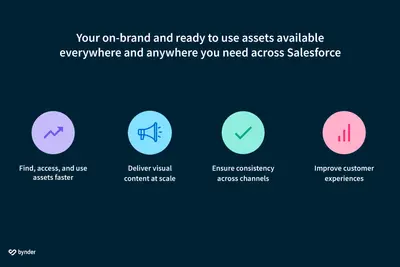
Bynder Digital Asset Management (DAM) for Salesforce - Lightning Web Component
Attach and show Bynder assets in Salesforce records, pages, and emails.
BynderPaid
Shows identifiers and link paths for files used in Experience Cloud.
Place the component on a file Lightning detail page to see the file asset’s API name and relative URL. The displayed URL can be referenced from records, knowledge articles, CMS, the internal org, and Experience Cloud sites.
Shows the API name associated with a file asset.
Shows a file asset’s relative URL for use with records, knowledge articles, CMS, the internal org, and Experience Cloud sites.
Can be placed on a file Lightning detail page.
File Asset Info shows file asset identifiers and relative paths from a file Lightning detail page. Bynder Digital Asset Management (DAM) for Salesforce - Lightning Web Component attaches Bynder assets to Salesforce objects and displays those assets within Salesforce.
| Name | Pricing | Deployment | Updated |
|---|---|---|---|
| this plugin | Free | Cloud | |
| Bynder Digital Asset Management (DAM) for Salesforce - Lightning Web Component | Paid | Cloud |
20 plugins in Experience Cloud · Documents and content
Price distribution: 8 free, 2 freemium, 10 paid
Attach and show Bynder assets in Salesforce records, pages, and emails.
Bynder
Manage external documents from Salesforce Experience Cloud records.
CloudFilesTranslates and localizes Salesforce Experience Cloud sites, portals, CMS material, and other digital experiences.
Venizum Marketing Technology AB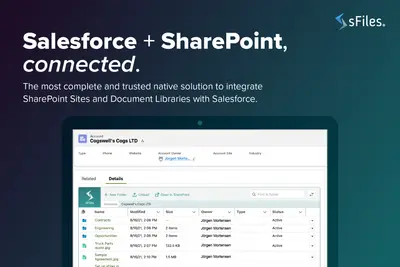
Connects Salesforce Experience Cloud records to SharePoint Online for linked file and folder management.
Upsource Solutions«If you’ve ever uploaded a file asset into your file library, and then forgot what you selected as the API name and now have no idea how to reference the file from an experience cloud site or a record, then this component might just be what you’re looking for! Place this component on the file lightning detail page, and …»