
Issue Sync - Synchronization for Jira
Synchronizes Jira issues, fields, statuses, comments, and attachments across multiple Jira instances.
DevinitiPaid
Export Jira Software projects, tasks, comments, users, and related data to other project management systems.
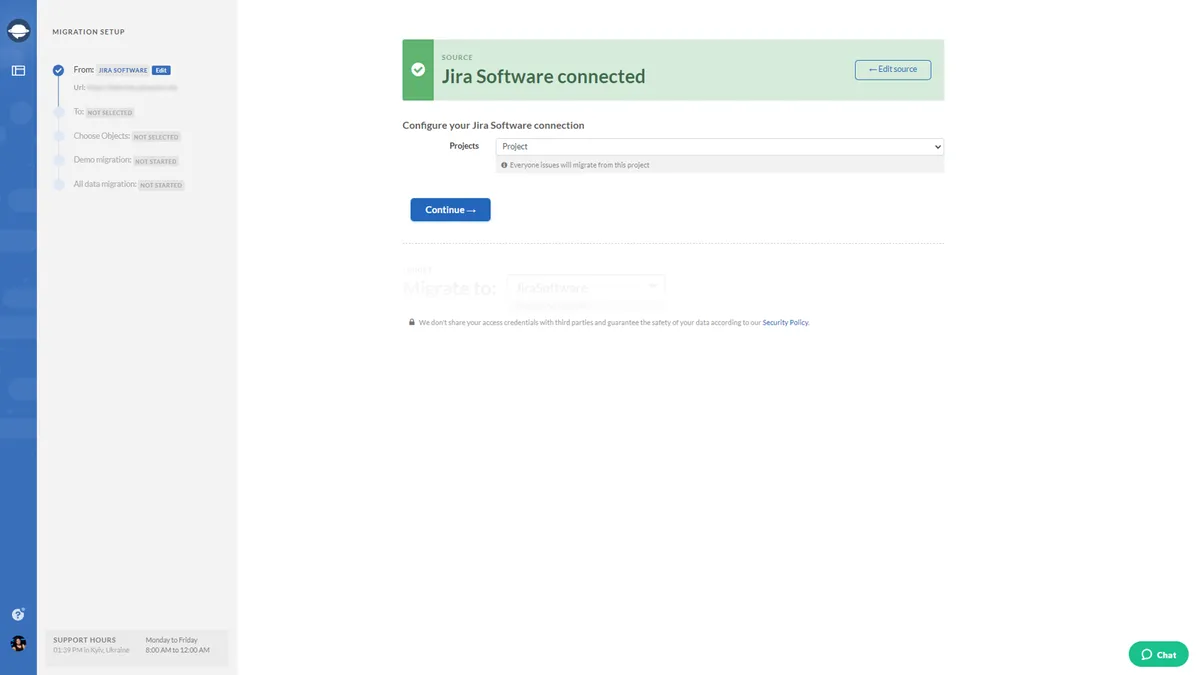
Exports Jira Software projects and tasks with related information, including comments, timestamps, comment authors, attachments, tags, users, and custom fields. The workflow involves signing up, mapping fields, testing the export, and sending data to another project management system.
Exports projects and tasks from Jira Software.
Exports comments, timestamps, comment authors, attachments, tags, users, and custom fields.
Allows fields to be mapped before data is exported.
Runs test exports containing 20 tasks with related data.
Maintains relationships between exported data.
1,002 plugins in Jira · Administrative tools
Price distribution: 271 free, 275 freemium, 456 paid
Synchronizes Jira issues, fields, statuses, comments, and attachments across multiple Jira instances.
Deviniti
Automates Jira issue workflows with data and actions exchanged across connected apps.
Zapier
Export Jira Service Management tickets, issues, and knowledge base records to CSV with selectable fields.
Help Desk Migration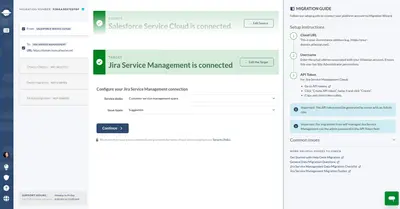
Migrate Salesforce help desk records into Jira Service Management without coding.
Help Desk Migration«Since 2016, Relokia has been the trusted name in data migration tools. With the help of our automated tool, you can quickly and easily export project management data from Jira Software. Setting up your export is as easy and pleasurable as getting a morning cup of coffee. Relokia can save you hours, if not days of work …»