CloudFiles Document Management | Connect SharePoint, AWS S3, Azure, Google Drive
Manage external documents from Salesforce Experience Cloud records.
CloudFilesPaid
Shows flow steps and user progress in Salesforce Experience Cloud screen flows.
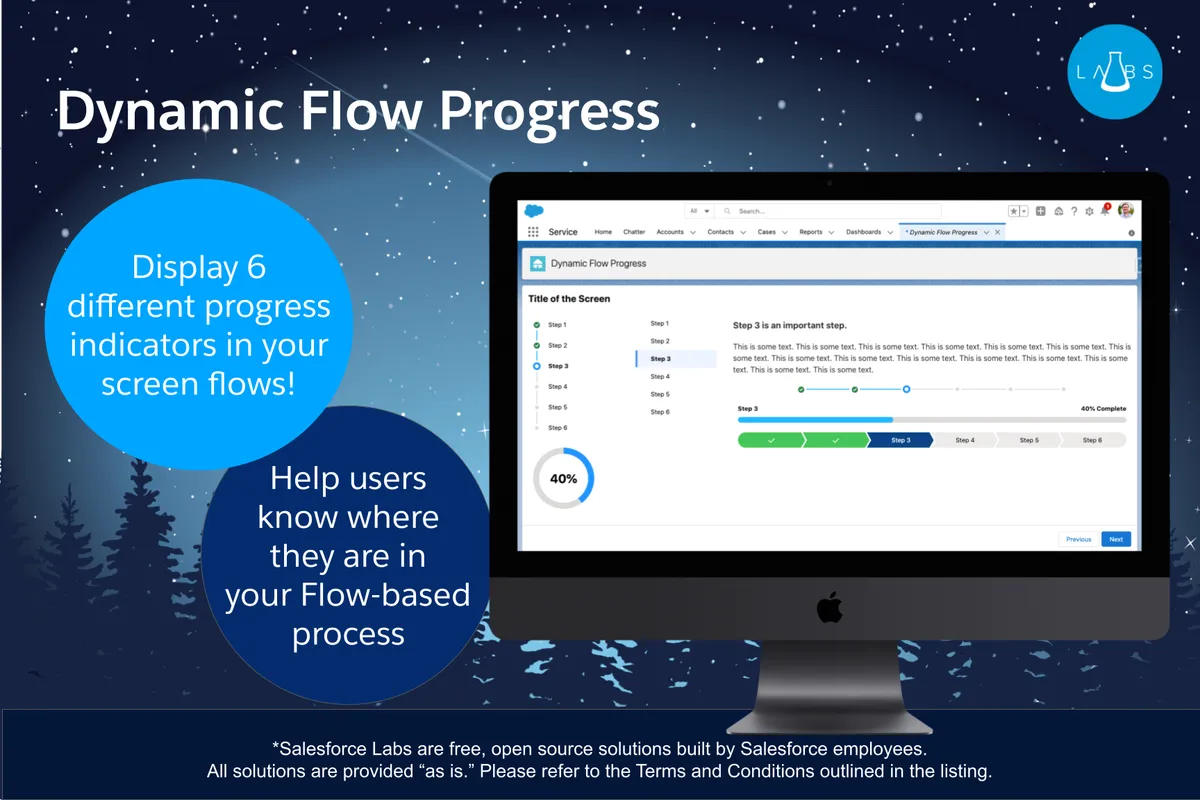
Displays the current step and progress on a Flow screen using six indicator types: vertical or horizontal progress, progress bars, vertical navigation, progress rings, and paths. Custom Labels provide display and assistive text for translation through Translation Workbench. The component works with screen flows for internal or Experience Cloud users, but is not a navigation component and is not intended for Visualforce-embedded screen flows.
Displays vertical progress, horizontal progress, progress bars, vertical navigation menus, progress rings, or paths.
Uses Custom Labels for display text and assistive text.
Supports translation of display and assistive text through Translation Workbench.
Allows a flow variable to override the completion percentage for Progress Bar and Progress Ring indicators.
Internal users and Experience Cloud users working with screen flows.
13 plugins in Experience Cloud · Admin and developer tools
Price distribution: 6 free, 2 freemium, 5 paid
Manage external documents from Salesforce Experience Cloud records.
CloudFilesTranslates and localizes Salesforce Experience Cloud sites, portals, CMS material, and other digital experiences.
Venizum Marketing Technology AB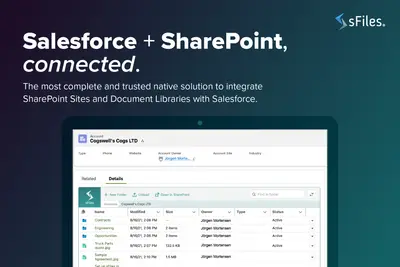
Connects Salesforce Experience Cloud records to SharePoint Online for linked file and folder management.
Upsource Solutions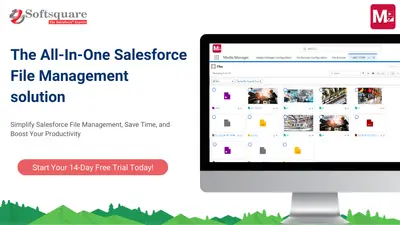
Preview, organize, edit, share, and manage files in Salesforce Experience Cloud.
Softsquare«This component can be used on a Flow screen to indicate the steps in a flow and the progress made by the user. There are five types of indicators you can display with this single component: * Progress Indicator (Vertical) * Progress Indicator (Horizontal) * Progress Bar * Vertical Navigation Menu * Progress Ring * …»