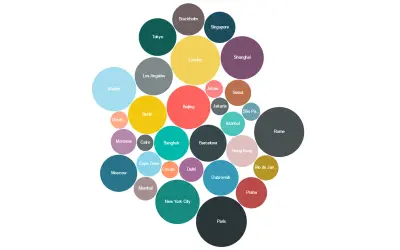
Bubble Chart by Akvelon
Bubble Chart by Akvelon is a Power BI visual that packs bubbles tightly to display more categories in a given space.
AkvelonPaid
Displays two KPI trends in Power BI through line or area charts with hover comparisons, labels, icons, and freshness markers.
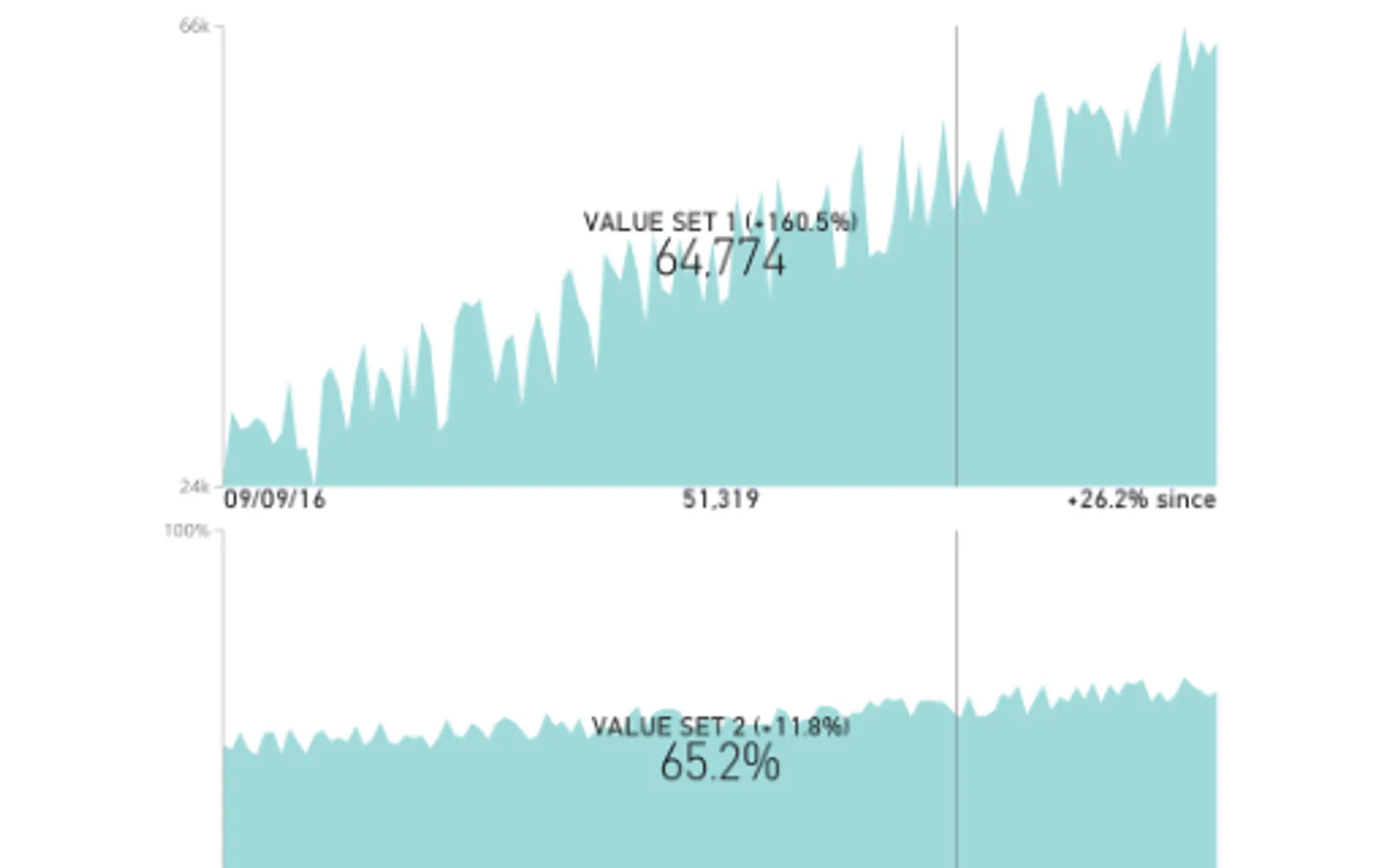
Presents each KPI as a line or area chart in Power BI. Historical data can be viewed with changes from the newest data shown during hover interaction. Icons and labels identify KPI definitions and data freshness. Settings include colors, titles, axes, and tooltips.
Renders each KPI using either a line chart or an area chart.
Displays prior KPI values alongside the current trend.
Shows changes relative to the newest data during hover interaction.
Adds icons and labels for KPI definitions and data freshness.
Allows changes to colors, titles, axis properties, and tooltips.
Dual KPI is listed as a paid cloud add-in updated on December 15, 2025. Bubble Chart by Akvelon and Box and Whisker chart are also listed as paid cloud add-ins, each updated in September 2025.
| Name | Pricing | Deployment | Updated |
|---|---|---|---|
| this plugin | Paid | Cloud | |
| Bubble Chart by Akvelon | Paid | Cloud | |
| Box and Whisker chart | Paid | Cloud |
51 plugins in GitHub · Analytics
Price distribution: 1 free, 2 freemium, 42 paid, 6 price not published
Bubble Chart by Akvelon is a Power BI visual that packs bubbles tightly to display more categories in a given space.
Akvelon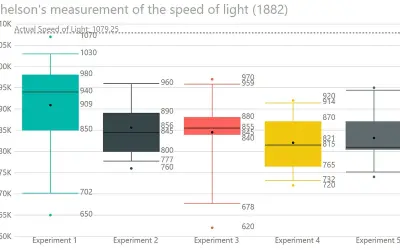
Displays the five-number summary of numerical datasets in Power BI, showing quartiles, median, mean, and whiskers.
DataScenarios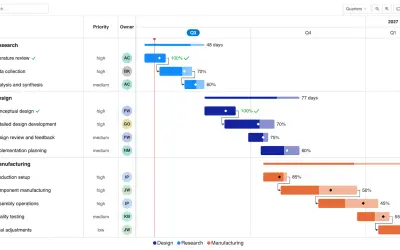
Gantt Chart is a project management visual for Microsoft Power BI that tracks schedules, milestones, and resource workloads.
ChartPad
Creates visualizations from diverse chart types, combines multiple charts on one canvas, and adds custom annotations and tooltips.
Akvelon«Visualize each KPI as a line or area chart. • Dynamic behavior displays historical values and highlights changes from the latest data on hover. • Icons and labels provide KPI definitions and indicate data freshness. • Customizable colors, titles, axis properties, and tooltips for enhanced clarity and visual appeal. • …»