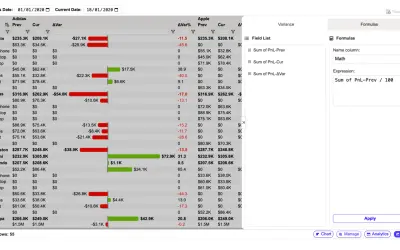
Flexa Tables
Adds pivoting, variance calculations, and header-based filtering to Power BI for end users of published reports.
FlexaIntelFreemium
Adds an interactive data grid for Power BI with sorting, filtering, grouping, pivoting, formatting, and trend visualization.
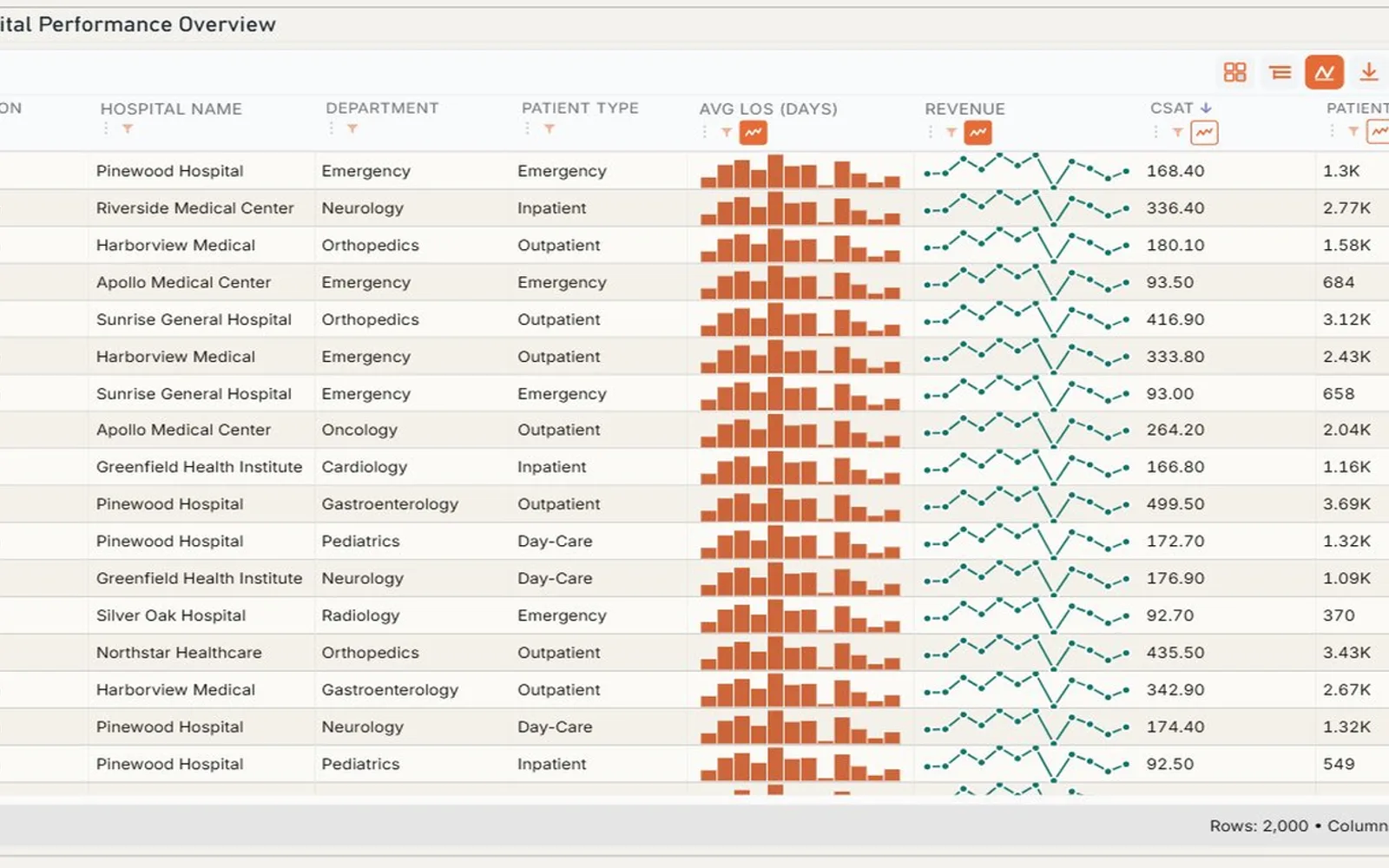
Canvas Table adds a customizable table visual to Power BI reports. It supports sorting, filtering, grouping, aggregation, pivoting, expandable hierarchies, sparklines, and conditional formatting. Columns can be pinned, resized, reordered, or hidden, while layouts can persist. The visual also supports totals, subtotals, footer aggregations, and virtualization for large data volumes.
Supports multi-column sorting and column-level filtering.
Provides row grouping, aggregation, and expandable hierarchies.
Supports pivoting with dynamic row and column dimensions.
Displays sparklines within rows for trend visualization.
Allows columns to be pinned, resized, reordered, shown, or hidden.
Supports color scales, data bars, icons, and formatting rules.
Provides custom fonts, alignment, and number formats.
Supports totals, subtotals, and footer aggregations.
The vendor names analysts and business users as audiences for the visual.
DataFactZ Canvas Table Visual is free and cloud-deployed, while Flexa Tables is freemium and cloud-deployed. DataFactZ Canvas Table Visual was updated on May 2026, compared with Flexa Tables in Aug 2026 and Progress Icon in May 2026. Progress Icon is paid and cloud-deployed.
| Name | Pricing | Deployment | Updated |
|---|---|---|---|
| this plugin | Free | Cloud | |
| Flexa Tables | Freemium | Cloud | |
| Progress Icon | Paid | Cloud |
1,008 plugins in Power BI · Analytics
Price distribution: 75 free, 112 freemium, 520 paid, 301 price not published
Adds pivoting, variance calculations, and header-based filtering to Power BI for end users of published reports.
FlexaIntel
Power BI custom visual that fills an SVG icon to show KPI progress toward a target instead of a plain number on a card.
NeenOpal Inc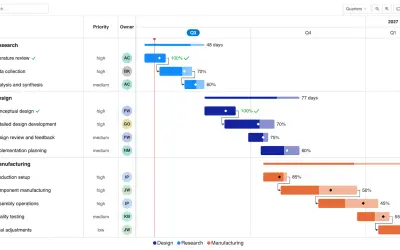
Gantt Chart is a project management visual for Microsoft Power BI that tracks schedules, milestones, and resource workloads.
ChartPad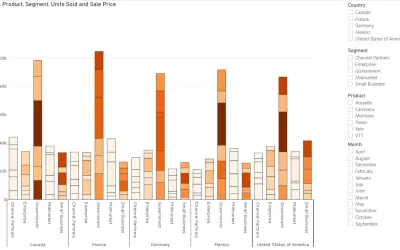
Creates visualizations from diverse chart types, combines multiple charts on one canvas, and adds custom annotations and tooltips.
Akvelon«DataFactZ Canvas Table Visual is a high-performance, enterprise-grade data grid for Power BI that brings spreadsheet-like interactivity and advanced data exploration directly into your reports. Designed for analysts and business users who have outgrown the default table and matrix visuals, Canvas Table delivers fast …»