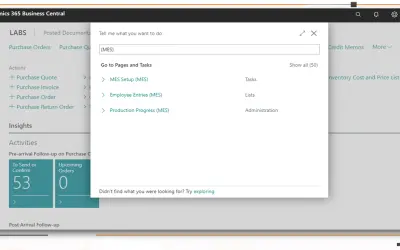
MES Manufacturing execution system
Records produced quantities and times used at workstations, with barcode entry, in Microsoft Dynamics 365 Business Central.
EOS SolutionsPaid
Imports comma- or semicolon-separated CSV data into existing lists.
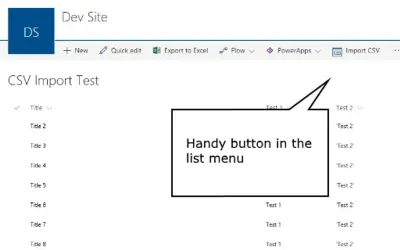
Imports data from a standard CSV file into an existing list. The operator selects a comma or semicolon separator, previews the data, and imports the file into the list. CSV headers use the list columns' internal names. Supported browsers are Chrome 13 or later, Firefox 6 or later, and Internet Explorer 10 or later.
Imports a standard CSV file into an existing list.
Supports comma and semicolon separators.
Shows file details and data before import.
493 plugins in Data Management
Price distribution: 6 free, 6 freemium, 167 paid, 314 price not published
Records produced quantities and times used at workstations, with barcode entry, in Microsoft Dynamics 365 Business Central.
EOS Solutions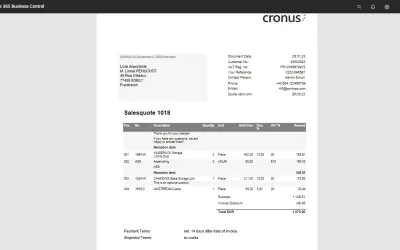
COSMO Document Set applies a master layout to standardize reports and documents in Microsoft Dynamics 365 Business Central.
COSMO CONSULT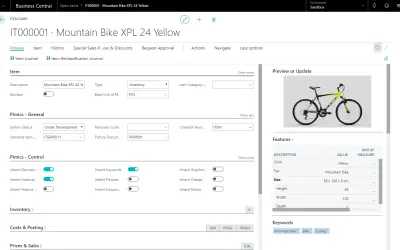
Manages extended product data, digital assets, and channel synchronization as a PIM extension for Dynamics 365 Business Central.
Allium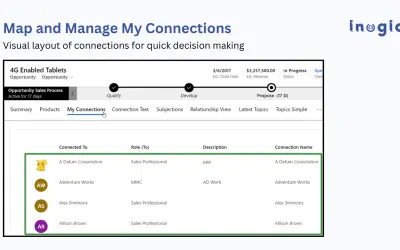
Displays Dynamics 365 CRM relationships as mind maps, tree views, and org charts across Accounts, Contacts, and Opportunities.
Inogic«Import data into existing lists! By installing this add-in you can easily import a standard CSV formatted file into an existing list. CSV stands for comma separated values and looks like this: Name,Address,Zip,State David,1 Street,12345,VA Our add-in supports either comma or semicolon separators by a simple selection …»