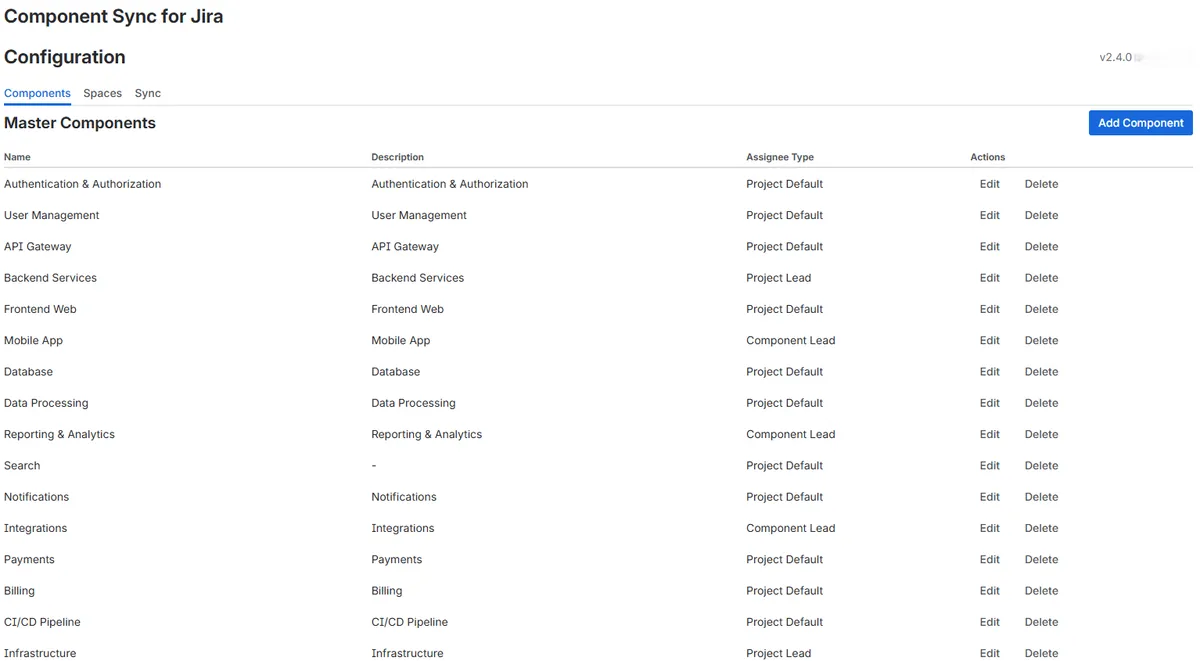
Component Sync for Jira provides a master list for defining component names, descriptions, and assignee types. Administrators can synchronize these components one-way to selected Jira projects, either manually or through optional automatic syncing for newly created components. Sync summaries and error logs show successful, skipped, and failed operations.
Key capabilities
from the Atlassian Marketplace listing
01
Master component list
Administrators can define component names, descriptions, and assignee types in one central list.
02
One-way synchronization
Components can be synchronized from the master list to selected Jira projects.
03
Automatic synchronization
Optional auto-sync propagates newly created components when enabled.
04
Manual synchronization
Administrators can trigger synchronization on demand.
05
Sync monitoring
Detailed summaries and error logs show successful, skipped, and failed operations.
06
Bulk project selection
Jira Cloud admins can select multiple projects for component synchronization.
Who it's for
Jira administrators and Jira Cloud admins managing multiple projects.
How it compares
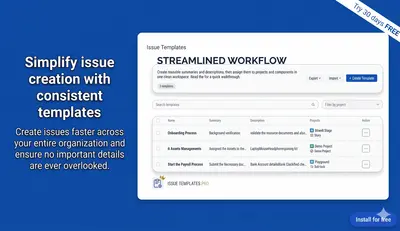
Component Sync for Jira is freemium, cloud-only, and updated in Feb 2026; Issue Templates has the same pricing model and deployment, while AssetIT Asset Importer is free and updated in Aug 2026.
«Component Sync for Jira is an administration tool that helps Jira administrators centralize and synchronize components across multiple projects . The app provides a master component list where administrators define component names, descriptions, and assignee types, then synchronize those components one-way to selected …»