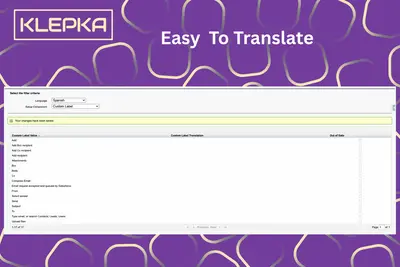
Screen Flow Email Composer
Compose and send guided emails within Salesforce Screen Flows using Salesforce data, templates, recipients, attachments, and activity tracking.
Klepka LLCFree
Manage case email recipients, comments, attachments, and notifications in Salesforce Platform.
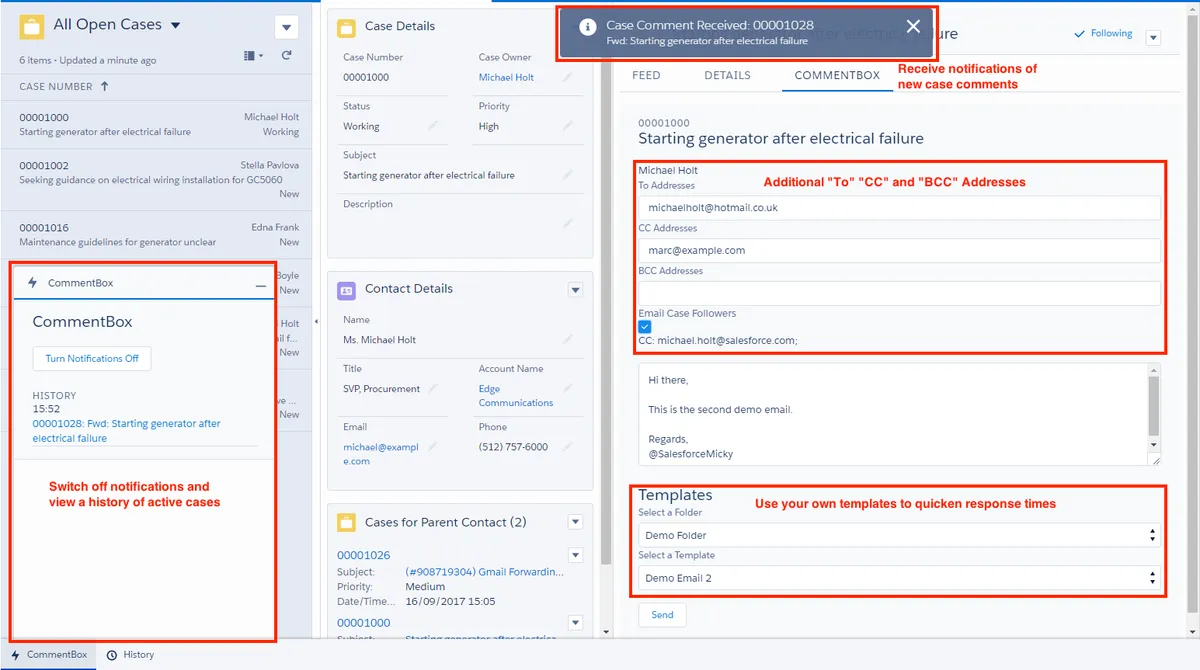
CommentBox lets service agents add To, CC, and BCC addresses to Case Comment correspondence and choose whether comments are internal or public. Agents can include case followers, attach files, and view a recipient log in the case comment header. Plain-text email templates are available from dropdown menus; merge fields and HTML or Visualforce templates are not supported. Inbound and outbound case emails are added to case comments, and the CommentBoxUtility component can notify users about new comments in a Lightning console.
Agents can add To, CC, and BCC addresses to case comment correspondence.
A checkbox lets agents save comments for internal peers or send public messages to clients.
Agents can include all case followers in emails.
Files can be dragged into CommentBox and included in case comments.
Inbound and outbound case emails are included in case comments.
Admins can add CommentBoxUtility to a customizable Lightning console so users receive notifications about new case comments.
Dropdown menus provide access to plain-text email templates for agent responses.
A log of recipients is stored in the case comment header.
Service agents and Salesforce administrators configuring a Lightning console.
Screen Flow Email Composer focuses on a guided email process with preconfigured recipients, templates, attachments, and activity tracking, while CommentBox adds email correspondence directly to case comments and includes recipient logging and case-follower emails. Quick Case Comment pre-populates case comment text with predefined content, whereas CommentBox also handles case emails, recipients, attachments, templates, and comment notifications.
| Name | Pricing | Deployment | Updated |
|---|---|---|---|
| this plugin | Free | Cloud | |
| Screen Flow Email Composer | Free | Cloud | |
| Quick Case Comment | Free | Cloud |
642 plugins in Salesforce Platform · Customer Service
Price distribution: 308 free, 63 freemium, 271 paid
Compose and send guided emails within Salesforce Screen Flows using Salesforce data, templates, recipients, attachments, and activity tracking.
Klepka LLC
Embed custom Visualforce pages in Salesforce Platform mobile apps.
Salesforce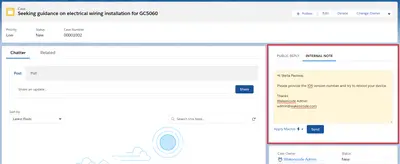
Pre-populates case comment text in Salesforce service apps.
WNC Technologies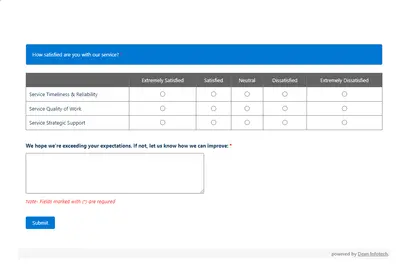
Automates customer satisfaction surveys and stores responses in Salesforce.
Dean Infotech Pvt Ltd«CommentBox has been designed to enhance the service agent user experience. Agents are able to add additional "To" addresses as well as include CC and BCC addresses in their Case Comment correspondence. A checkbox provides the ability for agents to save internal comments to their peers, or send public messages to …»