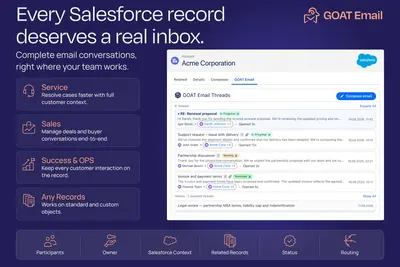
Email, Email-to-Case & EAC, Shared Inbox, Outlook/Gmail Email Sync |Record Inbox
Manage Salesforce email across records with shared inboxes, case workflows, message threads, and stored history.
GOAT EmailPaid
Compose and send guided emails within Salesforce Screen Flows using Salesforce data, templates, recipients, attachments, and activity tracking.
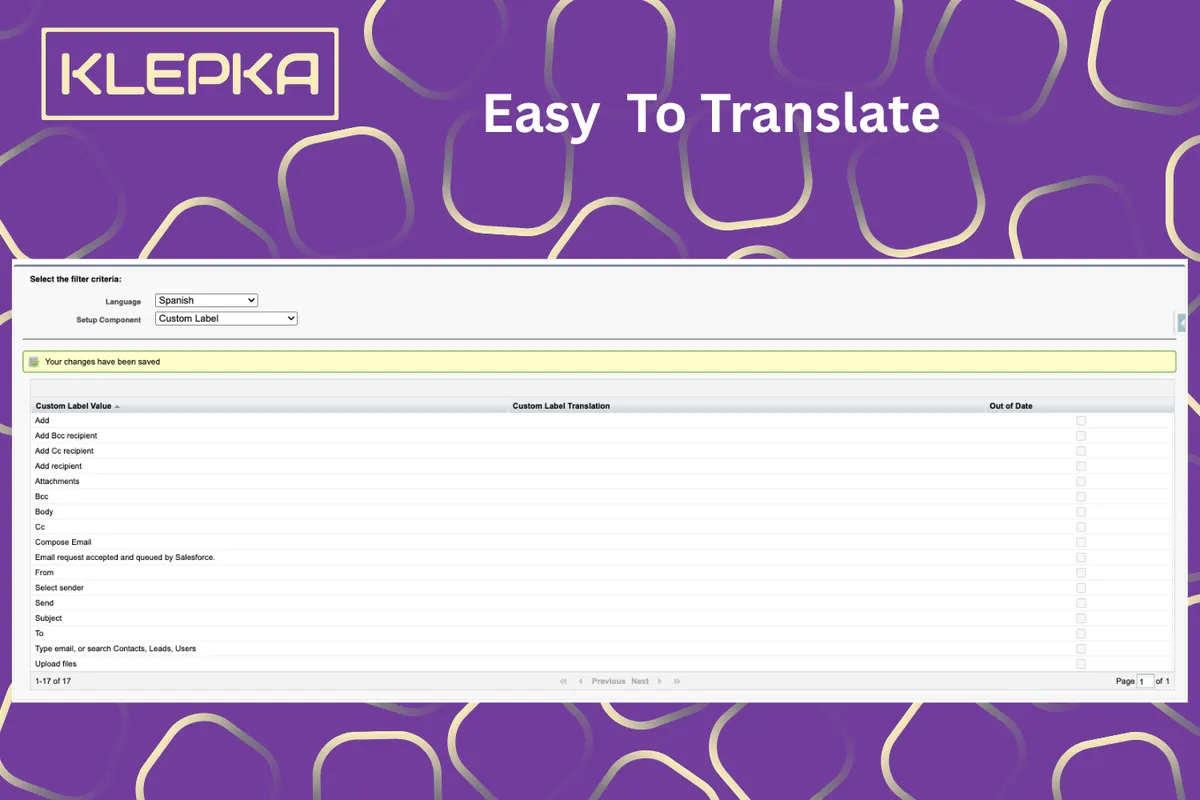
Screen Flow Email Composer adds an email composition and sending interface to Salesforce Screen Flows. Administrators can prepopulate To, CC, Subject, and Body fields from Salesforce data, templates, or Flow logic. The component supports recipient selection across Contacts, Leads, and Users, sender selection, attachments, inline images, and email templates. It can link Email-to-Case replies to the relevant Case and log sent emails as activities on related records.
Compose email messages with text formatting tools inside a Screen Flow.
Search for and select recipients across Contacts, Leads, and Users.
Choose a user email address, an Org-Wide Email Address, or an Email-to-Case address as the sender.
Attach files and paste images inline within an email.
Load email templates with dynamic merge fields.
Link customer replies to the correct Case through automatic Email-to-Case thread handling.
Record each sent email in a send history log and as an activity on the related record.
The component is intended for Salesforce administrators and end users.
Flow Email Composer prepopulates To, CC, BCC, and Subject fields and prepares a draft version of the email within a Salesforce Flow. Screen Flow Email Composer also provides rich-text editing, recipient search, attachments, templates, sender selection, Email-to-Case thread linking, and send history logging. Record Inbox manages inbound and outbound email and email history across Leads, Contacts, Opportunities, Cases, Accounts, and Custom Objects, while Screen Flow Email Composer focuses on composing and sending guided emails inside Screen Flows.
| Name | Pricing | Deployment | Updated |
|---|---|---|---|
| this plugin | Free | Cloud | |
| Flow Email Composer | Free | Cloud |
642 plugins in Salesforce Platform · Productivity
Price distribution: 308 free, 63 freemium, 271 paid
Manage Salesforce email across records with shared inboxes, case workflows, message threads, and stored history.
GOAT Email
Send scheduled or immediate template-based emails from Salesforce with dynamic content and configurable recipients.
Verolt Engineering Ltd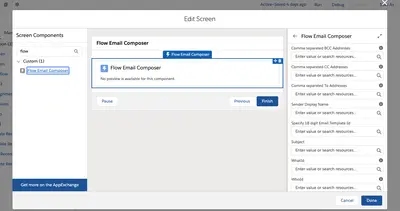
Pre-populates Salesforce Platform email fields, creates template-based drafts, and uploads attachments to Files.
Salesforce Labs
Pre-populates case comment text in Salesforce service apps.
WNC Technologies«Organizations often require a standardized and guided email communication process within Salesforce. Typical Salesforce email actions provide limited customization capabilities and do not allow administrators to easily preconfigure recipients, templates, attachments, and activity tracking inside a Flow-driven process.»