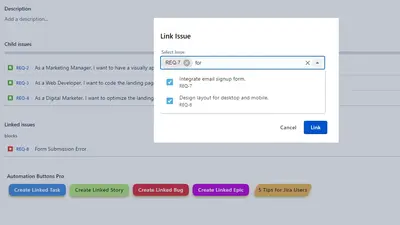
Links & Actions Buttons PRO
Adds configurable Jira issue-view buttons for creating links, triggering automation, navigating URLs, and displaying issue data.
MethodaPaid
Connects Jira with Azure DevOps for creating, linking, viewing, and commenting on Work Items.
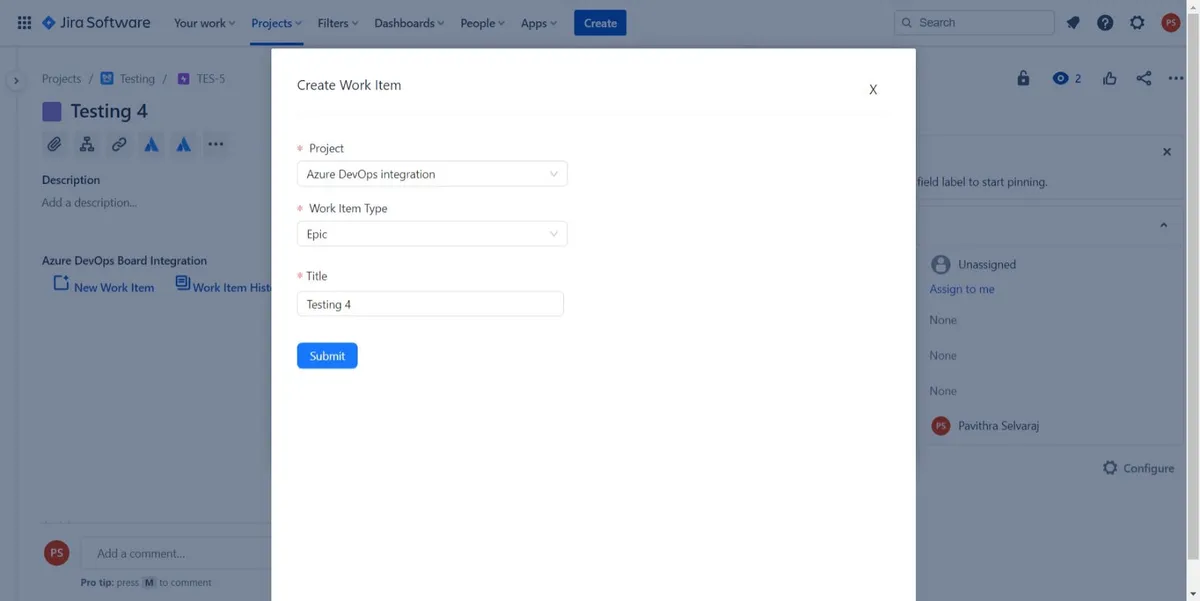
The integration lets users create Azure DevOps Work Items through Jira and choose a Work Item type for a selected project. It can link existing Work Items to a Jira issue. The app shows Work Item and comment history in a discussion view, where users can read discussions and add comments to linked Work Items.
Users can create Azure DevOps Work Items from Jira and choose a Work Item type for a selected project.
Support agents can associate existing Azure DevOps Work Items with the current Jira issue.
The app shows Work Item details and comment history in its discussion view.
Users can add comments to linked Azure DevOps Work Items from Jira.
Support agents and users working with Azure DevOps Work Items in Jira.
This listing is paid and cloud-only, as is Links & Actions Buttons PRO, while Zeplin for Jira is free and supports data-center, cloud, and server deployment. The listing was updated in Jul 2025, compared with Oct 2025 for Links & Actions Buttons PRO and Mar 2026 for Zeplin for Jira.
| Name | Pricing | Deployment | Updated |
|---|---|---|---|
| this plugin | Paid | Cloud | |
| Links & Actions Buttons PRO | Paid | Cloud | |
| Zeplin for Jira | Free | Cloud · Data Center · Server |
1,328 plugins in Jira · Project Management
Price distribution: 444 free, 418 freemium, 466 paid
Adds configurable Jira issue-view buttons for creating links, triggering automation, navigating URLs, and displaying issue data.
Methoda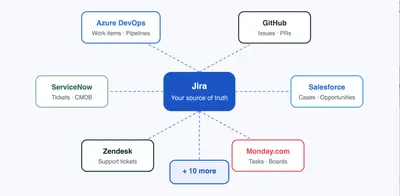
Syncs Jira issues, tasks, and user stories with systems including Azure DevOps, GitHub, and ServiceNow.
Lamdat.com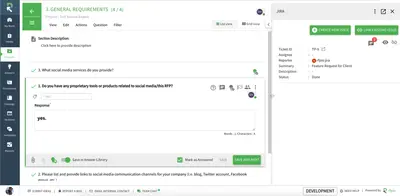
Create and track Jira issues from Responsive questions, sections, or projects.
RFPIO Inc. dba Responsive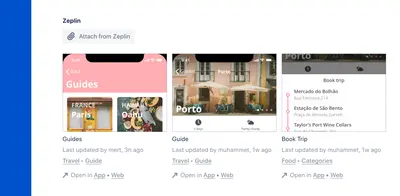
Attach Zeplin designs to Jira issues and view linked issues from Zeplin.
Zeplin«With a click of a button, you will be able to create Work Items and connect Azure DevOps Work Items from Jira. On the home page, you will find the following buttons: New Work Item Work Item History Connect Work Item New Work Item: The user can select the Work Item type with respect to selected projects in the select …»