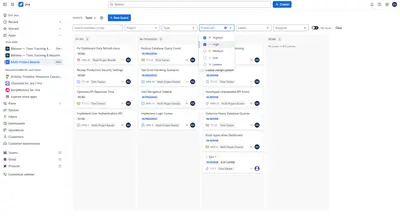
Multi-Project Boards — Cross-Project Kanban for Jira
Combine Jira issues from multiple projects on one Kanban board with filters, grouped columns, and cross-project issue actions.
George GrachevFreemium
Manage Jira issues on an agile board with filtering, field edits, status changes, and export options.
Provides an agile board for finding and managing Jira issues. Issues can be filtered by key, labels, and assignee, while summaries, descriptions, assignees, reporters, statuses, and priorities can be edited. Statuses can be changed by dragging issues between columns or selecting a value from a list. Issues can be exported to PDF, CSV, or JSON, or sent to a printer.
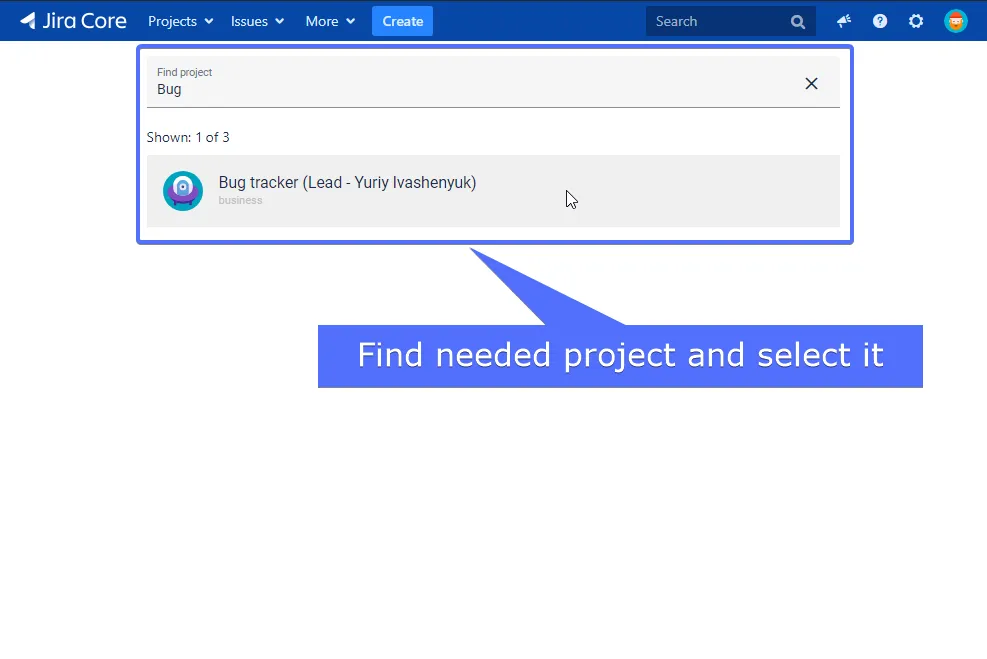
Finds and selects the Jira project to manage.
Filters issues by key, labels, and assignee.
Edits issue summaries, descriptions, assignees, reporters, statuses, and priorities.
Changes an issue status by dragging its card to a status column.
Changes an issue status from a drop-down list.
Exports issues to PDF, CSV, or JSON.
Prints issues directly to a printer.
Provides a form for anonymous comments, feedback, and questions.
1,328 plugins in Jira · Project Management
Price distribution: 444 free, 418 freemium, 466 paid
Combine Jira issues from multiple projects on one Kanban board with filters, grouped columns, and cross-project issue actions.
George Grachev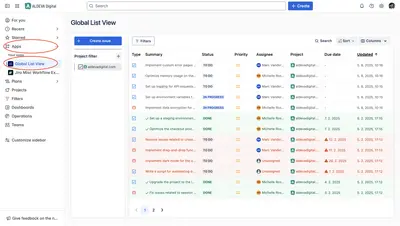
View, filter, sort, and edit Jira work items from one or more spaces without JQL.
ALDEVA DIGITAL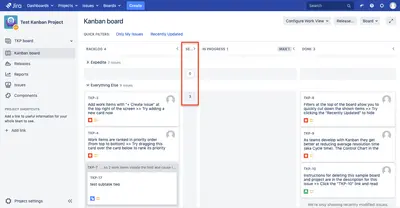
Manage Jira boards with collapsible columns, inline issue editing, modal views, and bulk ticket transitions.
MKTiers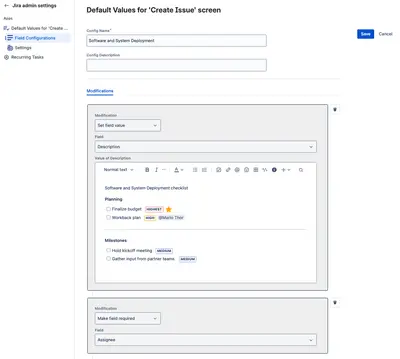
Sets preset values in Jira's issue-creation form, with settings for selected projects and issue types.
Big Fig Tree«Make the process of finding and managing your issues faster and more convenient with “Agile Board” You as our client will be able to use all the following functionality without any restrictions: Convenient and fast to find the right project Filter issues by key, labels, and assignee Edit summary and issue description …»