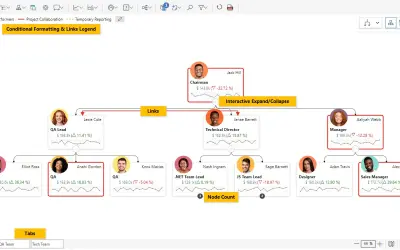
Performance Flow - xViz
Power BI visual for tracking supply chain, sales, and financial performance with interactive diagrams, alerts, and KPIs.
xViz LLC dba LumelFreemium
Configure advanced matrix and table reports in Power BI with controls for layout, display, analysis, review, and export.
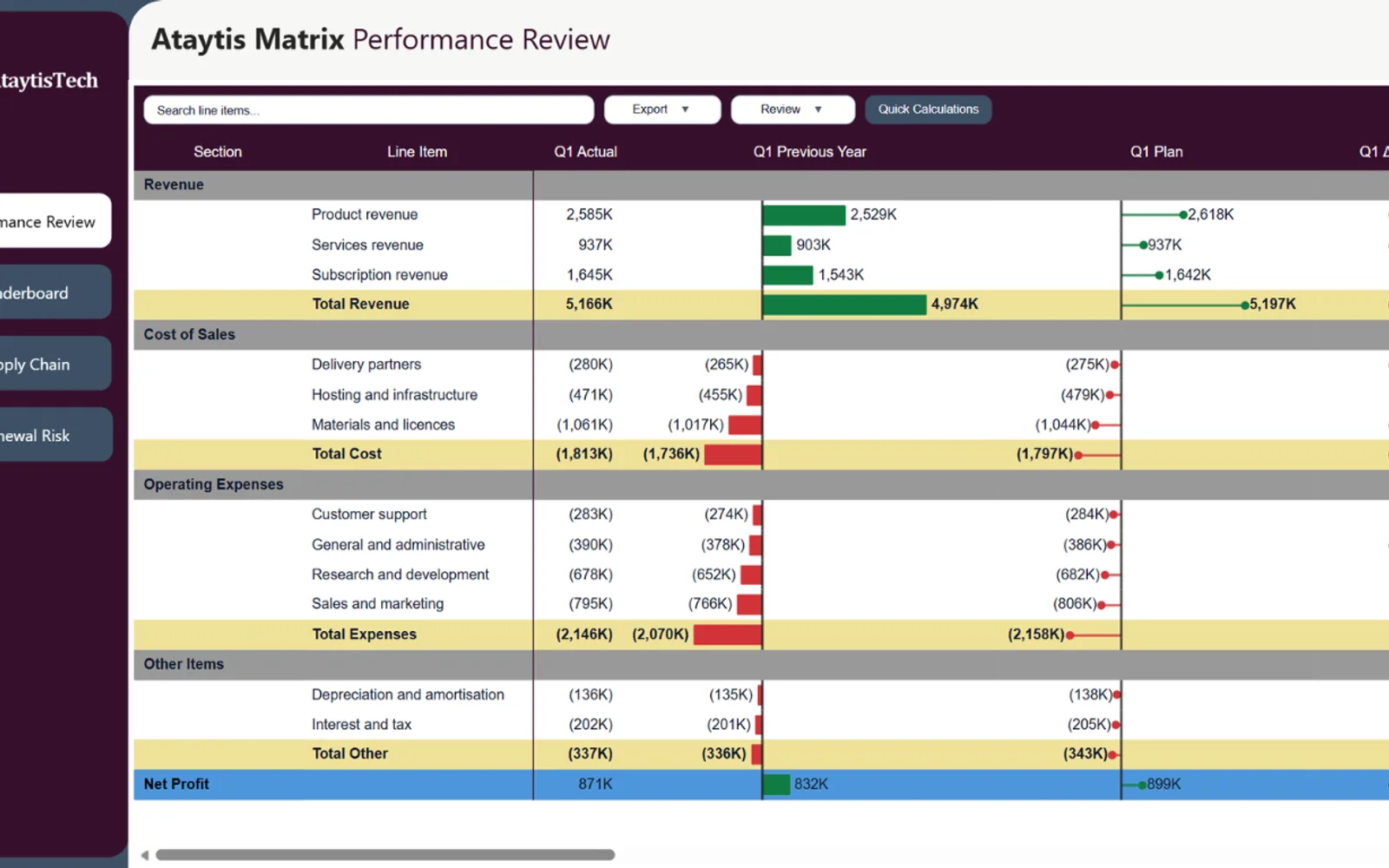
Ataytis Matrix adds configuration options for matrix and table reports in Power BI. It covers hierarchy presentation, cell and total formatting, conditional display rules, embedded charts, sorting, ranking, comments, highlights, calculations, and alternate value views. Files can be exported in XLSX, CSV, or PDF format with selected report details and formatting. The listing also describes paging, virtualization, column windowing, and caching for larger reports.
Arranges hierarchies in compact, outline, or tabular views with settings for expansion, headers, indentation, spacing, child counts, and hierarchy symbols.
Configures headers, values, subtotals, grand totals, alternating rows, borders, typography, colors, numeric display, wrapping, alignment, widths, and column sequence.
Applies colors, bars, icons, links, and custom display logic according to values, totals, measures, hierarchy levels, or supporting fields.
Adds line, area, column, or win-loss charts inside cells with options for markers, color, placement, hierarchy level, and combined value views.
Adds notes, typed comments, cell-specific comments, an optional comment area, highlights, and marker mode to matrix reports.
Adds calculated rows and columns containing visual-level reporting logic.
Creates XLSX, CSV, and PDF exports with report formatting, column widths, totals, notes, repeated headings, page numbers, titles, dates, and export limits.
Report creators and teams that build interactive reports in Power BI.
Ataytis Matrix is free and cloud-deployed. Performance Flow - xViz, Advanced Pie and Donut - xViz, and Bullet Chart - xViz use a freemium model with cloud deployment. Ridgeline Plot by Powerviz is free and cloud-deployed, while HierarchySlicer is paid and cloud-deployed.
| Name | Pricing | Deployment | Updated |
|---|---|---|---|
| this plugin | Free | Cloud | |
| Performance Flow - xViz | Freemium | Cloud | |
| Advanced Pie and Donut - xViz | Freemium | Cloud | |
| Bullet Chart - xViz | Freemium | Cloud | |
| Ridgeline Plot by Powerviz | Free | Cloud | |
| HierarchySlicer | Paid | Cloud |
1,365 plugins in Power BI · Analytics
Price distribution: 89 free, 137 freemium, 651 paid, 488 price not published
Power BI visual for tracking supply chain, sales, and financial performance with interactive diagrams, alerts, and KPIs.
xViz LLC dba Lumel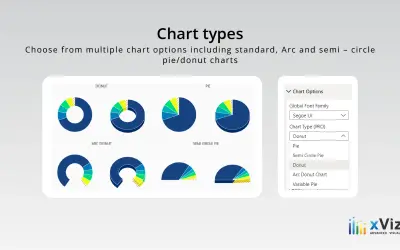
An xViz pie and donut chart for Power BI that compares parameters and displays each part's proportion of the whole.
xViz LLC dba Lumel
Power BI visual for comparing actuals against targets, with IBCS-certified bullet chart templates and comparison bands.
xViz LLC dba Lumel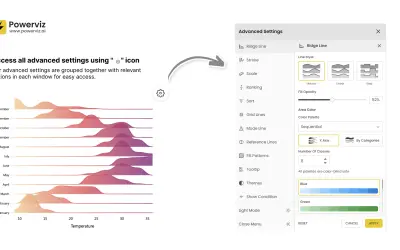
Custom Power BI visual that plots numeric distributions for multiple categories as stacked curves along a common continuous axis.
TRUVIZ INC«Power BI's native matrix wasn't built for complex reporting — teams often have to simplify the report, accept limited formatting control, or spend extra time building around the default experience. AtaytisTech Matrix gives report creators a more configurable way to build advanced matrix and table-style reports with …»