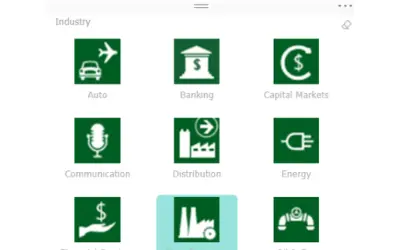
Chiclet Slicer
Button-based slicer for Power BI that can be arranged horizontally or as a matrix, with cross highlighting and image support.
Microsoft CorporationPaid
Map and analyze spreadsheet data in Excel with ArcGIS layers and location attributes.
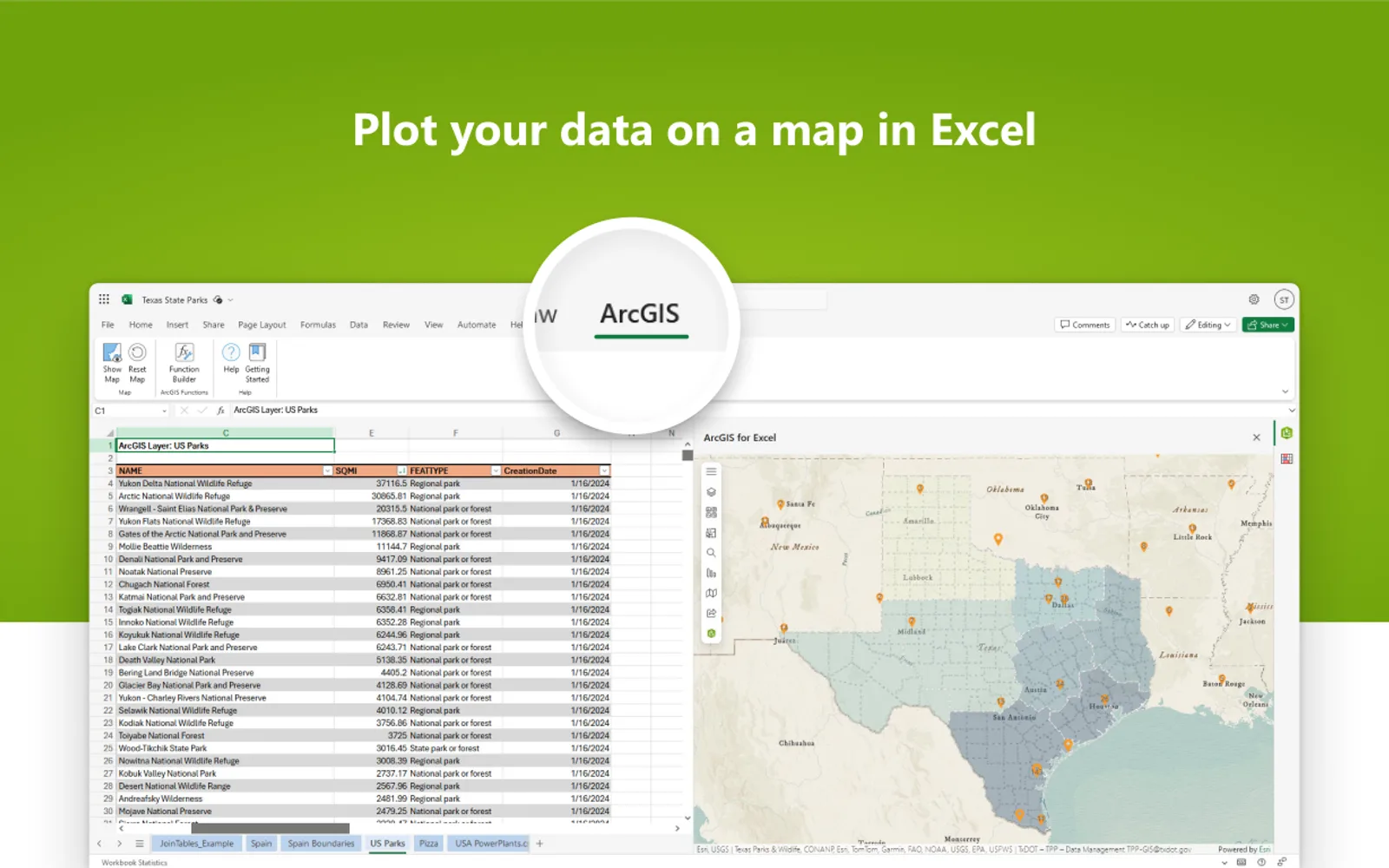
ArcGIS for Excel brings geographic mapping into Excel workbooks. It places spreadsheet records on maps, combines them with geographic layers, and adds demographic, lifestyle, or business attributes through location-based functions. Tools calculate distances, create routes, measure areas, and examine spatial relationships. ArcGIS layer records can also be viewed and changed from Excel.
Places Excel data on maps alongside basemaps and geographic layers.
Adds demographic, lifestyle, and business attributes to spreadsheet records.
Calculates distances, creates routes, measures areas, and examines spatial relationships.
Provides access to ArcGIS layer records for viewing and editing in Excel.
Applies map symbology according to the attributes in the data.
Field asset management teams, operations teams, and sales teams.
956 plugins in Microsoft Teams · Collaboration
Price distribution: 19 free, 11 freemium, 101 paid, 825 price not published
Button-based slicer for Power BI that can be arranged horizontally or as a matrix, with cross highlighting and image support.
Microsoft Corporation
Automates formulas, data cleanup, reporting, and bulk row-by-row tasks in Microsoft Excel from plain-language prompts.
TALARIAN S. à r.l.
Artemis Sheets pulls blockchain, protocol, and stablecoin metrics into Excel workbooks using CapIQ-like formula syntax.
Artemis Analytics
Excel add-in providing real-time quotes and up to 30+ years of historical price and fundamental data for 80,000+ global assets.
SheetsFinance«ArcGIS for Excel brings mapping and data exploration into spreadsheets. Users can map their data, enrich it with demographic and lifestyle attributes, edit ArcGIS layers, and publish new content directly in Excel. This unlocks deeper insights from familiar workflows. Get started with ArcGIS for Excel.»