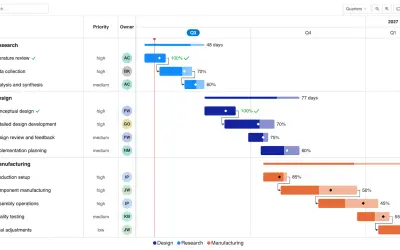
Gantt Chart
Gantt Chart is a project management visual for Microsoft Power BI that tracks schedules, milestones, and resource workloads.
ChartPadFree
Add formatted comments to Power BI reports and write them to Microsoft SQL Server tables.
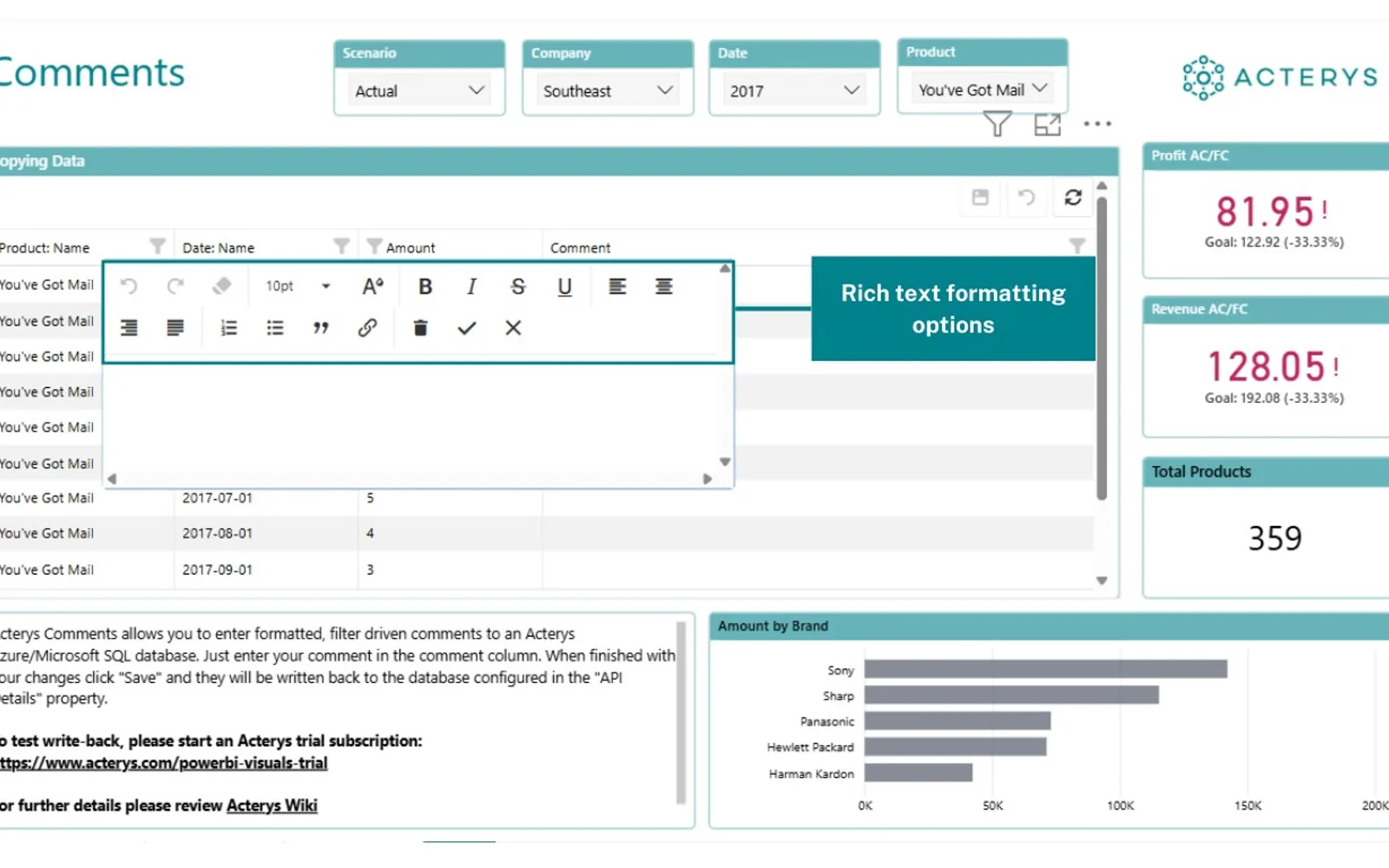
Acterys Comments is a Power BI visual for adding formatted text commentary to Microsoft SQL Server tables. It supports formatting such as bold text, italics, and bullet points, and uses Power BI's active filter context for contextual comments. Comments can be stored in Microsoft SQL Server databases on-premises or in the cloud, with deployment through the Acterys API.
Formats comments with bold text, italics, bullet points, and other text options.
Writes comments from Power BI to Microsoft SQL Server database tables.
Uses Power BI's active filter context when displaying comments.
Allows team members to add annotations across dashboards.
Works with the Acterys API in cloud and on-premises environments.
Teams, stakeholders, and organizations using Power BI dashboards.
1,553 plugins in Power BI · Analytics
Price distribution: 94 free, 141 freemium, 828 paid, 490 price not published
Gantt Chart is a project management visual for Microsoft Power BI that tracks schedules, milestones, and resource workloads.
ChartPad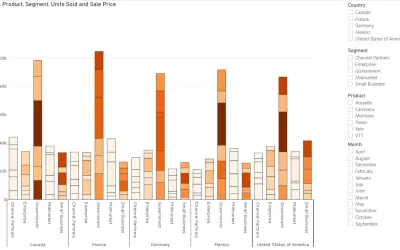
Creates visualizations from diverse chart types, combines multiple charts on one canvas, and adds custom annotations and tooltips.
Akvelon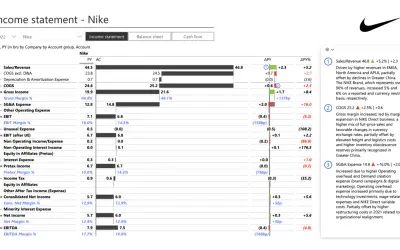
Creates financial and business reports in Power BI with automatic variance calculations, P&L logic, and drill-down (s5, s6).
Zebra BI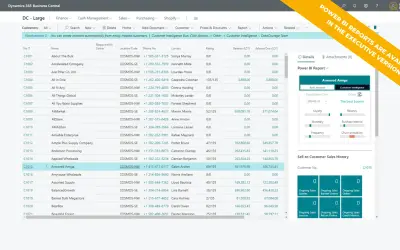
AI analysis app for Dynamics 365 Business Central that provides customer KPIs, churn probability, and customer grouping.
Data Courage«Acterys Comments is a powerful Power BI commenting visual that revolutionizes data interaction by allowing users to add rich text commentary directly into Microsoft SQL Server tables. This Power BI custom visual supports extensive text formatting and integrates seamlessly with Power BI’s active filter context …»