AtlassianTL
Figma File Integration for Confluence
Display Figma files on Confluence pages using a macro and a shared file link.
Tech LabsPaid
Embed Zeplin scenes in Confluence pages.
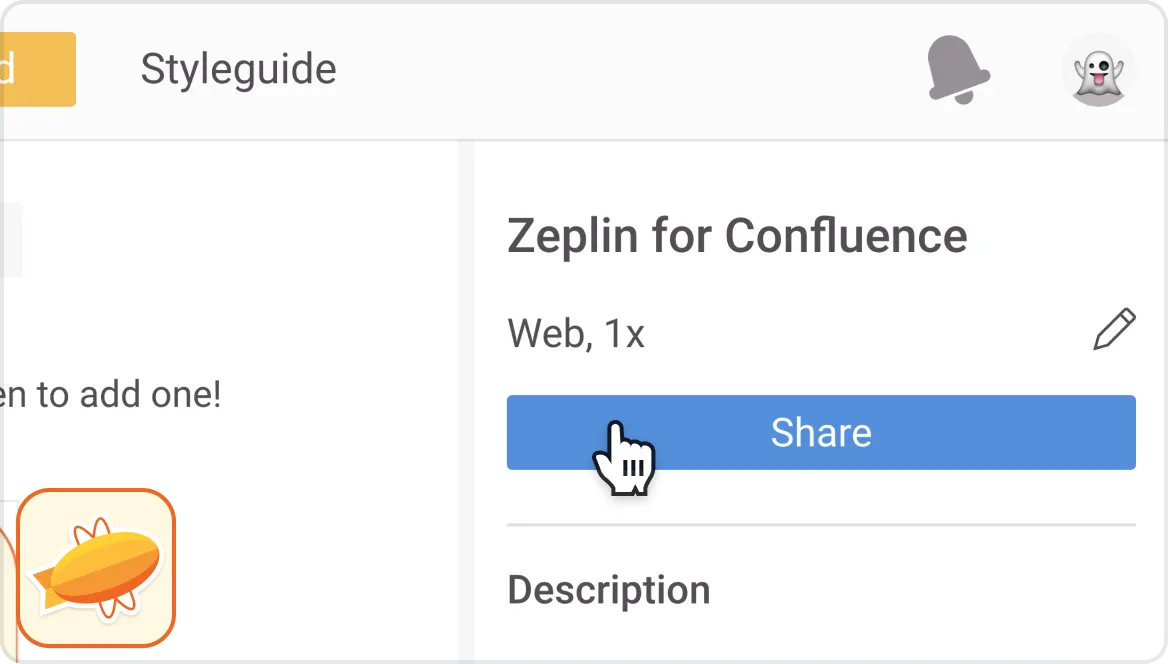
Zeplin for Confluence embeds Zeplin scenes in Confluence pages. A scene is shared from a Zeplin project by copying its link and pasting it into a page, where the app detects and embeds it. The macro editor provides display settings, fullscreen viewing, naming, and collapsed loading.
The macro editor controls how the Zeplin embed displays.
An embedded scene can be opened in full screen.
An embed can be given a name.
An embed can load in a collapsed state.
Pasting a copied Zeplin scene link into a Confluence page automatically creates an embed.
For designers, developers, and other stakeholders involved in design handoff.
Zeplin for Confluence is paid and supports cloud and data-center deployment. Figma File Integration for Confluence is paid and cloud-only. Figma Viewer for Confluence is paid, supports server and cloud deployment, has an update date of Dec 2022.
| Name | Pricing | Deployment | Updated |
|---|---|---|---|
| this plugin | Paid | Cloud · Data Center | |
| Figma File Integration for Confluence | Paid | Cloud | |
| Figma Viewer for Confluence | Paid | Cloud · Server |
990 plugins in Confluence · Content and communication
Price distribution: 228 free, 378 freemium, 384 paid
Display Figma files on Confluence pages using a macro and a shared file link.
Tech Labs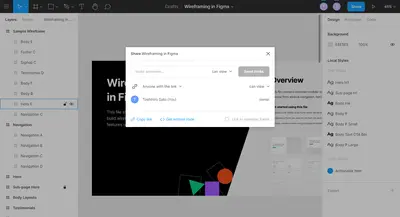
Embed Figma files and frames in Confluence pages through a macro.
Toshihiro Sato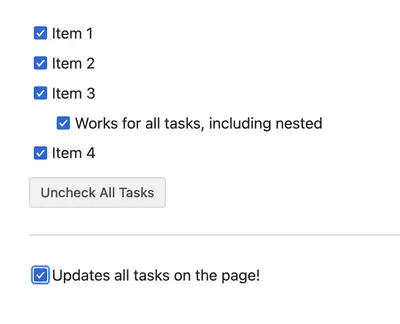
Check or uncheck all tasks on a Confluence page with one click.
CrenwizCreate Confluence templates from existing pages, with options for global or space-level templates.
GetConnected«Improve your Confluence design documentation and streamline communication between designers, developers, and other stakeholders at design handoff. KEY FEATURES Easy-to-use macro editor Choose how your embed displays Open in full screen Give your embed a name Load in a collapsed state Share your scenes: Start by …»