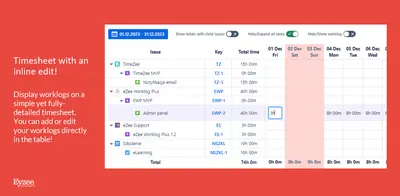
eZee Timesheet & Worklog
Track, review, edit, and add worklogs from Jira dashboard gadgets.
EyzeeFreemium
Create Jira sub-tasks from templates when parent stories meet defined conditions.
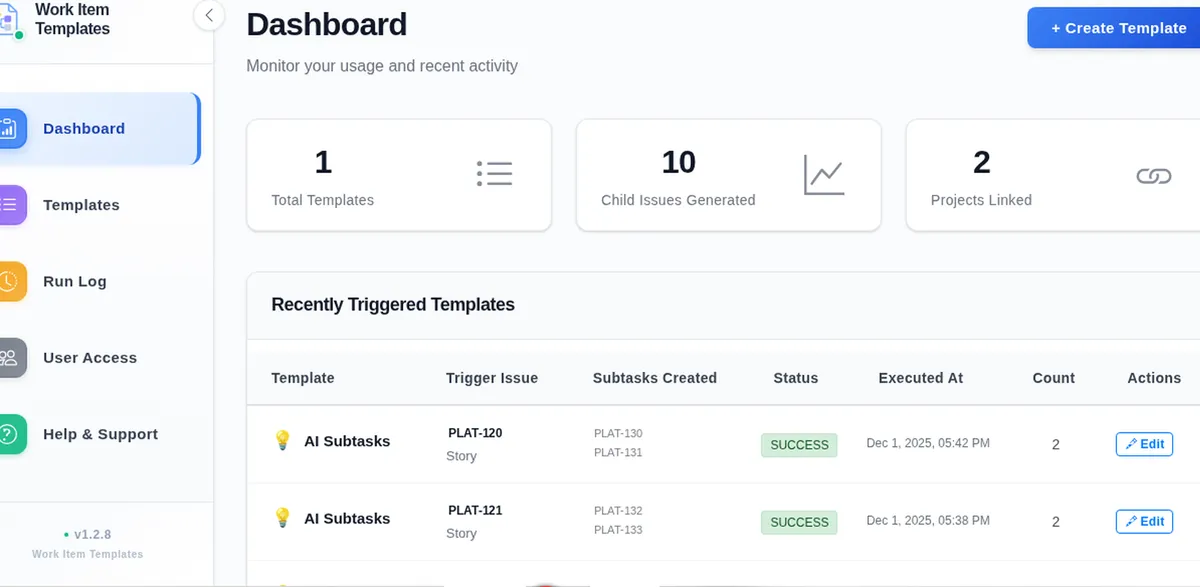
Work Item Templates stores a list of Jira sub-tasks and applies it to selected projects. A label-based condition determines when a parent story triggers creation or updating of those sub-tasks. Triggers can run when an issue is created or when a qualifying update occurs. A dashboard and execution log show template activity, with log data available as CSV.
Create a reusable list of Jira sub-tasks for a project template.
Set a text condition based on whether labels contain a specified value.
Choose whether a matching story creates or updates the configured sub-tasks.
View template totals, generated child issues, and linked projects.
Project admins and team leads managing intake checklists across projects.
Work Item Templates is a paid cloud add-in updated in May 2026. eZee Timesheet & Worklog is freemium, supports cloud and server deployment, and was updated in Aug 2024; Cadence: License Management & Inactive Users for Jira is paid, cloud-only, and was updated in Aug 2026.
| Name | Pricing | Deployment | Updated |
|---|---|---|---|
| this plugin | Paid | Cloud | |
| eZee Timesheet & Worklog | Freemium | Cloud · Server | |
| Cadence: License Management & Inactive Users for Jira | Paid | Cloud |
495 plugins in Jira · IT support and service
Price distribution: 157 free, 126 freemium, 212 paid
Track, review, edit, and add worklogs from Jira dashboard gadgets.
Eyzee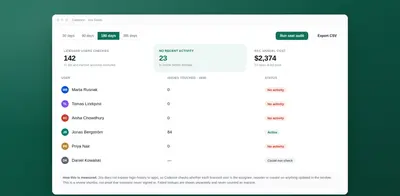
Reviews inactive Jira users, tracks SaaS seats and renewals, and creates Jira tasks for upcoming renewals.
Stackedboost
Organizes Jira and JSM issues from multiple projects into shared queues with access controls and queue management.
Deviniti
Scheduled Jira exports create reports with custom fields, change history, and delivery by email, SFTP, download link, or API.
Advanced Insights«Work Item Templates turns a repeatable list of Jira sub-tasks into a project template that fires when a parent story matches your conditions—so teams stop recreating the same checklist by hand. Build the sub-task list once, attach it to one or more projects, set a label condition, and choose create or update. Track …»