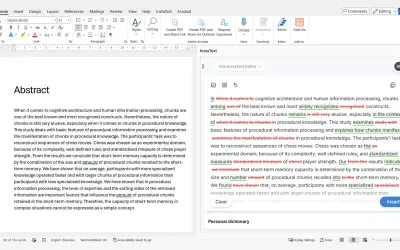
InstaText
InstaText, built for Microsoft Word, suggests improvements to clarity, sentence flow, and word choice in your text.
InstaText d.o.o.Price not published
Create or link Webex spaces from Microsoft Word, Excel, or PowerPoint files.
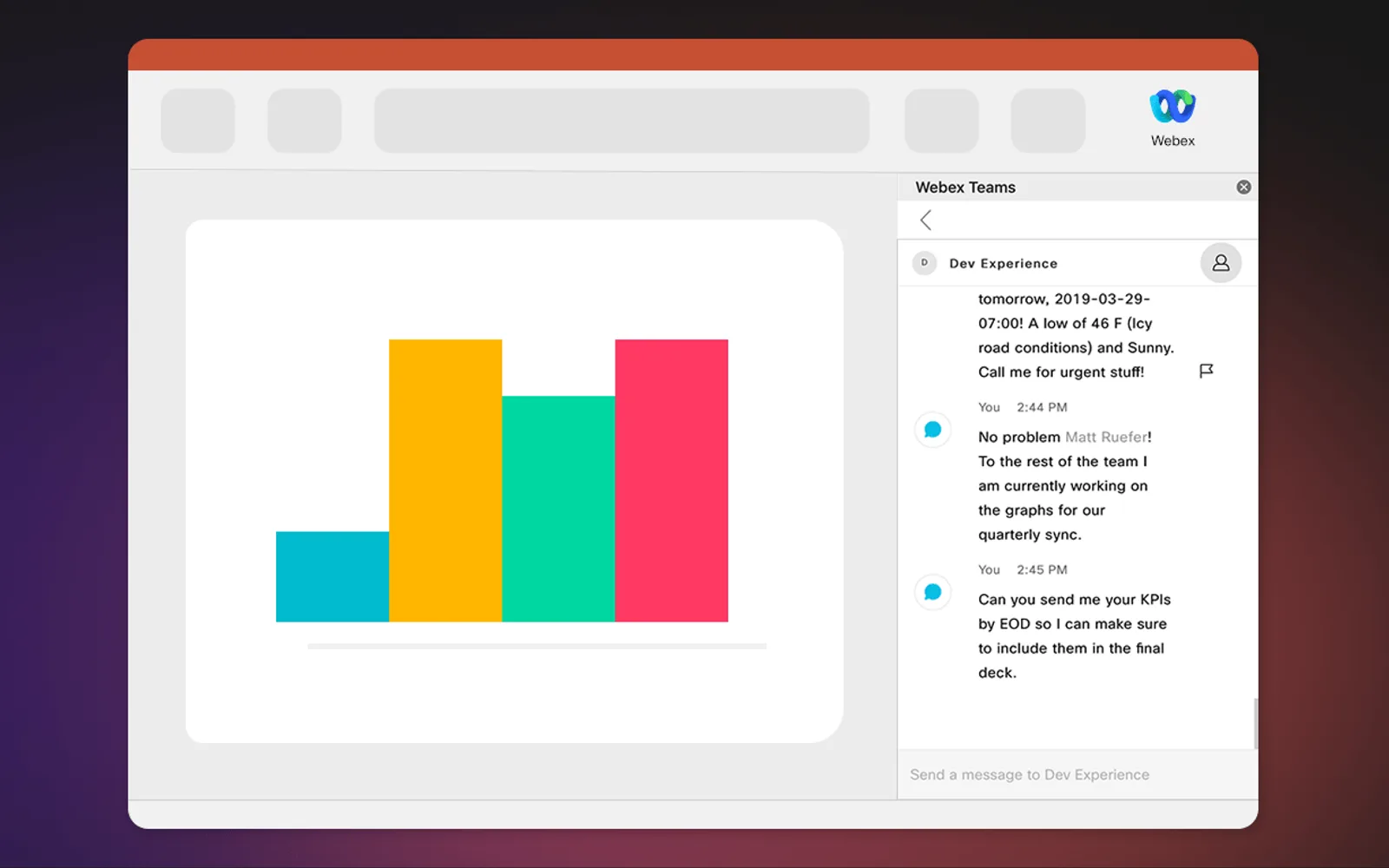
The Webex Add-in for Office 365 opens Webex within Microsoft Word, Excel, or PowerPoint files. It can create a Webex space or search for and link an existing space to a document. When creating a space, it can add people from the document. A linked space appears when the document is opened again.
The add-in opens Webex within Microsoft Word, Excel, or PowerPoint files.
It creates a Webex space from a document.
It searches for an existing Webex space and links it to a document.
When creating a space, it adds important people from the document.
5 plugins in Word · Collaboration
Price distribution: 1 paid, 4 price not published
InstaText, built for Microsoft Word, suggests improvements to clarity, sentence flow, and word choice in your text.
InstaText d.o.o.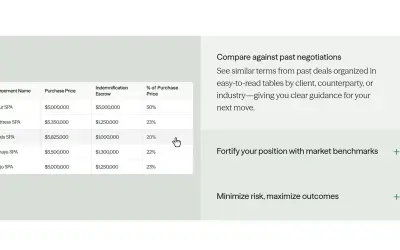
Draftwise executes contract drafting, review, and search workflows within Microsoft Word using an organization's legal knowledge.
DraftWise Inc
Autopilot integrates Zhipu AI and other AI models into Microsoft Excel, PowerPoint, and Word on Windows, Mac, Web, and iPad.
Smart Barn Technologies
Ghostwriter Author is a Microsoft Word add-in that applies Zhipu AI, Azure, and other AI models to writing and text tasks.
Smart Barn Technologies«You're working on a document and starting to get in the zone. That is until you have to jump between your document and your collaboration tool, breaking your focus and opening you up for distractions. Sound familiar? With the Webex Add-in for Office 365, you can now open the Webex app right in your Microsoft Word …»