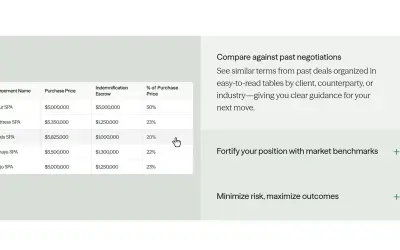
Draftwise
Draftwise executes contract drafting, review, and search workflows within Microsoft Word using an organization's legal knowledge.
DraftWise IncPrice not published
Microsoft Word add-in for reviewing existing text and suggesting changes to grammar, clarity, flow, and word choice.
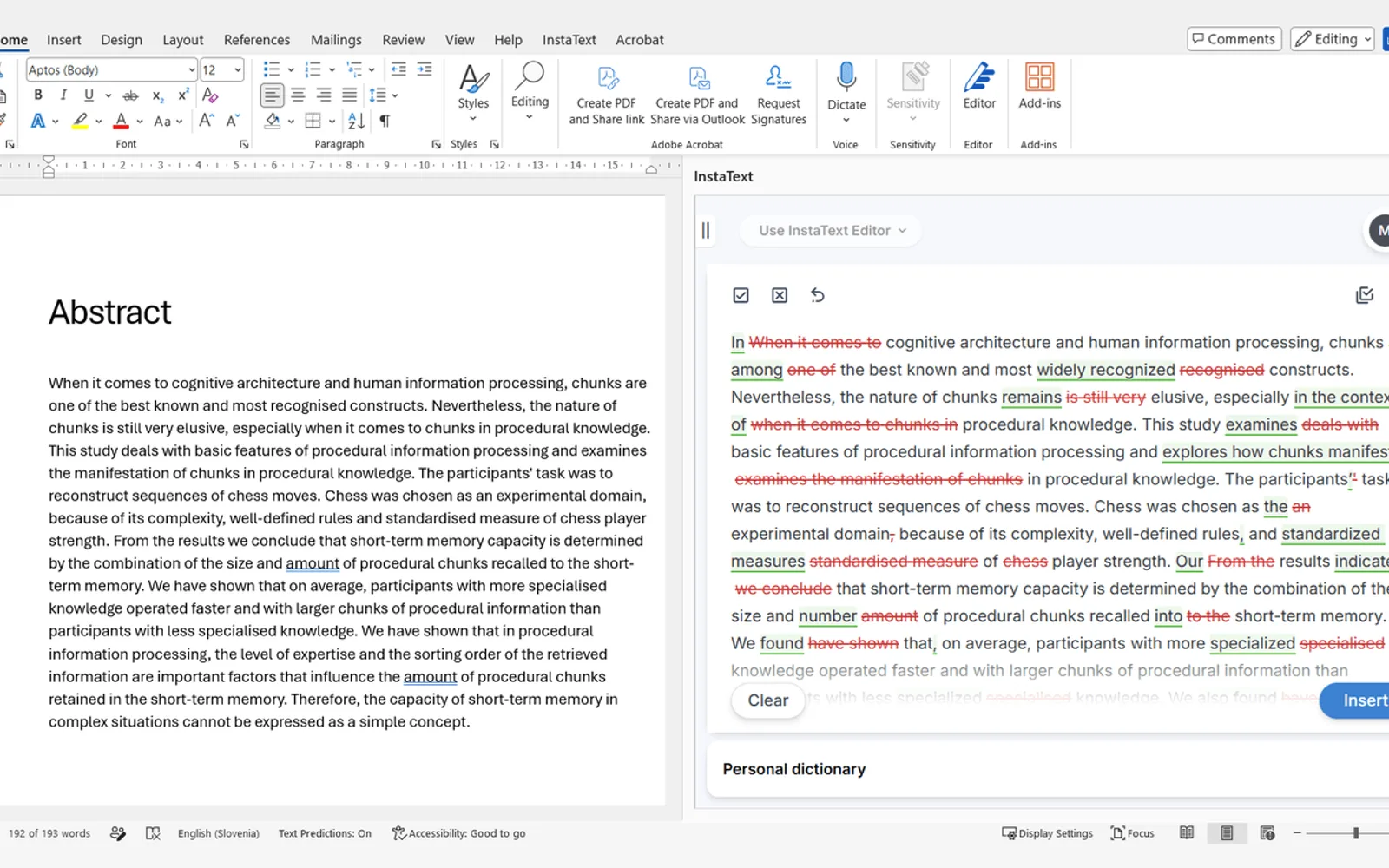
InstaText examines selected writing in Microsoft Word and presents possible revisions within the document. Each proposed change can be accepted or declined separately, or the full set can be applied through Word's revision workflow. The add-in supports Windows, Mac, and web versions of Word, along with several languages, tone options, and regional English variants. Submitted text is not kept after processing.
Lets the writer approve or decline proposed changes one at a time or apply the complete set.
Can apply edits through Microsoft Word's Track Changes feature.
Uses a Personal Dictionary to leave specialist terms unchanged.
Offers formal and informal writing modes.
Supports American and British English variants.
Supports English, Spanish, French, German, Italian, and Portuguese, as well as one local language in more than 40 countries.
Runs with Word on Windows, Mac, and the web, including the free browser edition.
Researchers, professionals who write reports and proposals, and people who write in English as a second language.
152 plugins in Word · Analytics
Price distribution: 2 free, 5 freemium, 37 paid, 108 price not published
Draftwise executes contract drafting, review, and search workflows within Microsoft Word using an organization's legal knowledge.
DraftWise Inc
Autopilot integrates Zhipu AI and other AI models into Microsoft Excel, PowerPoint, and Word on Windows, Mac, Web, and iPad.
Smart Barn Technologies
Ghostwriter Author is a Microsoft Word add-in that applies Zhipu AI, Azure, and other AI models to writing and text tasks.
Smart Barn Technologies
AI add-in for Microsoft Word that drafts and refines professional documents using OpenAI GPT models and other AI models.
Smart Barn Technologies«InstaText improves your existing text – it doesn't generate new content. You see every suggestion and decide which ones to keep, so your meaning, terminology, and authorship stay intact. Built for Microsoft Word. Open InstaText from the button on Word's Home tab or from the InstaText tab. Select your text, click …»