
Manage Inactive Users for Jira
Manage Jira users by identifying inactive accounts, revoking or restoring access, and generating user and license reports.
ILA eSolutionPaid
Manage Jira users by finding accounts, deactivating them, and assigning or removing group memberships.
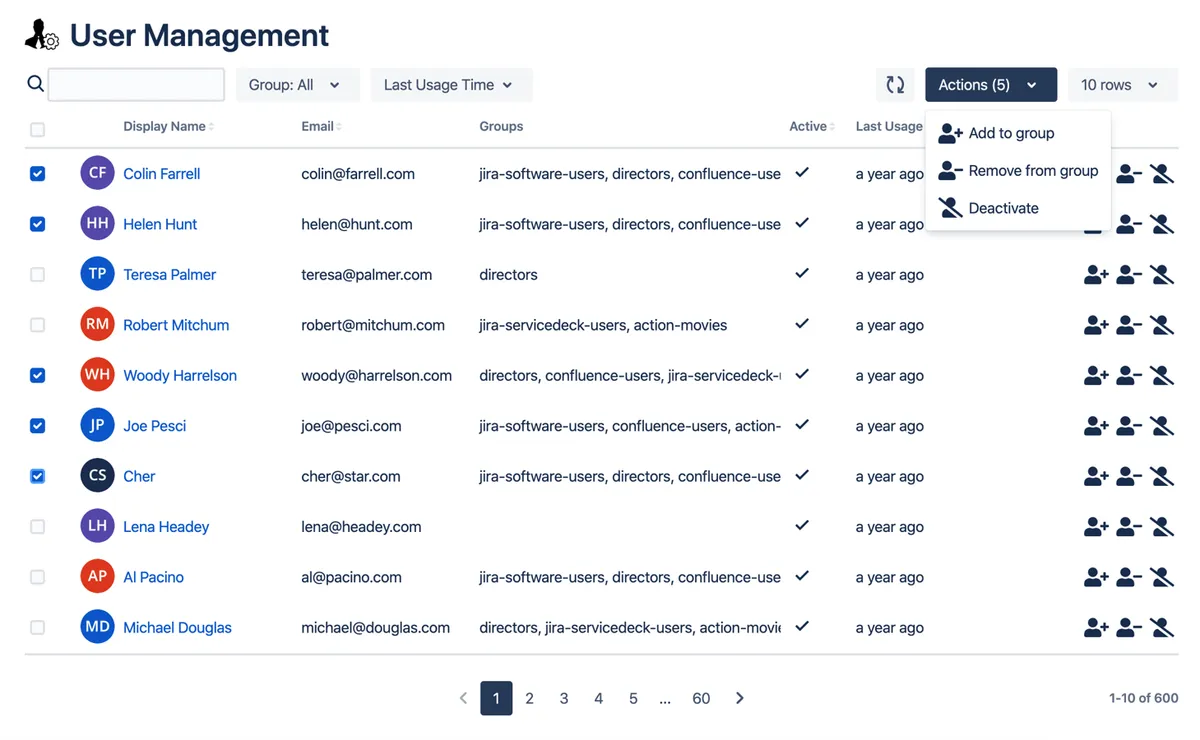
User Management by Toros provides an interface for finding Jira users by name, email address, group, or last activity time. It supports individual and bulk user deactivation, along with adding or removing users from groups. Displaying last usage time requires a verified domain in the Atlassian Organization.
Find users by name, email, group, or last activity time.
Deactivate individual users or multiple users in one operation.
Add individual users or multiple users to groups.
Remove individual users or multiple users from groups.
1,002 plugins in Jira · Administrative tools
Price distribution: 271 free, 275 freemium, 456 paid
Manage Jira users by identifying inactive accounts, revoking or restoring access, and generating user and license reports.
ILA eSolution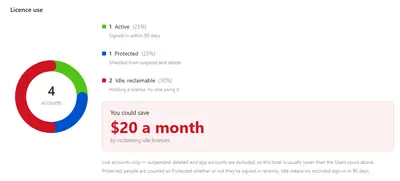
Manage Jira users, spaces, roles, and permissions, including inactive-account review and bulk account actions.
BOJA Technology
Manage Jira users with scheduled inactivity actions, bulk access changes, audit records, and rule-based restoration.
miniOrange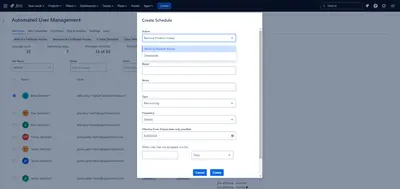
Automates Jira access removal, inactive-user deactivation, bulk status changes, scheduling, whitelists, and change logs.
Catch Software«Having a hard time keeping track of your Jira users? Need to manually assign multiple users to different groups every time? Stop wasting your time & money by installing "User Management by Toros": Easily locate users by name, email, group or last activity time Single & Bulk operations to deactivate users. Single & …»