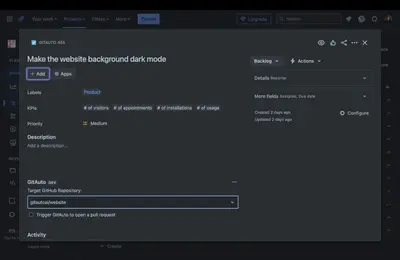
GitAuto for Jira
Turns Jira issues into GitHub pull requests for code changes.
GitAuto AIFree
Generate AI test cases for Jira stories when they reach a configured trigger status.
TestgenR.ai generates test cases for Jira stories using an OpenAI API key. Generation starts when a story moves to a selected trigger status, such as Ready for Test. Test cases appear in a tab within the story and can be edited, marked as verified, deleted, or supplemented with new cases. Test cases can also be downloaded as CSV files.
The app generates test cases for Jira stories using AI.
Test case generation starts when a story transitions to a configured trigger status.
Existing test cases can be edited, marked as verified, deleted, or supplemented with new cases.
Test cases can be downloaded as CSV files.
TestgenR.ai is free and cloud-based, while AI Test Studio for Jira (Xray & Zephyr) - TestCase Generator and Test Case Assistant for Jira are paid and cloud-based; GitAuto for Jira is also free and cloud-based. TestgenR.ai was updated in Dec 2024, compared with Mar 2026 for AI Test Studio for Jira (Xray & Zephyr) - TestCase Generator, Jan 2025 for GitAuto for Jira, and Sep 2025 for Test Case Assistant for Jira.
| Name | Pricing | Deployment | Updated |
|---|---|---|---|
| this plugin | Free | Cloud | |
| AI Test Studio for Jira (Xray & Zephyr) - TestCase Generator | Not in catalog | ||
| Test Case Assistant for Jira | Paid | Cloud | |
| GitAuto for Jira | Free | Cloud | |
534 plugins in Jira · Software development
Price distribution: 254 free, 117 freemium, 163 paid
Turns Jira issues into GitHub pull requests for code changes.
GitAuto AI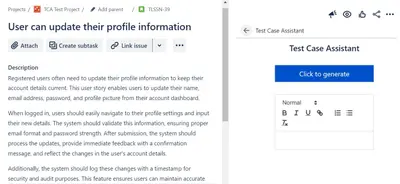
Generate and link AI-created test cases from Jira user stories, requirements, or functional specifications.
Cambridge Technology
Organizes Jira and JSM issues from multiple projects into shared queues with access controls and queue management.
Deviniti
Scheduled Jira exports create reports with custom fields, change history, and delivery by email, SFTP, download link, or API.
Advanced Insights«Usage guide 1. Create an OpenAI API key before using the app. 2. After installing the app, go to Project Settings -> Apps -> TestGenR config. 3. The test cases are generated when the story is transitioned to a trigger status. Choose the trigger status (eg: Ready for Test. This ensures test cases are generated for …»