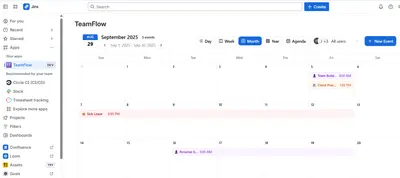
TeamFlow
Manage Jira team time off with calendar views, availability tracking, requests, and capacity reporting.
D-FluxFreemium
Track PTO and availability in Jira with calendar views, custom leave categories, and CSV export.
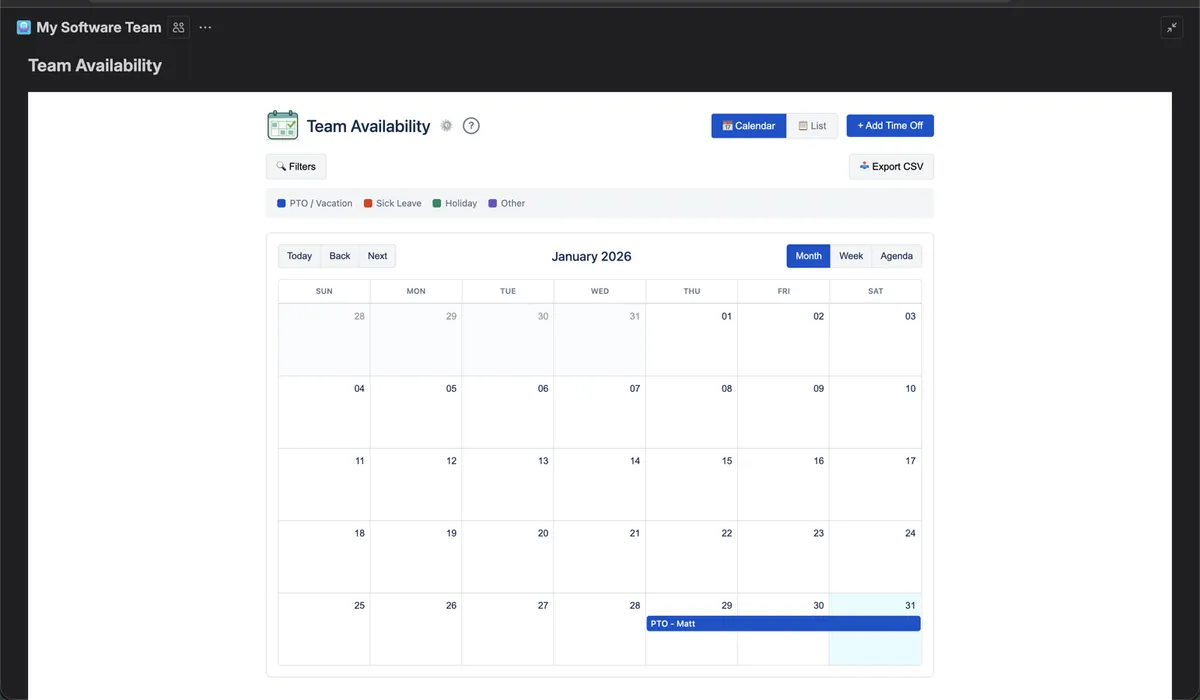
Team Availability records time off within Jira projects and presents entries in calendar or list views. Calendar modes include month, week, and agenda, while list entries can be filtered by team member or leave type. Time off can cover a full day or a defined period, such as a half-day or appointment. The add-in also exports filtered data to CSV.
Shows entries in month, week, and agenda formats with color-coded items.
Filters entries by team member or leave type.
Records all-day absences or specified time ranges.
Allows custom leave categories with custom colors.
Exports filtered availability data as a CSV file.
Provides an individual calendar for each Jira project.
The vendor names software teams, agencies, and remote teams.
Team Availability and TeamFlow are freemium cloud listings; Team Availability was updated in Feb 2026, while TeamFlow was updated in Oct 2025. Clockwork Lite Time Tracker - Time Tracking and Timesheets is also freemium and cloud-based. Calendar supports cloud, server, and data-center deployment, while Team Availability supports cloud deployment only.
| Name | Pricing | Deployment | Updated |
|---|---|---|---|
| this plugin | Freemium | Cloud | |
| TeamFlow | Freemium | Cloud | |
| Clockwork Lite Time Tracker - Time Tracking and Timesheets | Freemium | Cloud | |
| Calendar | Paid | Cloud |
1,328 plugins in Jira · Project Management
Price distribution: 444 free, 418 freemium, 466 paid
Manage Jira team time off with calendar views, availability tracking, requests, and capacity reporting.
D-Flux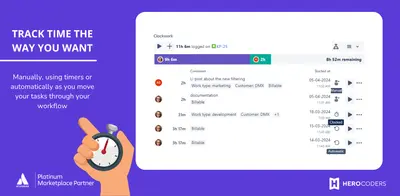
Track Jira work with automatic timers, manual worklogs, timesheets, calendar views, and Excel exports.
HeroCodersTrack time, tasks, and workflows in Jira.
ScrumTeams Time Tracker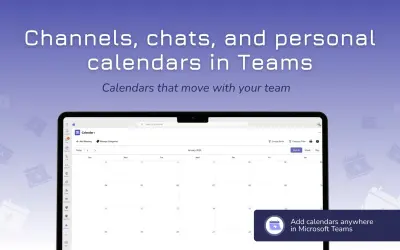
Microsoft Teams calendar app that keeps team schedules shared and up to date while personal events stay private.
Solutions2Share«Team Availability makes it easy to see who's out and when — right inside your Jira project. No more Slack messages asking "Is Sarah in today?" or spreadsheets nobody updates. Why Teams Love It: • Zero context-switching — Lives inside Jira, not another tab • Simple by design — Add time off in 3 clicks • Project-scoped …»