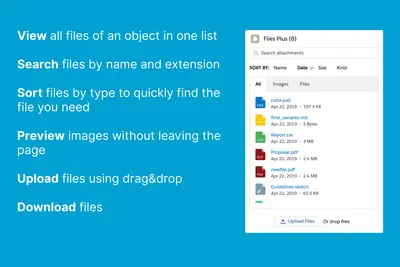
Files Plus
Manage Salesforce Platform files and attachments by searching, sorting, previewing, downloading, and uploading them.
Lotus StudioPaid
Organize, classify, search, and require files within Salesforce records.
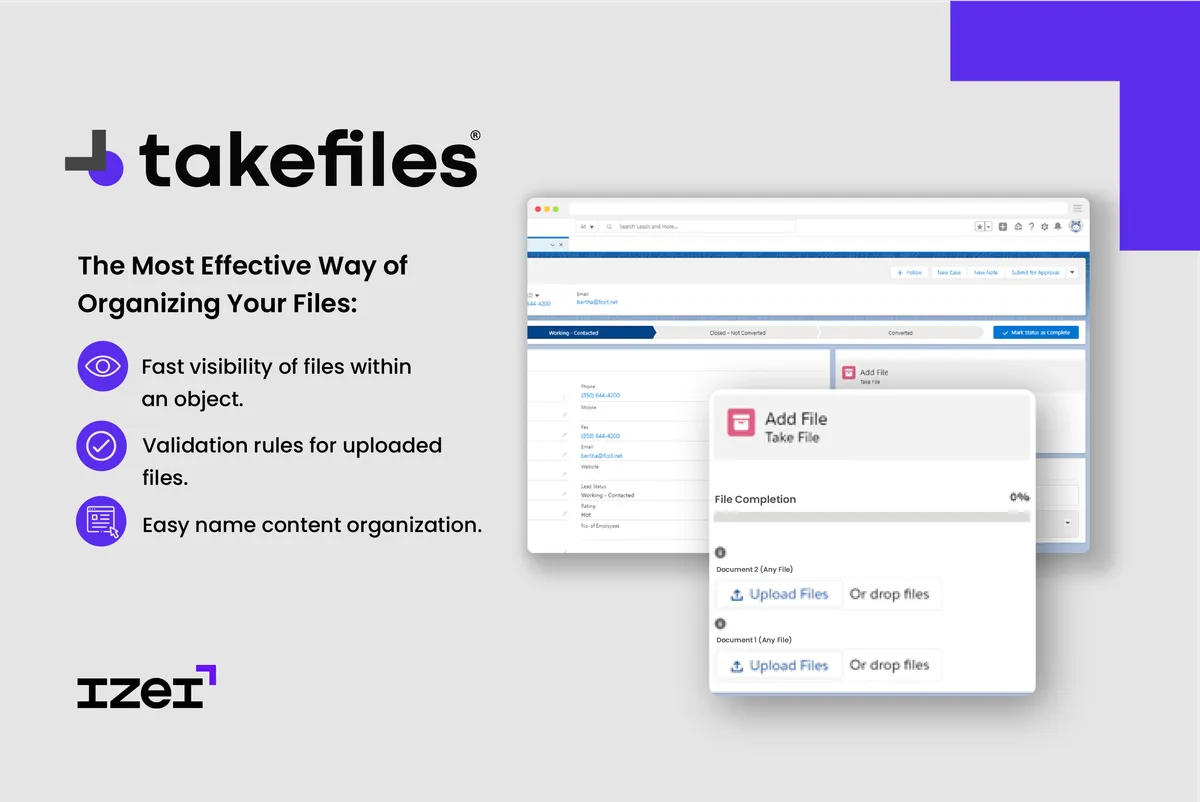
Take Files organizes files within a Salesforce object and lets each file be classified by name and type. It provides file visibility and search, and supports validation rules that require a file to be loaded before a process continues.
Organizes files within a Salesforce object.
Classifies each file by name and type.
Supports rules requiring a file to be loaded before a process continues.
Take Files organizes and classifies files within a Salesforce object and can require a file before a process continues. Files Plus focuses on searching, grouping, sorting, previewing, downloading, and uploading files and attachments. M-Files for Salesforce focuses on document-based workflows and finding information related to customers and prospects.
| Name | Pricing | Deployment | Updated |
|---|---|---|---|
| this plugin | Free | Cloud | |
| Files Plus | Paid | Cloud | |
| M-Files for Salesforce - Delivering Content and Intelligent Automation | Paid | Cloud |
206 plugins in Salesforce Platform · Documents and content
Price distribution: 42 free, 19 freemium, 145 paid
Manage Salesforce Platform files and attachments by searching, sorting, previewing, downloading, and uploading them.
Lotus Studio
Access and manage related documents and structured business data from other systems within Salesforce.
M-Files Corporation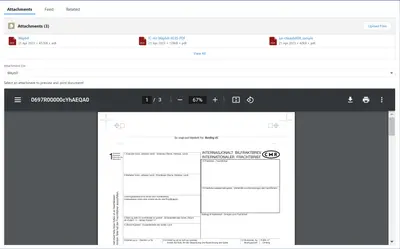
Prints and previews PDF attachments from Salesforce Platform record pages.
Pearl Group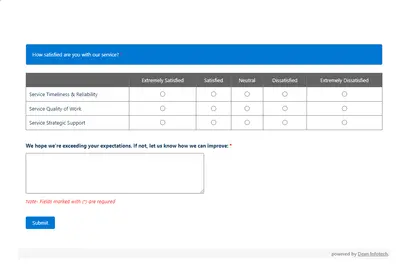
Automates customer satisfaction surveys and stores responses in Salesforce.
Dean Infotech Pvt Ltd«Organize files in an orderly manner within a Salesforce object with a component that allows you to classify each file with a name and type, also quickly find what you are looking for and make validation rules by having the necessary file. Fast visibility of files within an object Classify each file with a name and …»