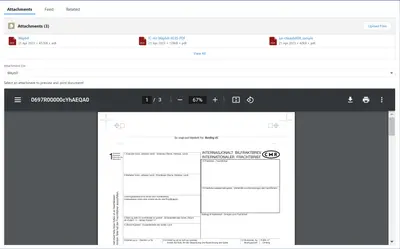
Attachment Print and Preview
Prints and previews PDF attachments from Salesforce Platform record pages.
Pearl GroupPaid
Manage Salesforce Platform files and attachments by searching, sorting, previewing, downloading, and uploading them.
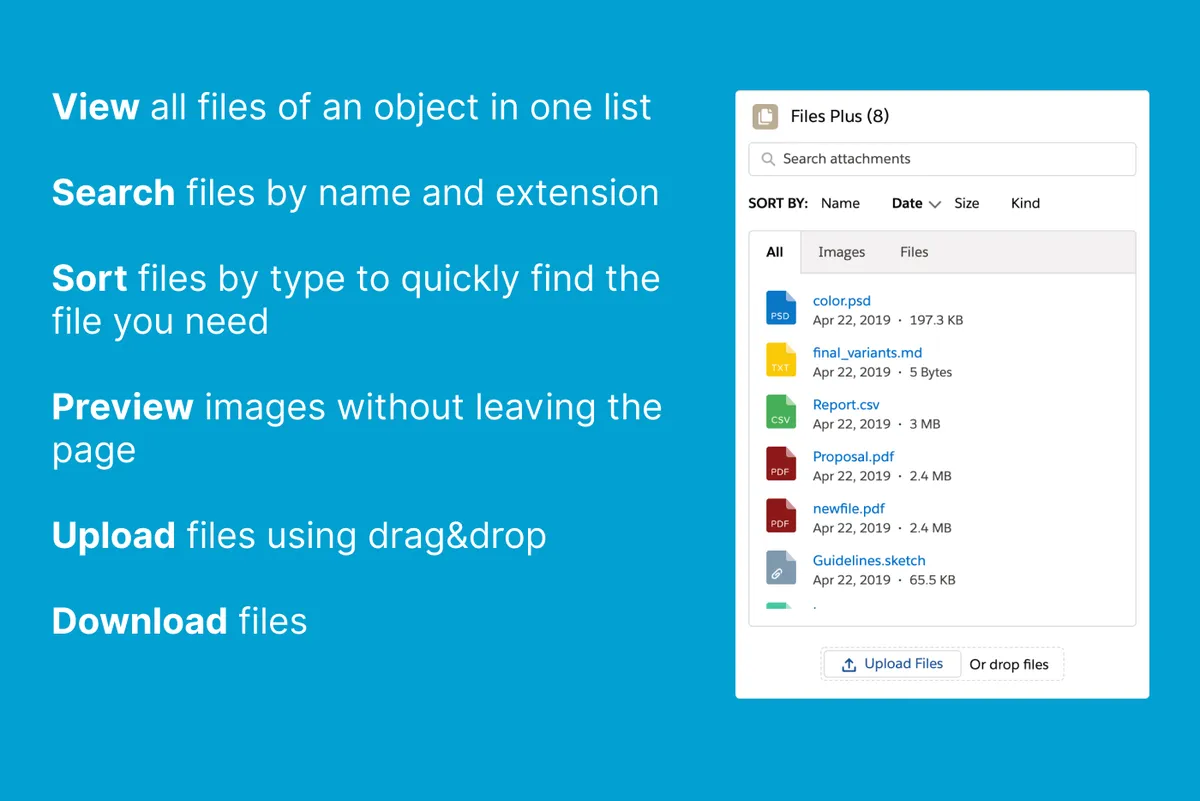
Files Plus organizes Salesforce Platform files and attachments across All, Images, and Files tabs. Users can search by name and sort items by name, date added, type, or size across all tabs. Images can be opened in a pop-up preview, while non-image files appear in the Files tab. The component also supports file downloads and uploads.
Searches files and attachments by name across the All, Images, and Files tabs.
Groups files and attachments into All, Images, and Files views.
Sorts images and files by date added, name, size, and file type.
Opens images in a pop-up for larger viewing.
Allows users to download files.
Allows users to upload additional files.
Take Files │Document Management organizes and classifies files within a Salesforce object and provides file search, while Files Plus also provides image previews, sorting by date, name, size, and type, downloads, and uploads. File 365 – Empower Salesforce with SharePoint integration opens Salesforce files in Microsoft 365 applications for editing and saves changes back to the document, whereas Files Plus focuses on viewing and managing files within its tabs.
| Name | Pricing | Deployment | Updated |
|---|---|---|---|
| this plugin | Paid | Cloud | |
| Take Files │Document Management | Free | Cloud | |
| File 365 – Empower Salesforce with SharePoint integration | Paid | Cloud |
206 plugins in Salesforce Platform · Documents and content
Price distribution: 42 free, 19 freemium, 145 paid
Prints and previews PDF attachments from Salesforce Platform record pages.
Pearl Group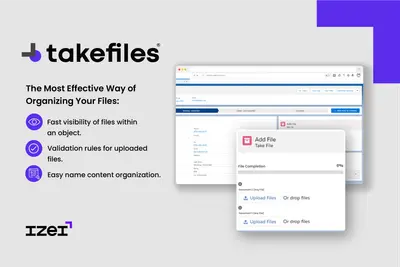
Organize, classify, search, and require files within Salesforce records.
IZEI Consulting Group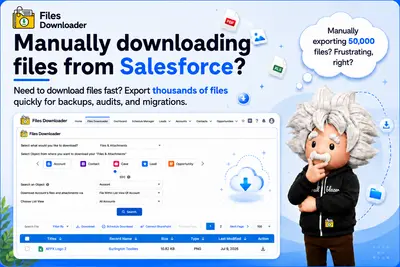
Exports Salesforce files, records, and related content in original form from Salesforce Platform.
Sastorm Software LLC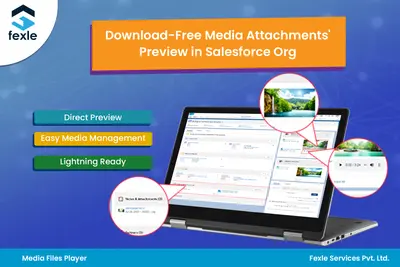
Preview images and play audio and video files directly in Salesforce, including externally hosted media.
Fexle (A Xoriant Company)«Advanced component for working with files and attachments. It allows users to search them by name, view files grouped by kind, sort them by name, date, kind and size, preview, download, and upload. It consists of the three tabs (All, Images, Files), the search field and sorting filters. The search and sorting filters …»