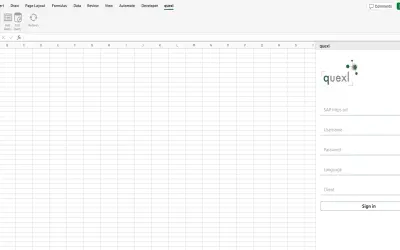
quexl
Excel add-in for loading real-time data from SAP queries into worksheets and refreshing it with a single click.
operayo GmbHPrice not published
Interactive, Excel-like tables for grouping, filtering, and pivoting data inside Power BI reports.
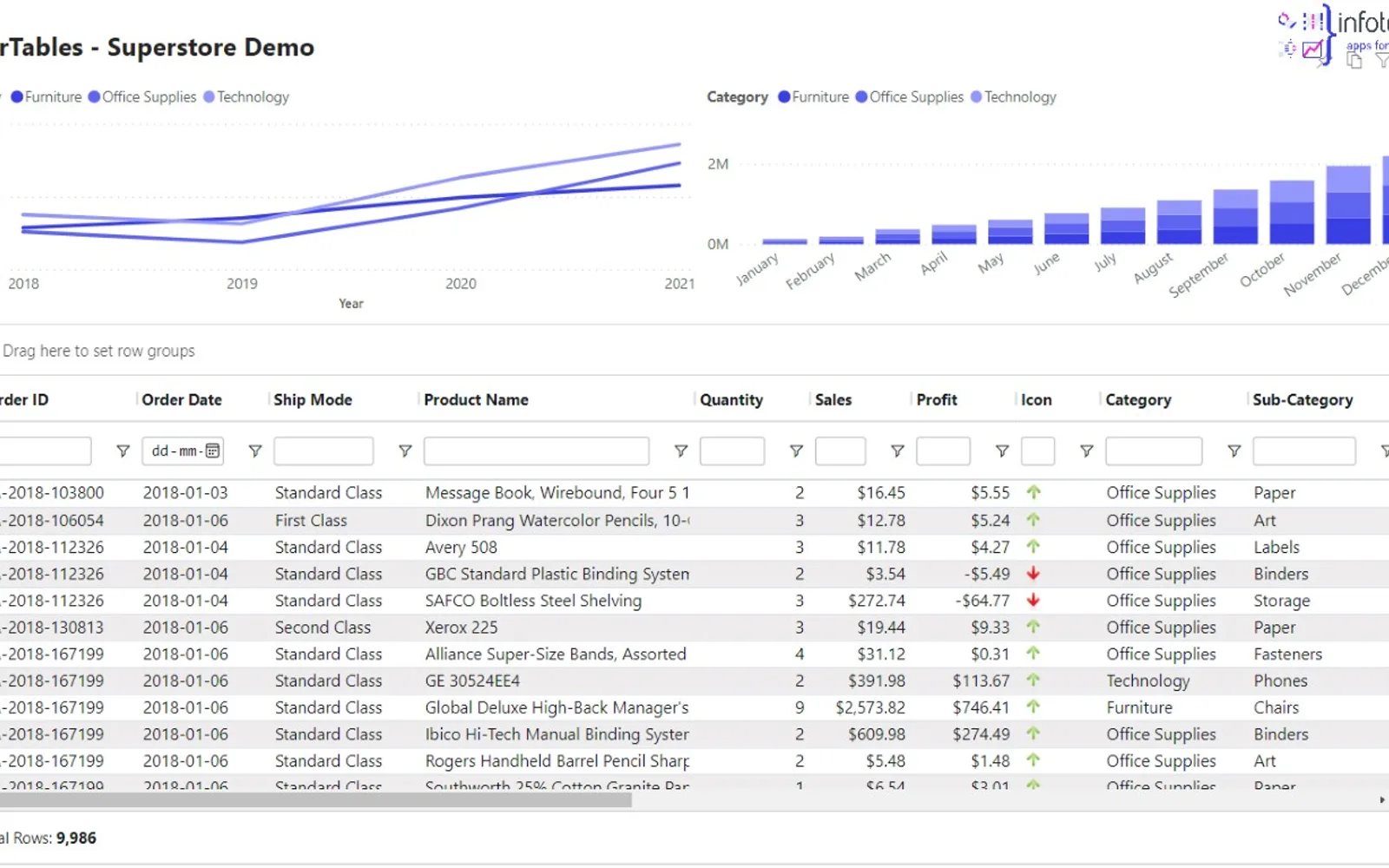
SuperTables adds interactive table functions to Power BI reports. Users can group, filter, sort, expand rows, and pivot data within the reporting environment. The free version supports up to 100 rows, and a one-month trial provides access to the full functionality. The vendor recommends up to 30,000 rows for optimal operation.
Users can group data through drag-and-drop interactions.
Users can filter data directly on table columns.
Users can expand rows while exploring data.
Users can pivot data within Power BI reports.
The add-in provides table functions for sorting, filtering, and organizing data inside Power BI.
The free version is limited to 100 rows.
SuperTables is intended for business analysts, data teams, and decision-makers.
SuperTables Legacy uses a freemium pricing model, while quexl's pricing model is unknown. Both listings use cloud deployment. SuperTables Legacy was updated on Dec 2025, while quexl was updated in Feb 2025.
| Name | Pricing | Deployment | Updated |
|---|---|---|---|
| this plugin | Freemium | Cloud | |
| quexl | Price not published | Cloud |
1,622 plugins in Power BI · Analytics
Price distribution: 90 free, 139 freemium, 705 paid, 688 price not published
Excel add-in for loading real-time data from SAP queries into worksheets and refreshing it with a single click.
operayo GmbH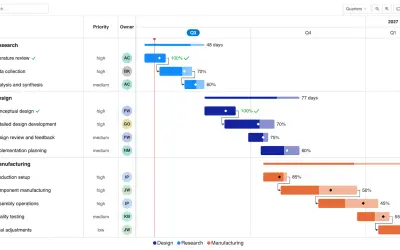
Gantt Chart is a project management visual for Microsoft Power BI that tracks schedules, milestones, and resource workloads.
ChartPad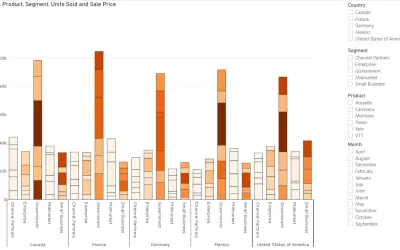
Creates visualizations from diverse chart types, combines multiple charts on one canvas, and adds custom annotations and tooltips.
Akvelon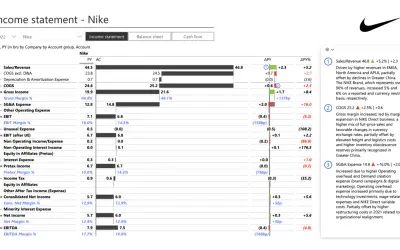
Creates financial and business reports in Power BI with automatic variance calculations, P&L logic, and drill-down (s5, s6).
Zebra BI«The SuperTables extension for Power BI enables a highly interactive and flexible experience by bringing Excel-like table functionalities directly into Power BI reports. It empowers end-users to customize their data views, including grouping, filtering, and pivoting data, making it an indispensable tool for …»