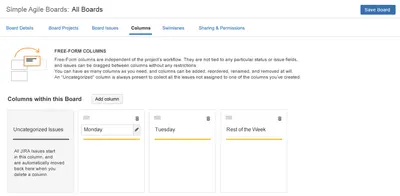
Simple Agile Boards
Create customizable Kanban boards in Jira with arbitrary columns, swimlanes, and issue-field mapping.
Top Shelf SolutionsPaid
Visualize and manage Jira subtasks on a configurable board within the issue view.
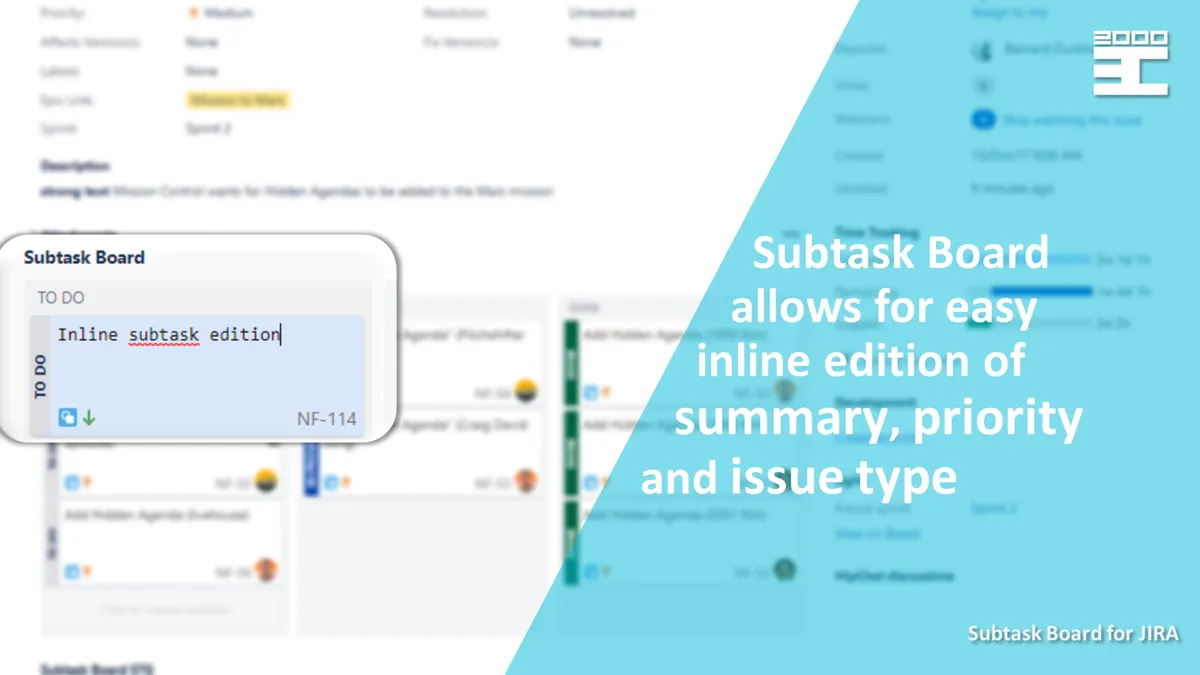
Adds a subtask board to the Jira Issue View for creating, editing, and managing subtasks. Subtasks can be created inline and asynchronously. Summary, priority, and issue type can be edited inline, while statuses can be changed by dragging subtasks. Columns can be configured for each Jira project in the project settings panel.
Displays Jira subtasks as a board in the issue view.
Creates subtasks inline and asynchronously.
Edits each subtask's summary, priority, and issue type inline.
Updates subtask statuses by drag-and-drop action.
Allows board columns to be redefined for each Jira project in the project settings panel.
1,328 plugins in Jira · Project Management
Price distribution: 444 free, 418 freemium, 466 paid
Create customizable Kanban boards in Jira with arbitrary columns, swimlanes, and issue-field mapping.
Top Shelf Solutions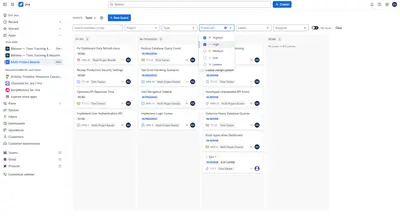
Combine Jira issues from multiple projects on one Kanban board with filters, grouped columns, and cross-project issue actions.
George Grachev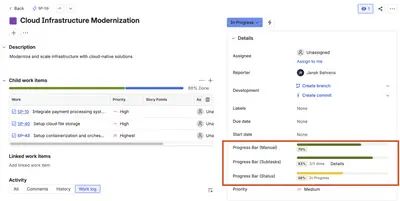
Track Jira issue progress manually, by workflow status, or through completed subtasks with visual bars.
Janek Behrens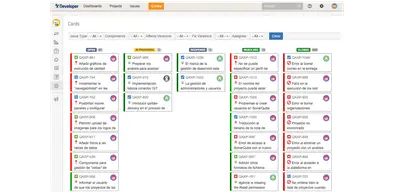
Creates kanban boards in Jira from project workflows, with drag-and-drop issue handling and filters.
excentia«Ease subtasks creation, their update, and management by adding a Subtask Board to Jira Issue View. The easy and intuitive interface will allow for continues and asynchronous subtask creation, inline edition and status update by drag&drop action. Board can be defined for each Jira Project. You can easily redefine …»