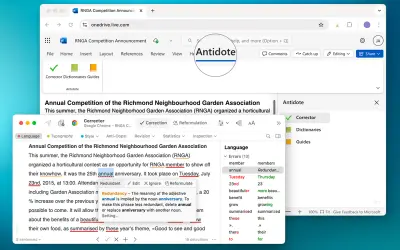
Antidote Connector for Word, Excel, Powerpoint and OneNote
Adds an Antidote task pane to Word, Excel, PowerPoint, and OneNote for text correction and dictionary lookups.
Druide informatique inc.Price not published
Checks Microsoft Word documents as text is entered and displays related AP Stylebook rules.
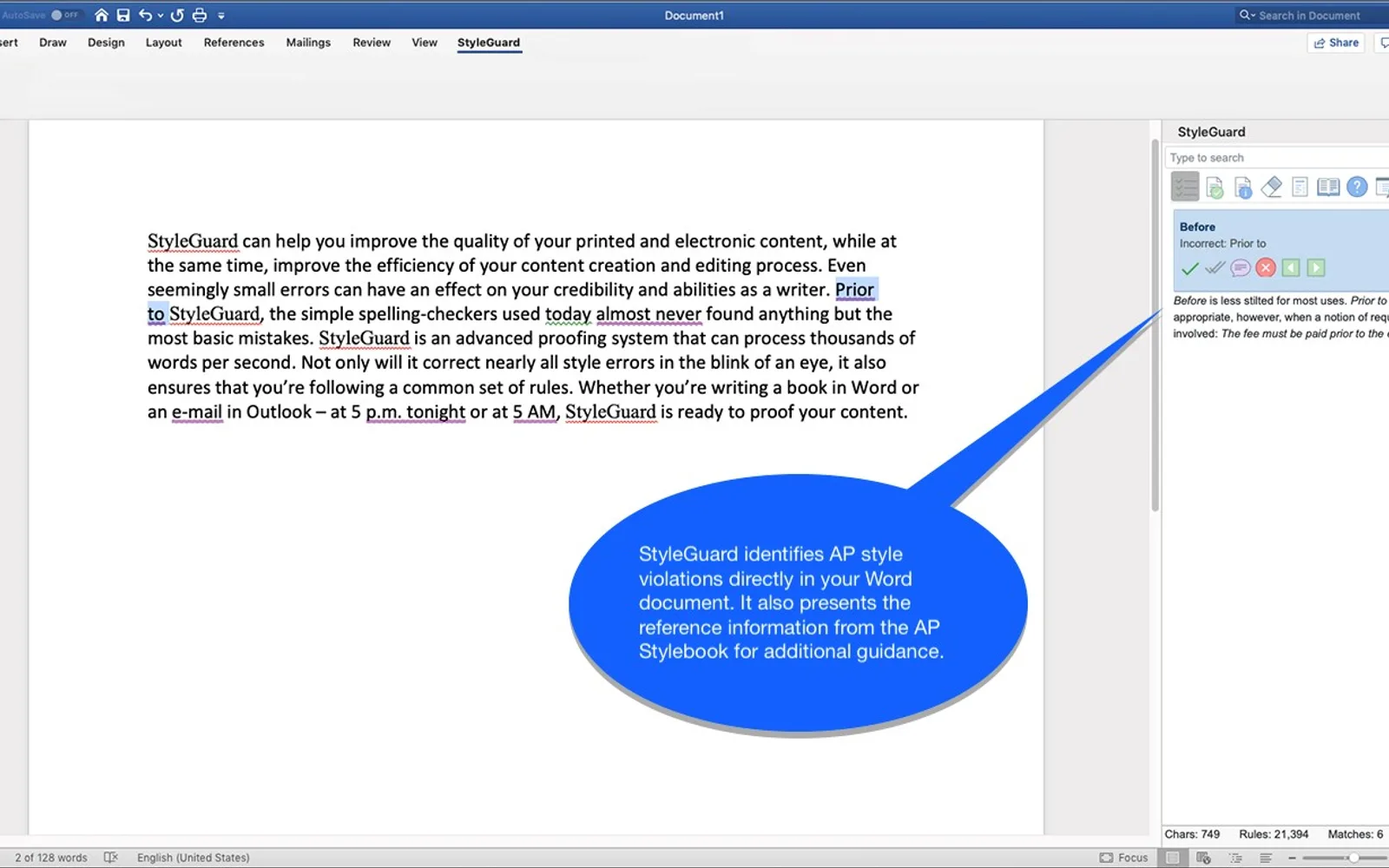
StyleGuard checks Word documents automatically while text is entered. It highlights proposed corrections and displays the related AP Stylebook rule. Corrections can be changed, ignored, changed throughout the document, or annotated with a comment.
Documents are checked as text is entered in Word.
Proposed corrections display the corresponding AP Stylebook rule.
Users can ignore, change, change all, or add a comment for a proposed correction.
Words with associated AP Stylebook information are highlighted and can be selected to view that information.
The client and collections are updated through an online service.
Named users include students, freelancers, private institutions, corporations, and media organizations.
15 plugins in Word · Integration
Price distribution: 15 price not published
Adds an Antidote task pane to Word, Excel, PowerPoint, and OneNote for text correction and dictionary lookups.
Druide informatique inc.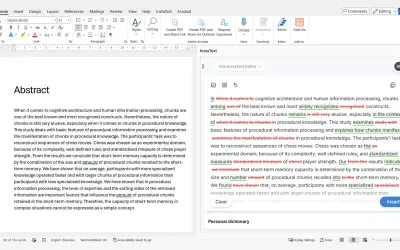
InstaText, built for Microsoft Word, suggests improvements to clarity, sentence flow, and word choice in your text.
InstaText d.o.o.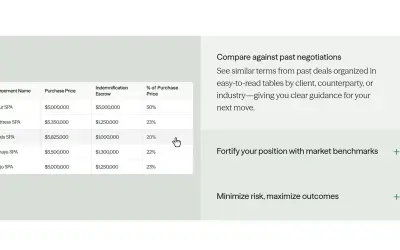
Draftwise executes contract drafting, review, and search workflows within Microsoft Word using an organization's legal knowledge.
DraftWise Inc
Autopilot integrates Zhipu AI and other AI models into Microsoft Excel, PowerPoint, and Word on Windows, Mac, Web, and iPad.
Smart Barn Technologies«StyleGuard is an innovative proofing tool that seamlessly integrate with Microsoft Office. It provides the power of certainty while you write. Features include: • Your documents are checked automatically as you type. • Each proposed correction is clearly highlighted in the document and shows you the corresponding AP …»