Time And History
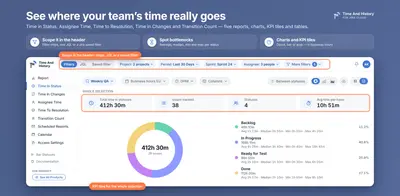
Track Jira issue time across statuses, assignees, changes and resolution with reports, dashboards and email delivery.
SolaceInPaid
Tracks each Jira work item's time in status using configured working hours.
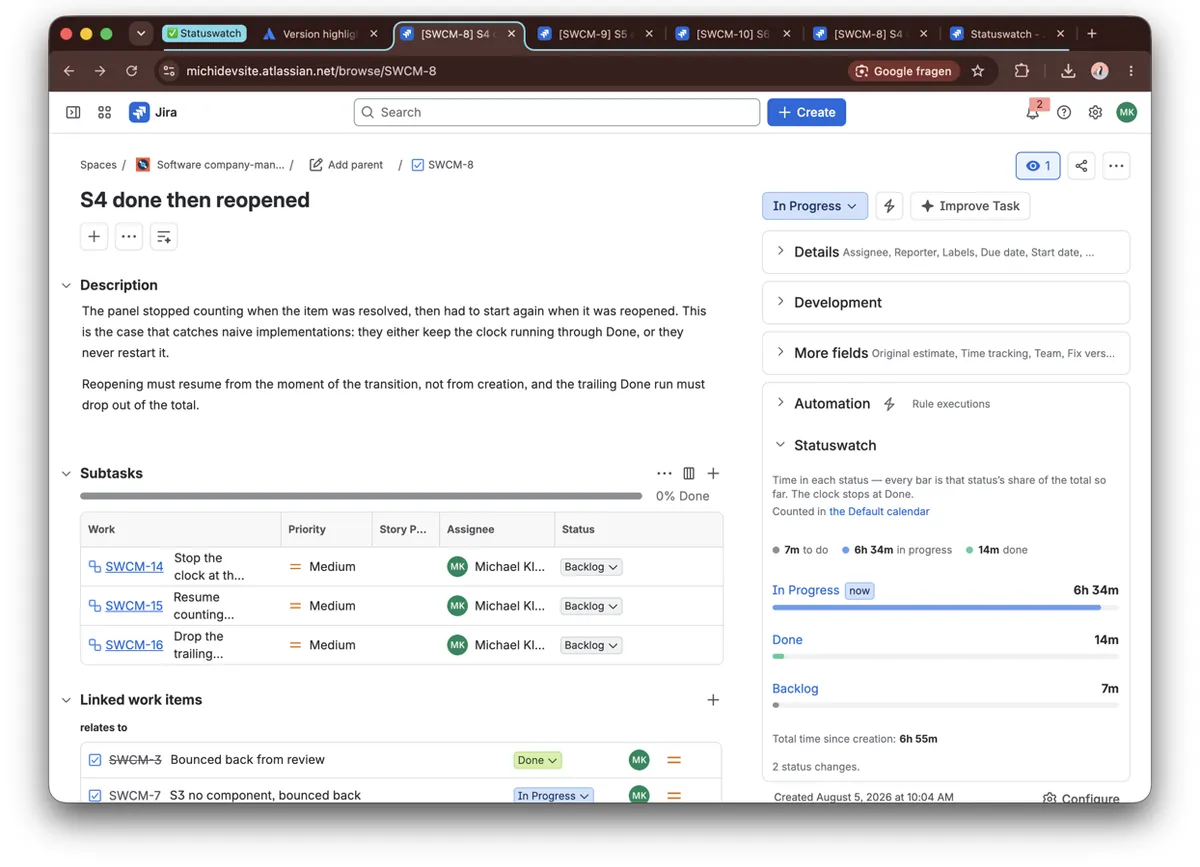
Statuswatch adds a panel to the Jira work item view showing each status an item passed through, its time in each status, and its share of the total. For items with due dates, it displays remaining working time or time past due. Project admins can configure working days, hours, breaks, holidays, time zones, and separate team calendars. The clock stops when an item reaches Done, and no data leaves Atlassian.
Displays every status an item passed through, the time spent in each, and its share of the total.
Counts status time using configured working days, hours, breaks, holidays, and time zones.
Shows remaining working time before an item's due date or the time it went past due.
Supports different working calendars for teams within the same project.
Stops the clock when an item reaches Done.
Statuswatch is for project admins and teams using Jira work items.
Statuswatch is free and cloud-only, while Time And History and Time in Status Custom Field are paid; Time And History supports cloud and server, while Time in Status Custom Field is cloud-only. Statuswatch and Time And History were both updated in Sep 2026, while Issue Delivery Report – Flow Metrics for Jira was updated in May 2026 and is paid and cloud-only.
| Name | Pricing | Deployment | Updated |
|---|---|---|---|
| this plugin | Free | Cloud | |
| Time And History | Paid | Cloud · Server | |
| Time in Status Custom Field | Paid | Cloud | |
| Issue Delivery Report – Flow Metrics for Jira | Paid | Cloud |
1,328 plugins in Jira · Data and analytics
Price distribution: 444 free, 418 freemium, 466 paid
Track Jira issue time across statuses, assignees, changes and resolution with reports, dashboards and email delivery.
SolaceIn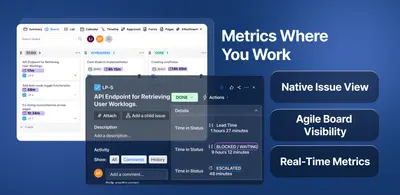
Measures time spent by Jira issues in selected statuses or status groups with configurable work calendars.
The Starware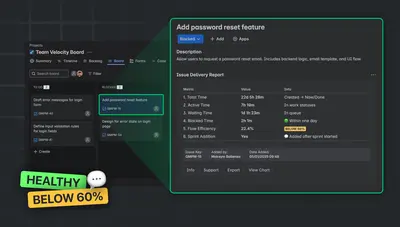
Analyze Jira issue delivery time with flow metrics, status charts, sprint checks, and report exports inside the issue view.
TypeSwitch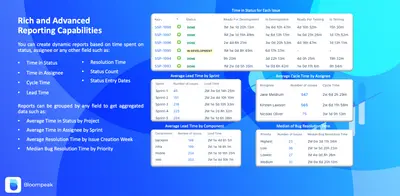
Create Jira reports and gadgets showing time in statuses, assignees, cycle time, and lead time.
Bloompeak«Jira does not tell you how long this ticket sat in Waiting for support. The Control Chart is board-scoped and aggregate, and the dot on a board card counts days in a column. Neither answers the question you actually have, about the item in front of you. Statuswatch adds one panel to the work item view: every status …»