
Queues for Jira & JSM
Organizes Jira and JSM issues from multiple projects into shared queues with access controls and queue management.
DevinitiFreemium
Visualizes a Jira issue's status history, time in each status, reopens, transitions, and cycle time.
Status Ribbon displays a proportional ribbon on each Jira issue, with segments for the statuses it passed through and widths based on time spent. It summarizes total cycle time, or age for an open issue, along with transitions, reopens, and the longest-held status. It uses Jira's universal status categories and requires no status mapping or configuration. It reads only the viewed issue and makes no external calls.
Displays each status an issue passed through as a segment in a proportional ribbon.
Uses segment width to show the time spent in each status.
Shows total cycle time or age, transitions, reopens, and the status held longest.
Uses colors for To Do, In Progress, and Done status categories.
Reads only the Jira issue being viewed and makes no external calls.
630 plugins in Jira · Data and analytics
Price distribution: 189 free, 230 freemium, 211 paid
Organizes Jira and JSM issues from multiple projects into shared queues with access controls and queue management.
Deviniti
Scheduled Jira exports create reports with custom fields, change history, and delivery by email, SFTP, download link, or API.
Advanced Insights
Embed shared Microsoft Power BI links in Jira issue tabs and dashboards with notes, images, PDFs, and other apps.
Apps+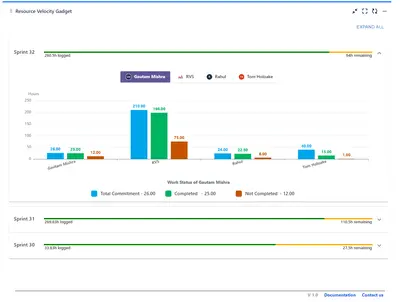
Track sprint progress and team velocity in Jira with dashboard gadgets, charts, and status views.
RVS Softek«Open a Jira issue and you can see where it is - but not how it got there. The History tab is a dense log of every change, so working out "how long has this been in review?" means doing maths in your head. Status Ribbon answers it at a glance. It draws one proportional ribbon across the issue: each segment is a status …»