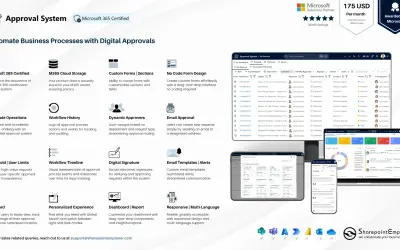
Approval System
Manages requests and approvals for companies on Microsoft platforms, with SharePoint web part and multi-language support.
SharepointEmpower Private LimitedPrice not published
Builds custom SharePoint list forms with drag-and-drop controls and publishes them as new, edit, and display forms.
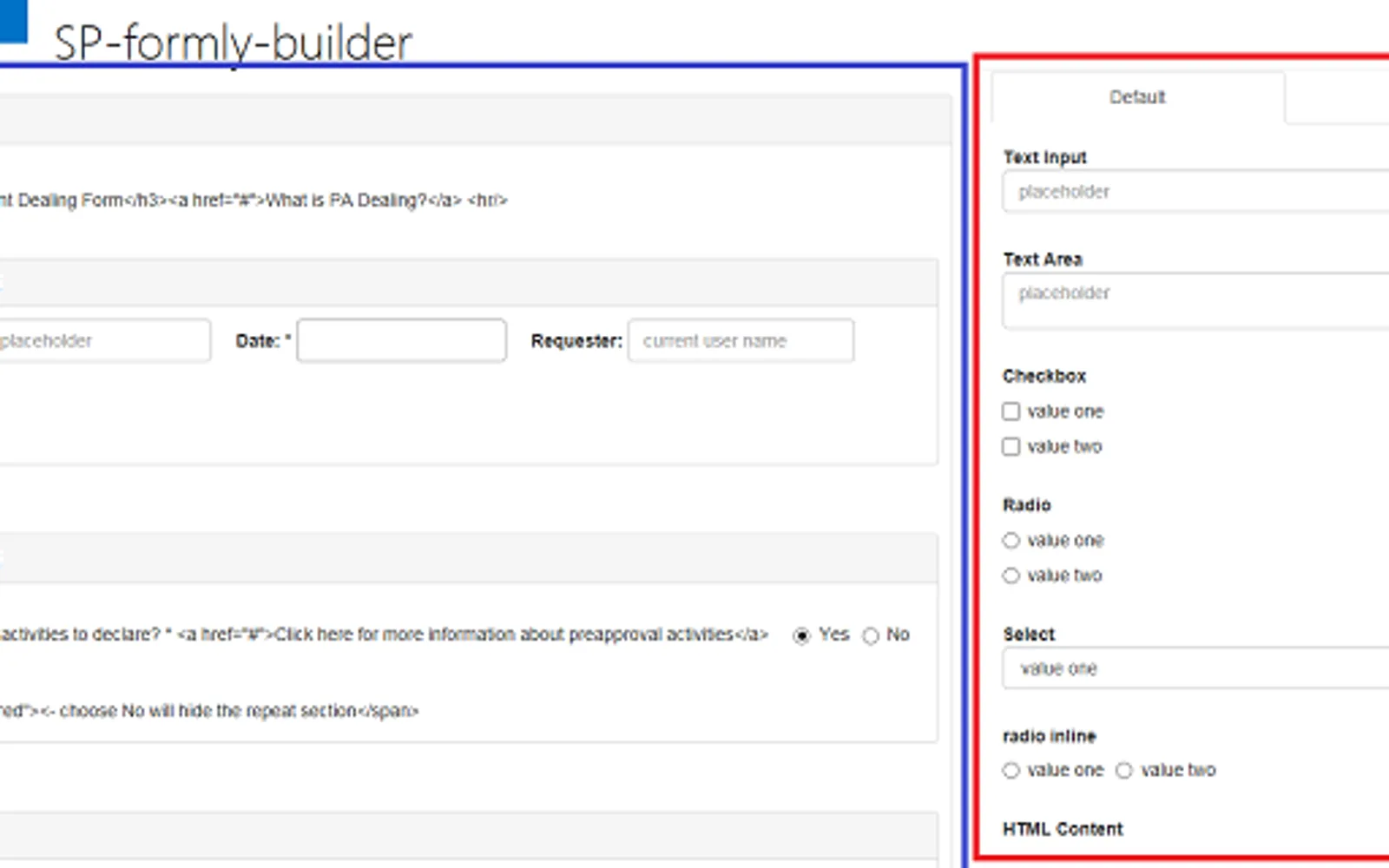
Builds forms in a drag-and-drop editor based on the angular-formly framework. Forms can include nested repeat sections, layout options, business rule expressions, people pickers, attachments, and taxonomy fields. Custom forms can be published to SharePoint lists to replace their default new, edit, and display forms, with values pushed into list fields. The add-in supports multiple designs and lists and does not require a host server.
Provides a visual form builder for creating custom forms.
Supports nested repeat sections and layout configurations.
Supports business rule expressions through angular-formly.
Publishes custom forms to SharePoint lists and replaces their default new, edit, and display forms.
Pushes form values into SharePoint list fields.
Includes people picker, attachment upload, and taxonomy field controls.
Supports style customization with CSS classes.
Supports multiple designs and lists.
106 plugins in SharePoint · Data Management
Price distribution: 1 freemium, 21 paid, 84 price not published
Manages requests and approvals for companies on Microsoft platforms, with SharePoint web part and multi-language support.
SharepointEmpower Private Limited
Fully managed AI chatbot for SharePoint, powered by Claude, that answers from your documents with no API key required.
OBTechnologies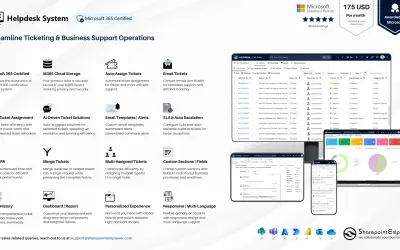
A cloud-based ticket management system for Microsoft platforms that centralizes support tasks and tracks resolution times.
SharepointEmpower Private Limited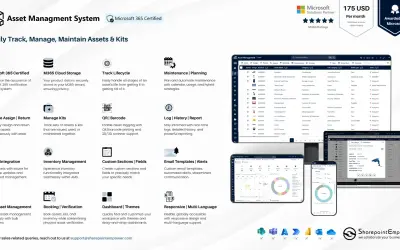
Tracks physical and digital assets across their lifecycle, including location, cost, and renewal data, for Microsoft platforms.
SharepointEmpower Private Limited«if you are installing this app for the first time, please ignore this note. If you are updating this app to the new version,your published lists will not be updated. You can publish your form to a new list or delete the original list then publish again. ) sp-formly Builder is an InfoPath alternative to build form in …»