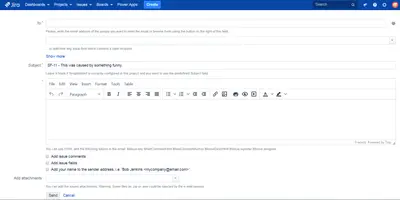
NotifyMe! - Send emails from Jira issues
Send customizable HTML emails from Jira issues to Jira users and external email addresses.
knowmad moodPaid
Share messages with Jira users or groups, send formatted notifications, and optionally save them as issue comments.
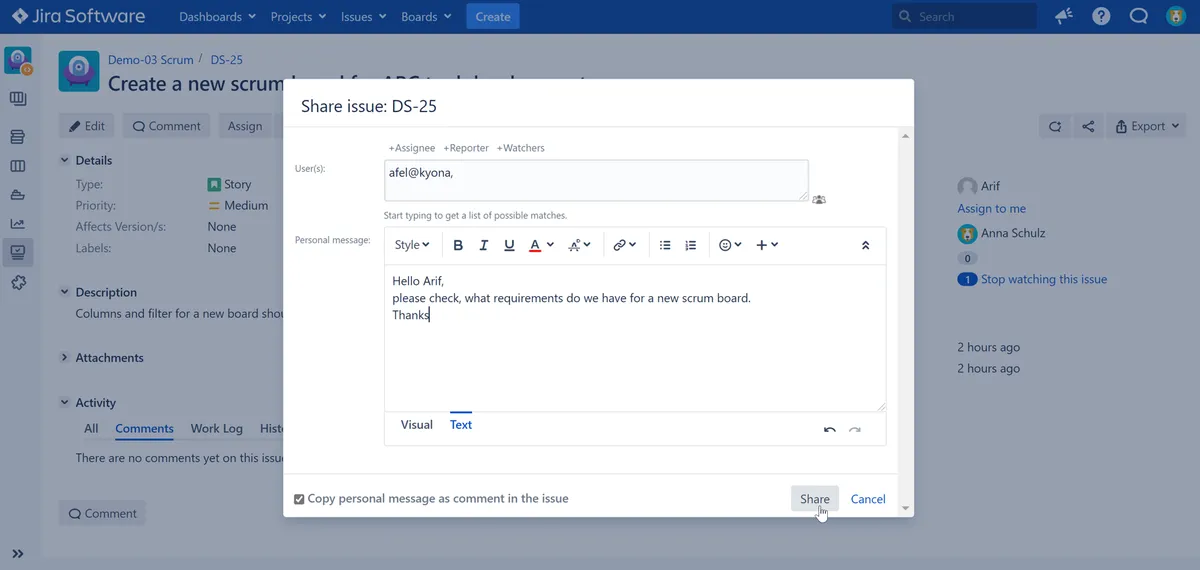
SharePlus adds a button beside Jira’s existing share button on the issue detail view. It sends messages to users or groups, with formatted notifications that include the issue’s latest comment. Messages can optionally be saved as rich-text comments in the issue’s comment stream. Shared comments show recipients through an envelope icon and recipient list, and the button can replace Jira’s share button when an administrator disables it.
Messages can be shared with individual Jira users or defined groups.
A shared message can also be stored as a formatted issue comment.
Notifications support Jira’s Wiki Renderer and include the issue’s latest comment.
The comment stream displays an envelope icon and the recipients for shared messages.
Messages can be shared privately without saving them as comments.
It is intended for teams such as developers and steering committees.
SharePlus is paid and supports data-center and server deployments; NotifyMe! - Send emails from Jira issues is also paid with the same deployment options. Links From Comments and Remind Me For Jira are free cloud deployments, updated in Jun 2025 and Apr 2025 respectively.
| Name | Pricing | Deployment | Updated |
|---|---|---|---|
| this plugin | Paid | Data Center · Server | |
| NotifyMe! - Send emails from Jira issues | Paid | Data Center · Server | |
| Links From Comments | Free | Cloud | |
| Remind Me For Jira | Free | Cloud |
505 plugins in Jira · Content and communication
Price distribution: 127 free, 198 freemium, 180 paid
Send customizable HTML emails from Jira issues to Jira users and external email addresses.
knowmad moodProvides text messaging within Jira Service Desk.
RentalhostAutomatically links issue URLs pasted into Jira comments to their corresponding issues.
Transition Technologies PSC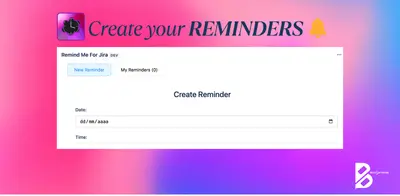
Schedule Jira issue reminders with markdown messages and receive formatted email notifications.
Betasoftware«The SharePlus button will be put on the left side of the existing Jira share button on the issue detail view page. When your admin disables the Jira share button, the SharePlus button can be used as a replacement of the Jira share button. SharePlus supports rich text editor (Wiki Renderer) and sends formatted …»