
Queues for Jira & JSM
Organizes Jira and JSM issues from multiple projects into shared queues with access controls and queue management.
DevinitiFreemium
Adds per-project sequential ID fields to Jira issues with configurable prefixes and zero-padding.
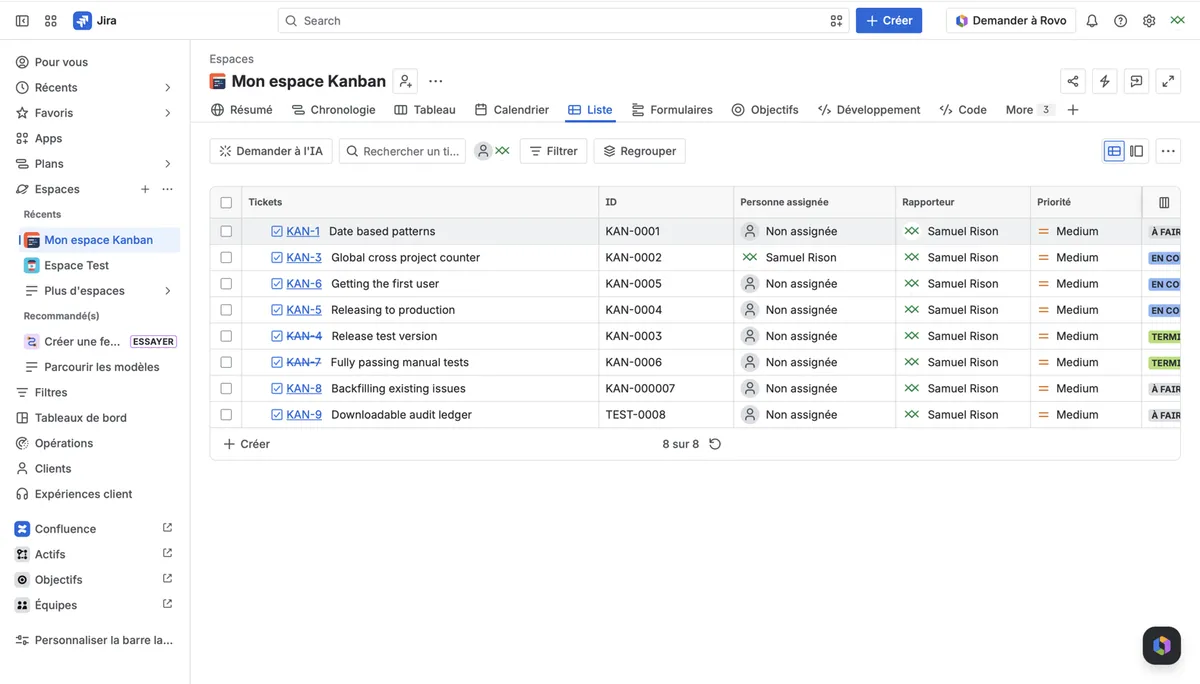
Adds a read-only sequential number to every Jira issue within a project. Numbers are assigned by an atomic counter, remain contiguous during simultaneous bulk creation, and are not reused. Project settings allow a prefix and digit width to be configured.
Assigns each Jira issue a unique sequential number within its project.
Numbers are assigned once and are not recycled.
Configures a prefix and zero-padding width separately for each project.
1,328 plugins in Jira · Project Management
Price distribution: 444 free, 418 freemium, 466 paid
Organizes Jira and JSM issues from multiple projects into shared queues with access controls and queue management.
Deviniti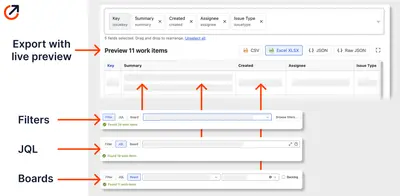
Scheduled Jira exports create reports with custom fields, change history, and delivery by email, SFTP, download link, or API.
Advanced Insights
Embed shared Microsoft Power BI links in Jira issue tabs and dashboards with notes, images, PDFs, and other apps.
Apps+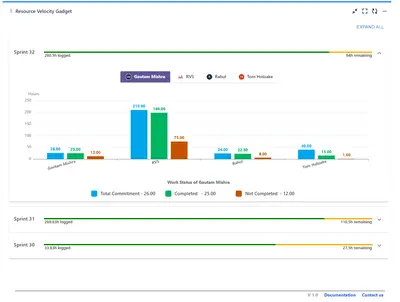
Track sprint progress and team velocity in Jira with dashboard gadgets, charts, and status views.
RVS Softek«To improve fiability, fixed a bug where the sequential ID would be stuck on assigning due to multiples instructions to database at the same time. You can now edit the field prefix and the number of digit in the sequence via the configuration tab of your Jira app application. Gap-free, guaranteed: An atomic counter …»