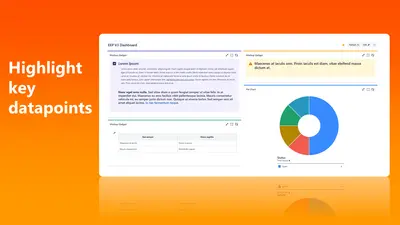
Markup Gadget for Jira
Add formatted markup, colors, and icons to Jira dashboards.
EasysecretsFreemium
Adds a right-to-left rich-text description panel to Jira issues for content in RTL languages.
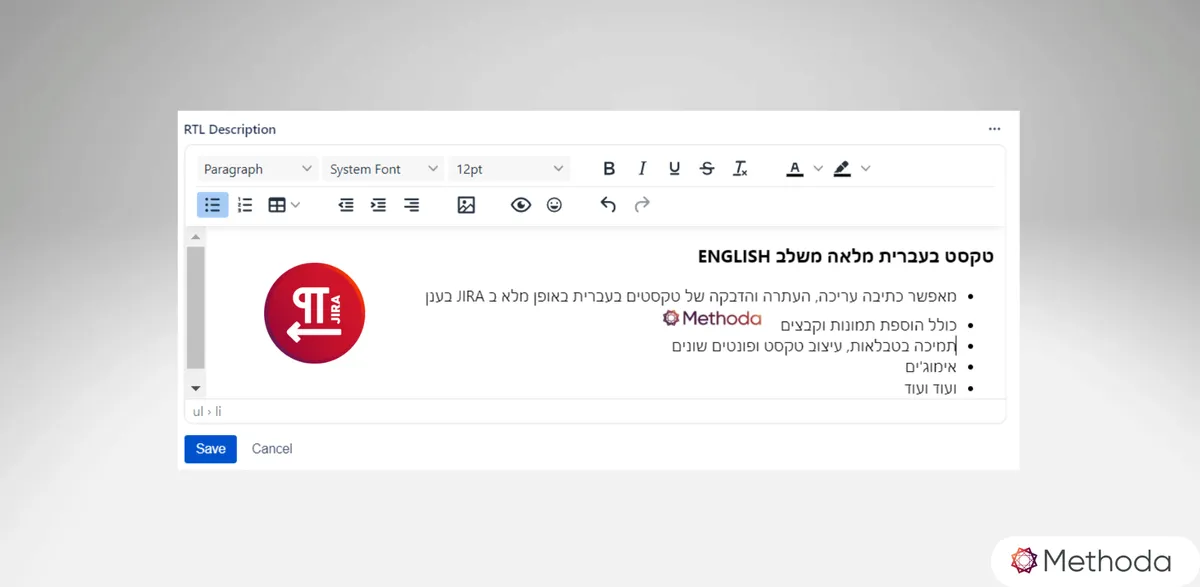
RTL for Jira adds an “RTL Description” panel to Jira issues. It provides a rich-text editor for right-to-left content, including paragraphs, headers, lists, tables, text styling, alignment, emojis, and images. The panel also supports searching RTL content. It is available in Software, Business, and Service projects, including agent views and customer portals.
The editor supports writing Jira content in right-to-left languages.
Formatting includes font styles and sizes, bold, italics, font colors, backgrounds, and text alignment.
The editor supports simple, bulleted, and numbered lists, as well as tables.
Content can include images and emojis.
The app supports searching right-to-left content.
The panel is available in Software, Business, and Service projects, including agent views and customer portals.
Jira users who write in right-to-left languages, including Arabic, Hebrew, and Urdu.
Markup Gadget for Jira is freemium and cloud-based. Rich Text Gadget for Jira is free and cloud-based, updated in Mar 2026, AI for Jira is paid, supports cloud and data-center deployment.
| Name | Pricing | Deployment | Updated |
|---|---|---|---|
| this plugin | Paid | Cloud | |
| Markup Gadget for Jira | Freemium | Cloud | |
| Rich Text Gadget for Jira | Free | Cloud | |
| AI for Jira | Paid | Cloud · Data Center |
505 plugins in Jira · Content and communication
Price distribution: 127 free, 198 freemium, 180 paid
Add formatted markup, colors, and icons to Jira dashboards.
Easysecrets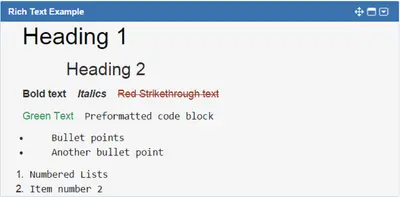
Add styled text, web images, links, tables, and periodic refreshes to Jira dashboards.
Atlassian Labs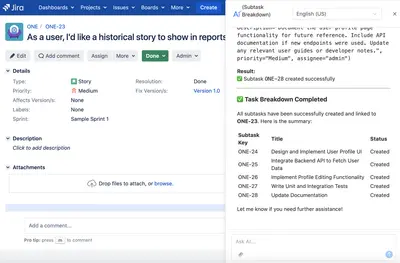
Generate content, translate prompts into JQL, and use configurable AI agents within Jira.
XDevPod
Organizes Jira and JSM issues from multiple projects into shared queues with access controls and queue management.
Deviniti«RTL for Jira introduces the 'RTL Description' panel to the Jira view, enabling you to enhance the functionality of your Jira issues by composing content in a right-to-left orientation. The RTL editor offers the ability to work with a rich text editor for right-to-left content and supports the following features: RTL …»