
Report Phishing Button
Outlook extension installed by admins so users can report suspicious emails, with analytics to determine training effectiveness.
Wizer Inc.Price not published
Reports suspicious messages and manages their handling in Outlook for Office 365 mailboxes.
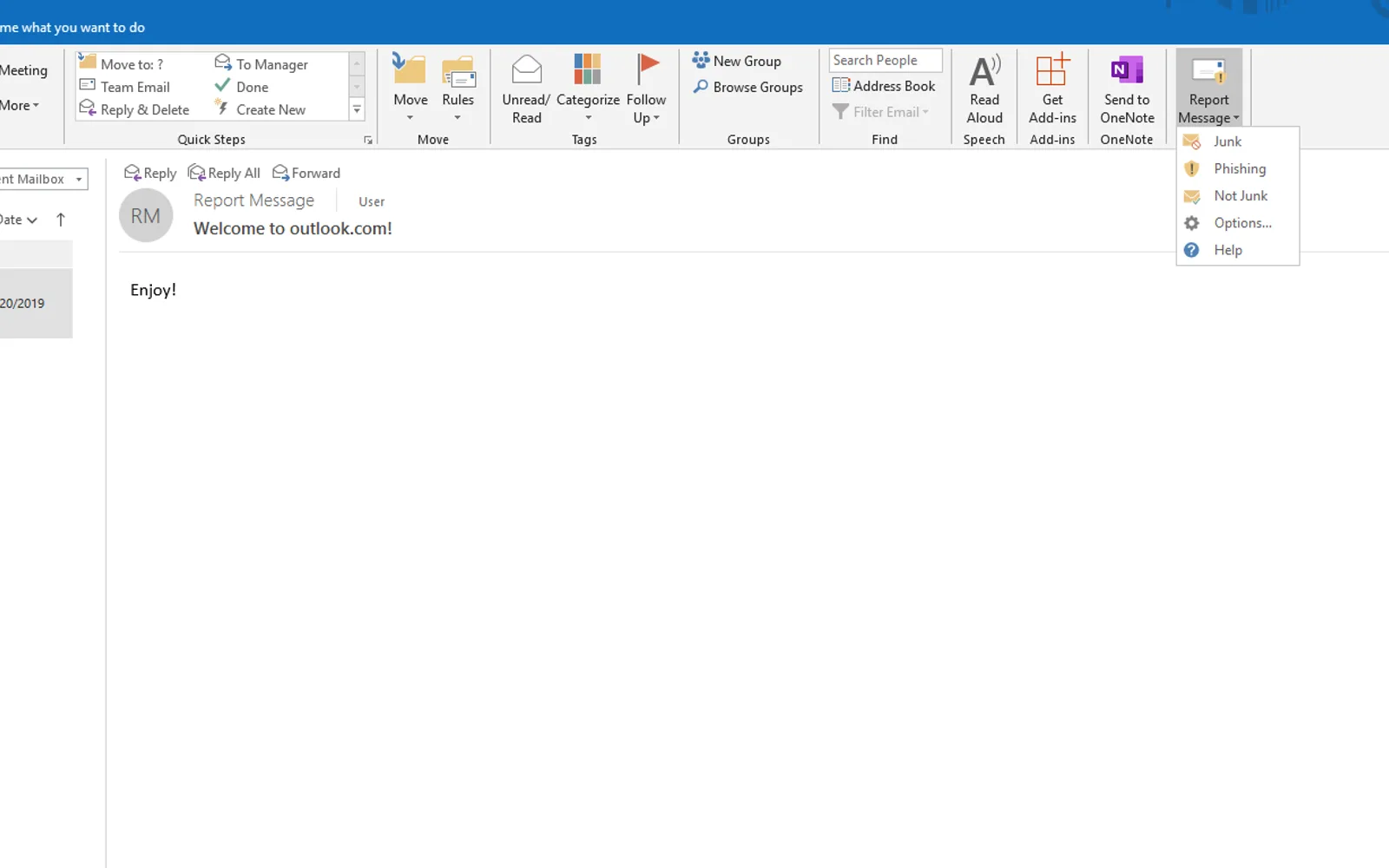
The add-in lets Outlook 2016 users report suspicious messages from an Office 365 mailbox. Junk messages can be sent to a security administrator or Microsoft, depending on the user submission policy. Phishing messages can be marked as phish, moved to the Deleted folder, and submitted. Messages in Junk Email that are not junk can be marked as legitimate, moved to the Inbox, and submitted.
Sends junk messages from the Inbox to a security administrator or Microsoft, depending on the user submission policy.
Marks a message as phish, moves it to the Deleted folder, and sends it to a security administrator or Microsoft.
Marks a message in the Junk Email folder as legitimate and moves it to the Inbox.
Report Message and Report Phishing Button both have unknown pricing and cloud deployment. Report Message was updated on Apr 2023, while Report Phishing Button was updated in Feb 2026. Coro also has unknown pricing and cloud deployment and was updated in Jul 2026.
| Name | Pricing | Deployment | Updated |
|---|---|---|---|
| this plugin | Price not published | Cloud | |
| Report Phishing Button | Price not published | Cloud | |
| Coro | Price not published | Cloud |
217 plugins in Outlook · Analytics
Price distribution: 7 free, 4 freemium, 51 paid, 155 price not published
Outlook extension installed by admins so users can report suspicious emails, with analytics to determine training effectiveness.
Wizer Inc.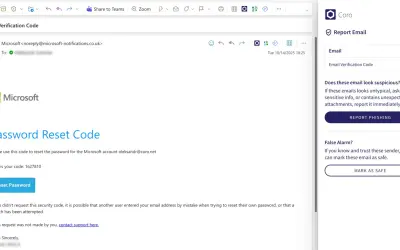
Outlook add-in that lets users protected by Coro report missed or wrongly flagged emails to their IT personnel.
Coronet Cyber Security LTD
CoreGPT AI for Outlook drafts, replies, summarizes, and translates emails inside Microsoft Outlook using GLM and GLM.
Shhapps Ltd. Liability Co.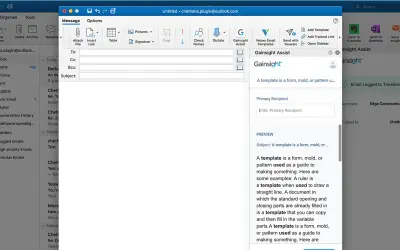
Gainsight Assist lets users access Gainsight email templates and log messages to the Gainsight Timeline directly from Outlook.
Gainsight«The Report Message add-in works with Outlook 2016 to allow you to report suspicious messages as well as manage how your Office 365 email account treats these messages. Messages that your Office 365 email account marks as junk or malicious are automatically moved to your Junk or quarantine Email folder. However …»