
AIKA 365 - AI Agent For Enterprise Search
AIKA 365 is a generative AI agent that retrieves answers and citations from documents within SharePoint on Microsoft 365.
BEYOND KEY SYSTEMSPrice not published
Provides keyword-based writing suggestions in Microsoft Word for macOS and Windows.
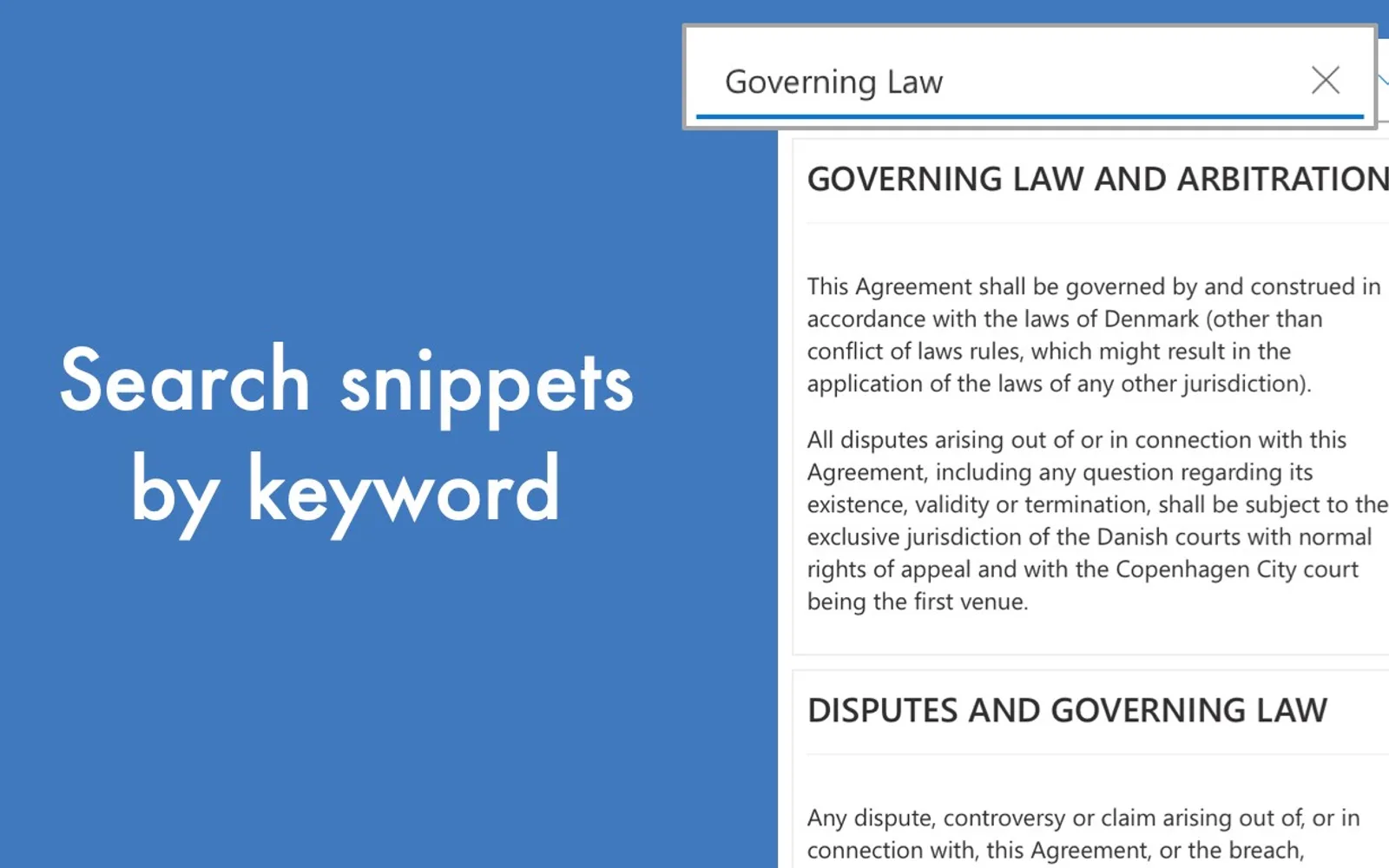
RefLab displays writing suggestions in Microsoft Word after keywords are entered. Suggestions appear in the right margin of the document. A suggestion can be applied to the document with a mouse click. The vendor describes uses including finding inspiration and reusing information.
Displays writing suggestions when keywords are entered.
Provides suggestions while writing in Microsoft Word on macOS and Windows.
Shows suggestions in the right margin of the document.
Allows a suggestion to be applied to the document with a mouse click.
RefLab and AIKA 365 - AI Agent For Enterprise Search both have an unknown pricing type and cloud deployment. RefLab was updated on Aug 2022, while AIKA 365 - AI Agent For Enterprise Search was updated in May 2026.
| Name | Pricing | Deployment | Updated |
|---|---|---|---|
| this plugin | Price not published | Cloud | |
| AIKA 365 - AI Agent For Enterprise Search | Price not published | Cloud |
59 plugins in Word · HR
Price distribution: 1 free, 1 freemium, 21 paid, 36 price not published
AIKA 365 is a generative AI agent that retrieves answers and citations from documents within SharePoint on Microsoft 365.
BEYOND KEY SYSTEMS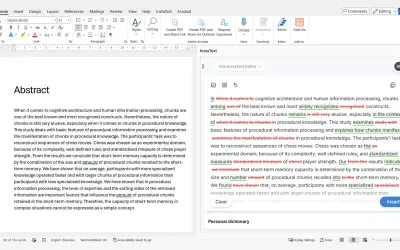
InstaText, built for Microsoft Word, suggests improvements to clarity, sentence flow, and word choice in your text.
InstaText d.o.o.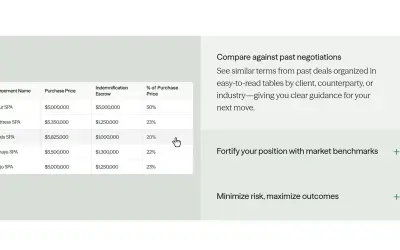
Draftwise executes contract drafting, review, and search workflows within Microsoft Word using an organization's legal knowledge.
DraftWise Inc
Autopilot integrates Zhipu AI and other AI models into Microsoft Excel, PowerPoint, and Word on Windows, Mac, Web, and iPad.
Smart Barn Technologies«Get RefLab's writing suggestions in Word as you're writing simply by putting in keywords. No complicated setup for inspirations and reusing information. RefLab is designed to fit seamlessly into the writing process for anyone using Microsoft Word on macOS and Windows. Suggestions will appear in the right margin of …»