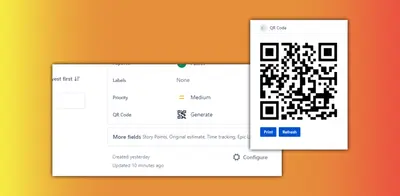
QR Code Generator - issue link, key or field
Generate QR codes from Jira issue links, keys, or fields with configurable settings and printing.
SpritonFree
Displays QR codes in Jira issues for mobile access, field text links, saving, and printing.
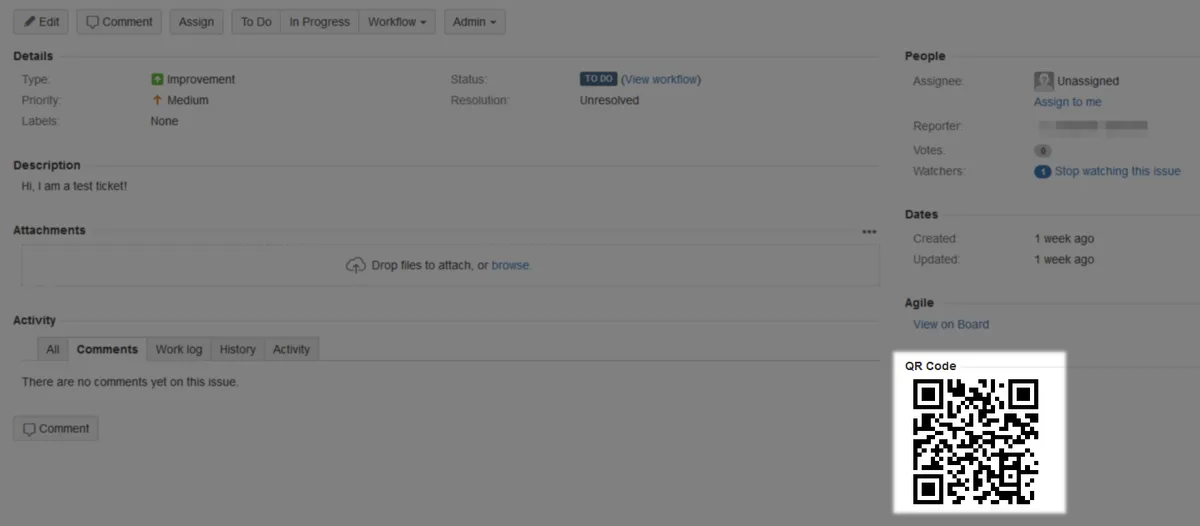
Displays a QR code in the Jira issue sidebar. The code can link to the issue or contain text from a selected issue field. QR codes can be scanned on a mobile device, saved as images, or printed for display elsewhere.
Displays a QR code for a Jira issue in the issue sidebar.
Configures the QR code to contain text from a selected issue field instead of linking to the issue.
Saves QR codes as images and supports printing them.
QR Code for Jira Cloud is free and cloud-deployed, while TextLens Pro is freemium and cloud-deployed. ItsWare is also free and cloud-deployed. Issue Quality Auditor is freemium and cloud-deployed, and Assembla To Jira Migrator is paid and cloud-deployed.
| Name | Pricing | Deployment | Updated |
|---|---|---|---|
| this plugin | Free | Cloud | |
| Jira Cloud | Price not published | Cloud | |
| TextLens Pro | Freemium | Cloud | |
| ItsWare | Free | Cloud | |
| Issue Quality Auditor | Freemium | Cloud | |
| Assembla To Jira Migrator | Paid | Cloud |
1,002 plugins in Jira · Administrative tools
Price distribution: 271 free, 275 freemium, 456 paid
Generate QR codes from Jira issue links, keys, or fields with configurable settings and printing.
Spriton
Extracts, highlights, and copies text from image attachments in Jira using OCR.
Samantha International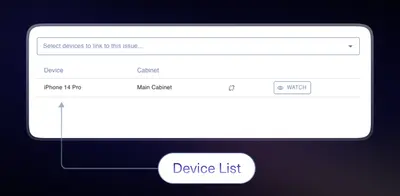
Track physical assets, assignments, permissions, and device links in Jira.
ItsWare Inc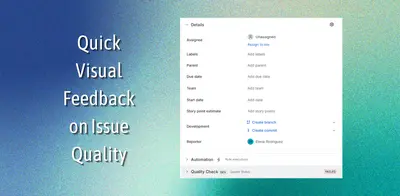
Audits Jira issue fields, flags missing data, and records quality status without blocking workflow transitions.
Incremental Greatness«This add-on displays a QR code in the sidebar, which you can scan to work on mobile, or save and print to attach to an item. In the settings, you can choose the contents of the QR code: either a link to the work item or the contents of one of the work item fields. Display QR code on your tickets: Need to get going but …»