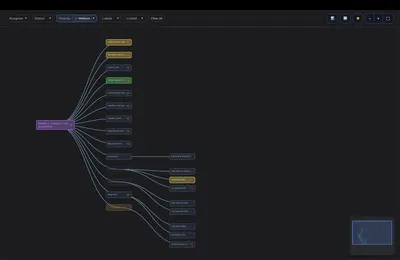
EpicTree
Visualizes Jira epic hierarchies and supports issue breakdown, filtering, and field editing.
gilitzFree
Copies selected fields from Jira parent issues to their child issues in one click.
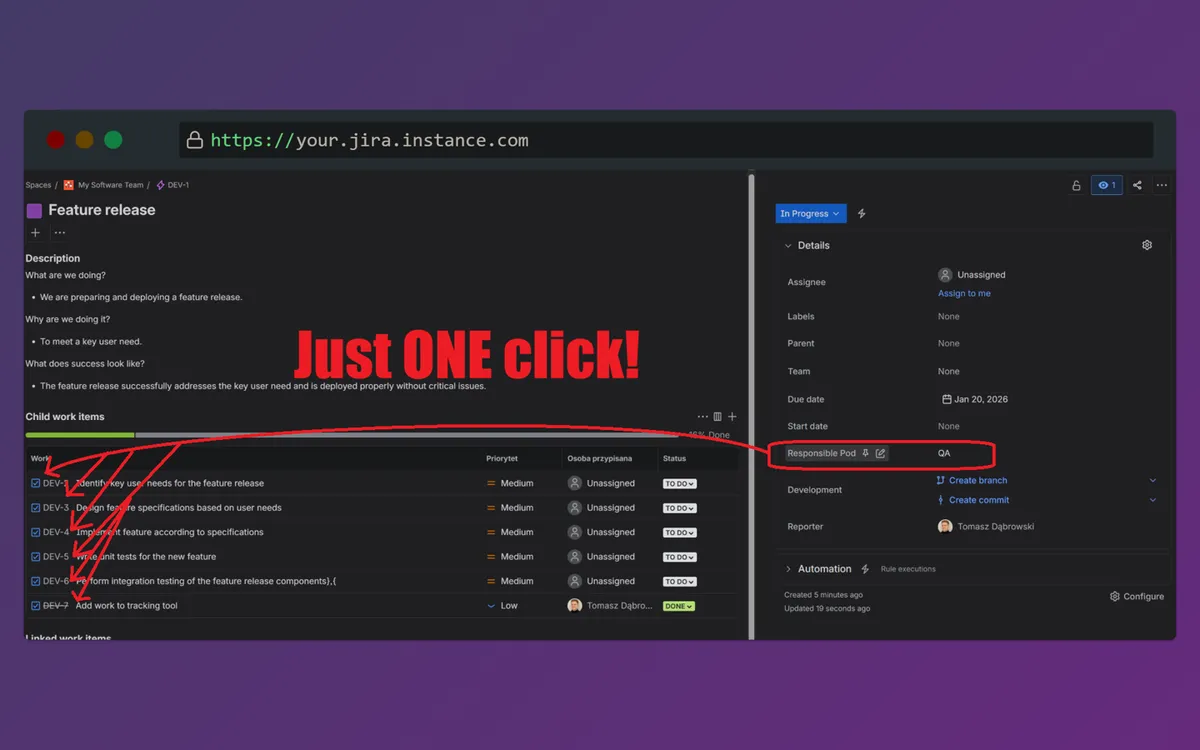
Propagate copies selected fields from a parent Jira issue, typically an Epic, to child stories, tasks, and bugs. The workflow starts from an Epic, uses the issue menu, and lets an administrator select fields before propagation. Example fields include Team, Cost center, Component, and other routing or reporting fields.
Copies selected fields from a parent issue to its child issues.
Propagates fields from an Epic to child stories, tasks, and bugs.
Allows administrators to choose which fields are copied.
Propagate is for administrators managing fields across Jira issue hierarchies.
Propagate is freemium and cloud-only, while Duplicate: Bulk Clone Issues & Epics in Jira is freemium and available on cloud, server, and data-center. EpicTree is free and cloud-only, while Clone Plus for Jira is paid and available on data-center, cloud, and server. Propagate was updated in Mar 2025; EpicTree was updated in Aug 2025, Duplicate: Bulk Clone Issues & Epics in Jira in May 2026, and Clone Plus for Jira in Sep 2026.
| Name | Pricing | Deployment | Updated |
|---|---|---|---|
| this plugin | Freemium | Cloud | |
| Duplicate: Bulk Clone Issues & Epics in Jira | Freemium | Cloud · Data Center · Server | |
| EpicTree | Free | Cloud | |
| Clone Plus for Jira | Paid | Cloud · Data Center · Server |
1,328 plugins in Jira · Project Management
Price distribution: 444 free, 418 freemium, 466 paid
Visualizes Jira epic hierarchies and supports issue breakdown, filtering, and field editing.
gilitz
Clone Jira issues, epics, subtasks, and hierarchies, edit fields, and duplicate selected issues in bulk with JQL.
ij-solutions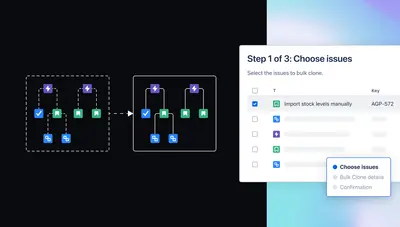
Clone Jira issues with configurable fields, attachments, links, subtasks, versions, and administrator-defined templates.
Appfire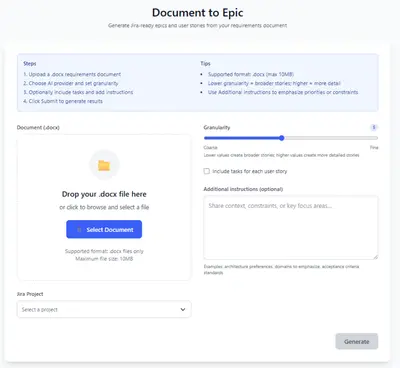
Transform requirements documents into Jira epics with generated user stories and tasks.
B.E-Technologies«Propagate copies selected fields from a parent issue (typically an Epic) to its child issues (stories, tasks, bugs) in one click. Useful for keeping fields consistent across an Epic and its child issues - for example Team, Cost center, Component, or any routing/reporting field. Getting started Open an Epic Click "..." …»