OmniConnect
OmniConnect provides managed connectors between Microsoft Dynamics 365 Business Central and eCommerce or POS systems.
CodeunitPaid
Maps records from selected CRM entities and views, with saved map configurations and record access from map pins.
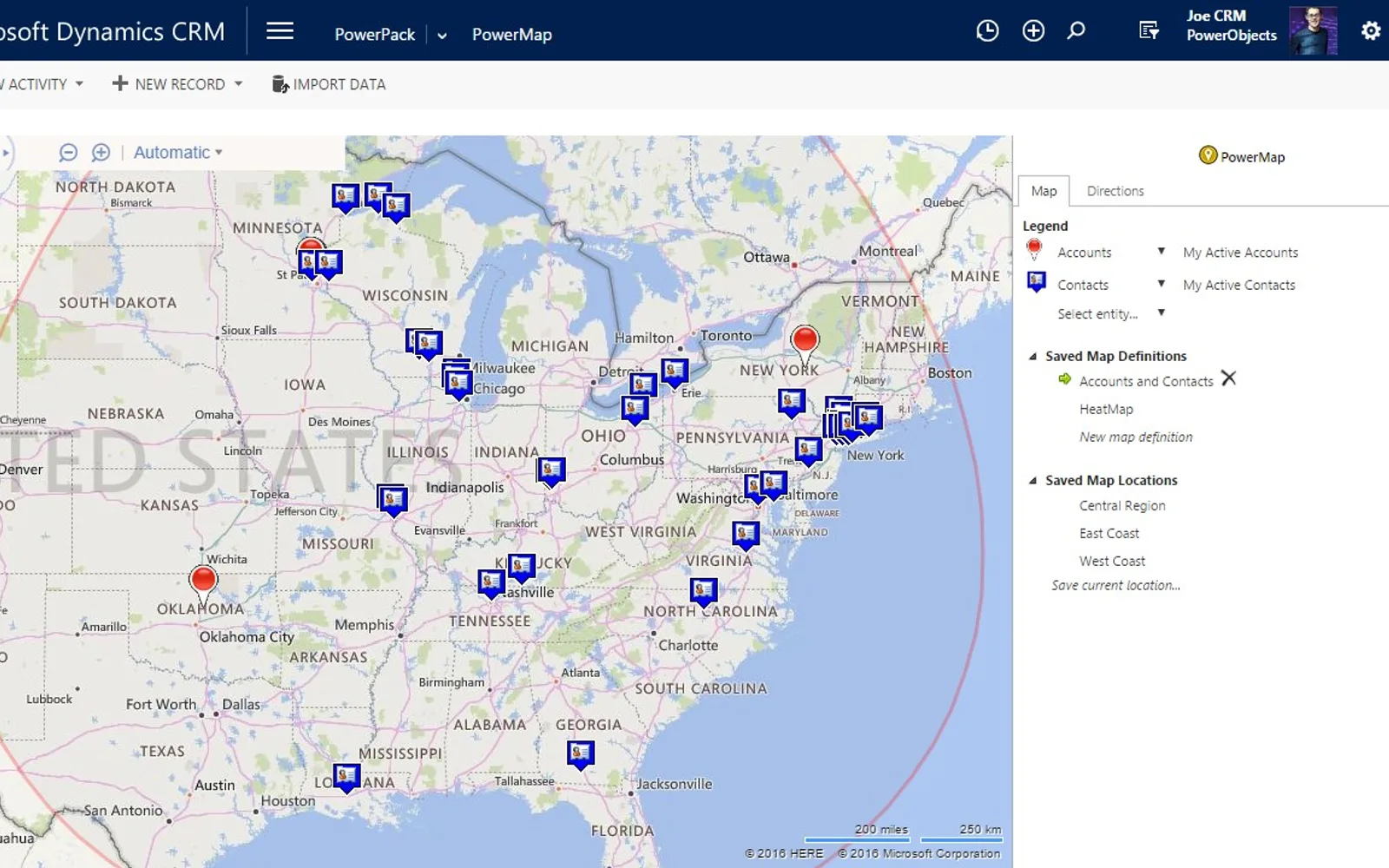
PowerMap plots CRM records from selected entities and views on a map. Multiple entities and views can appear on the same map, with a separate pin for each entity or view. Selecting a pin displays a record summary, and selecting the record name opens the record. Map configurations, zoom levels, and views can be saved, and PowerMap can be placed on a CRM form.
Maps records from CRM entities that have an address field.
Displays records from more than one entity and view on a single map.
Displays a record summary when a map pin is selected.
Opens a record by selecting its name in the summary view.
Uses a separate pin for each mapped entity or view.
Saves map configurations, zoom levels, and views.
Places PowerMap directly on a CRM form.
480 plugins in Sales
Price distribution: 15 free, 10 freemium, 261 paid, 194 price not published
OmniConnect provides managed connectors between Microsoft Dynamics 365 Business Central and eCommerce or POS systems.
Codeunit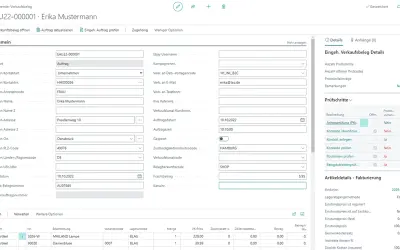
KatarGo unifies finance, inventory, warehouse, and e-commerce operations for Microsoft Dynamics 365 Business Central.
TSO-DATA GmbH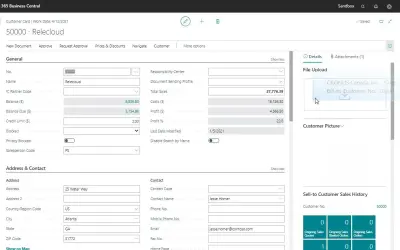
Drag & Drop lets Dynamics 365 Business Central users drag emails and files from Outlook or Windows Explorer into records.
Q-Team Solutions
Clever Credit automates sales order holds and credit management for Microsoft Dynamics 365 Business Central users.
Clever Dynamics«PowerMap lets users choose an entity in CRM, choose a view, and plots all of the individual records from that view on one map. Users can map more than one entity, and more than one view at a time, and can also save their PowerMap preferences, including map configurations, zoom levels and views.»