
Virto Polls
Virto Polls enables teams to create polls and view real-time results within Microsoft 365, Outlook, and Microsoft Teams.
VirtoSoftware EUPrice not published
Create Outlook polls with single- or multiple-choice responses and collect votes from email or a linked web page.
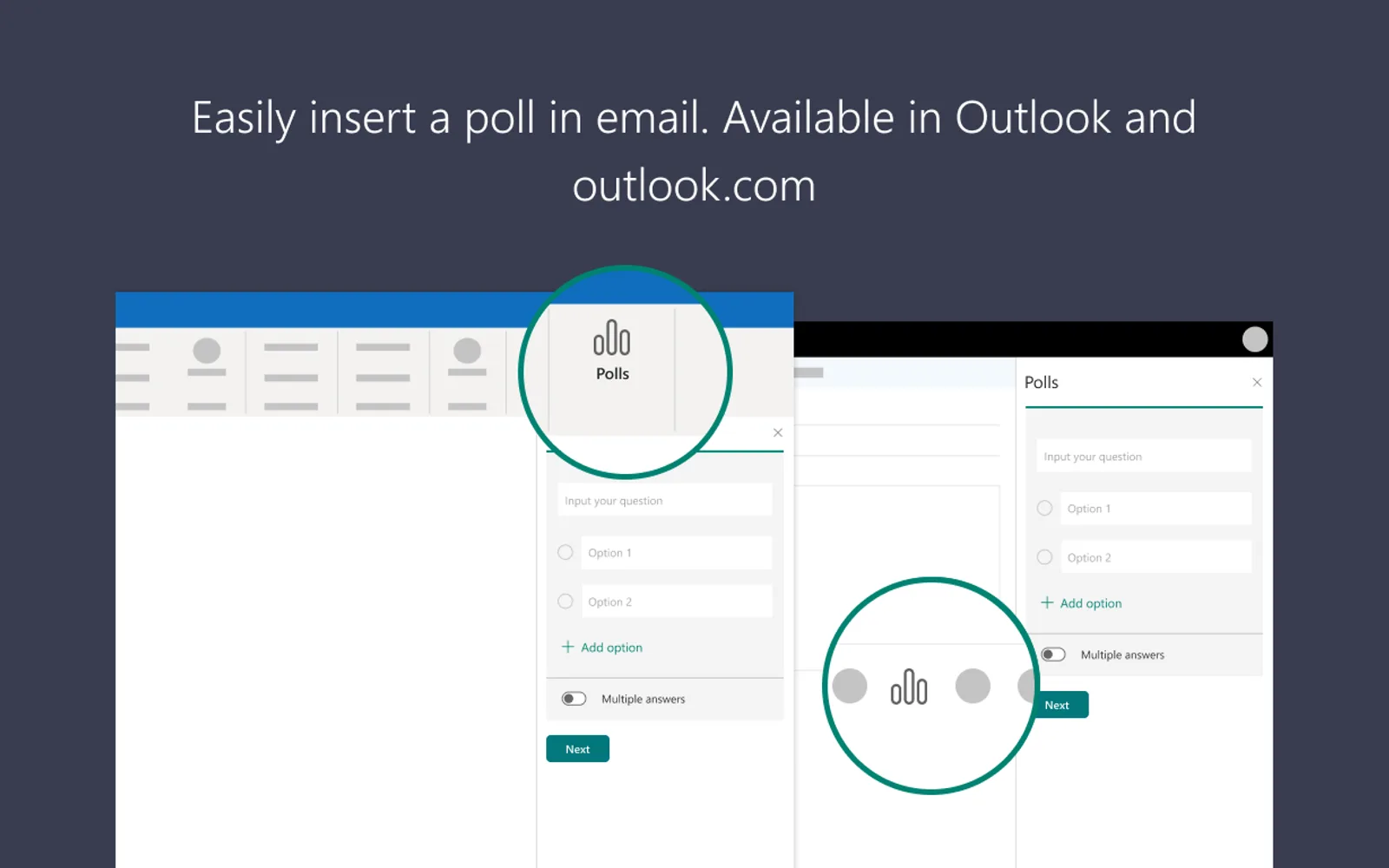
The add-in lets eligible Outlook users place poll questions and answer choices in an email. Recipients can respond from the message or open a browser link to submit their votes. Results are available in the poll’s voting card after responses are submitted.
Adds poll questions and answer choices to an Outlook email.
Supports questions allowing one answer or several answers.
Recipients can submit responses within the email message.
Recipients can use an included link to vote in a browser.
Shows poll responses in the voting card.
Outlook users signing in with work or school accounts.
Polls by Microsoft Forms and Virto Polls are both cloud-deployed and have an unknown pricing model. Polls by Microsoft Forms was updated on Dec 2023, while Virto Polls was updated in Nov 2025. Mentimeter also has cloud deployment and an unknown pricing model, with an update date of Mar 2026.
| Name | Pricing | Deployment | Updated |
|---|---|---|---|
| this plugin | Price not published | Cloud | |
| Virto Polls | Price not published | Cloud | |
| Mentimeter | Price not published | Cloud |
215 plugins in Outlook · Collaboration
Price distribution: 3 free, 3 freemium, 4 paid, 205 price not published
Virto Polls enables teams to create polls and view real-time results within Microsoft 365, Outlook, and Microsoft Teams.
VirtoSoftware EU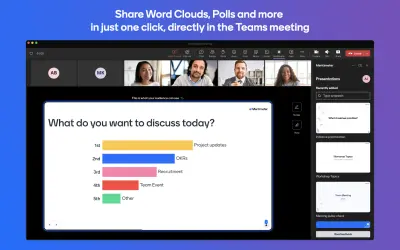
Mentimeter enables live polls, word clouds, Q&As, and quizzes directly inside Microsoft Teams, Outlook, and Office applications.
Mentimeter AB
CoreGPT AI for Outlook drafts, replies, summarizes, and translates emails inside Microsoft Outlook using GLM and GLM.
Shhapps Ltd. Liability Co.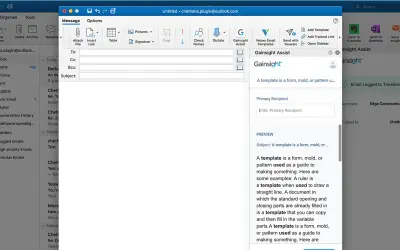
Gainsight Assist lets users access Gainsight email templates and log messages to the Gainsight Timeline directly from Outlook.
Gainsight«Microsoft Polls is an Add-in for Outlook users who sign in with a work or school account. With Polls, you can create a real time poll in seconds. In the body of your Outlook email, add questions and options for single or multiple answers. Once you send the message, recipients can vote directly in email or click on a …»