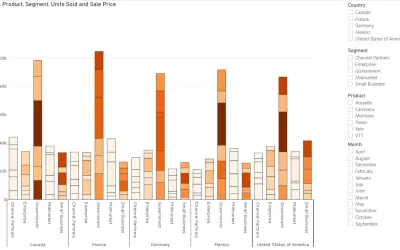
Power Plot Visual by Akvelon
Creates visualizations from diverse chart types, combines multiple charts on one canvas, and adds custom annotations and tooltips.
AkvelonFreemium
Process-mining analysis with interactive flow graphs and BI visuals.
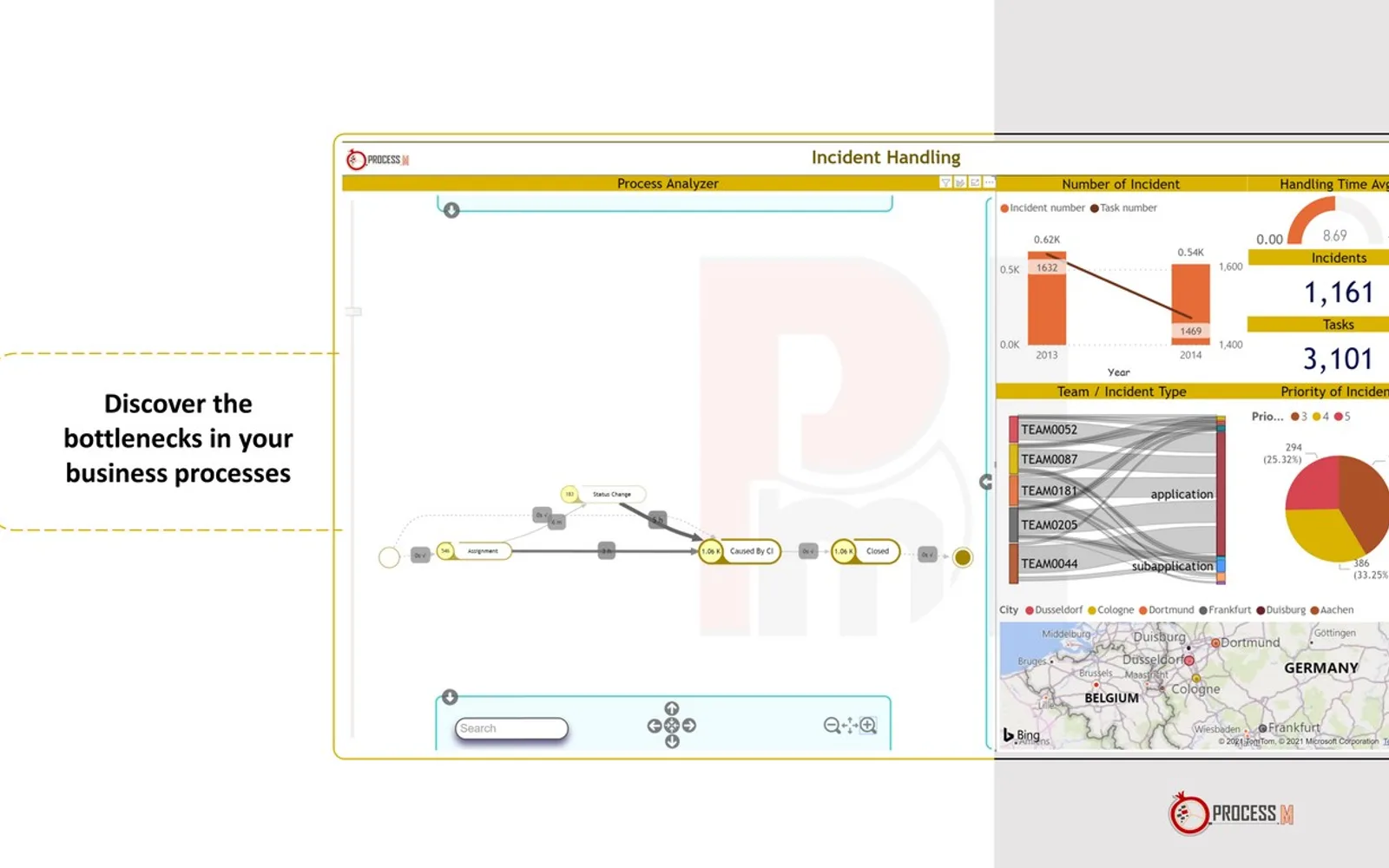
PmBI provides process-mining analysis alongside business-intelligence self-service visuals. It presents end-to-end processes as directed flow graphs and identifies delayed activities and violated paths. Features include cross-filtering, filtering history, smart coloring, and customizable settings. Input data requires a case ID, activity, and timestamp.
Displays end-to-end processes as directed flow graphs.
Identifies delayed activities in process data.
Identifies violated paths in the resulting process model.
Supports cross-filtering within the process analysis.
Provides filtering history for the analysis.
Uses smart coloring to highlight notable remarks in the resulting model.
Includes customizable settings for the process-mining analysis.
2,531 plugins in Analytics
Price distribution: 125 free, 147 freemium, 1,350 paid, 909 price not published
Creates visualizations from diverse chart types, combines multiple charts on one canvas, and adds custom annotations and tooltips.
Akvelon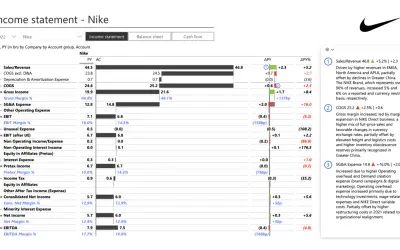
Creates financial and business reports in Power BI with automatic variance calculations, P&L logic, and drill-down (s5, s6).
Zebra BI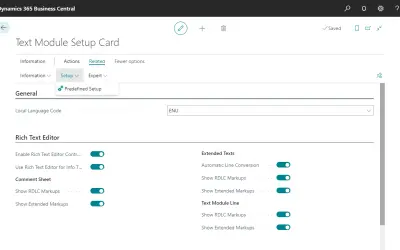
COSMO Text Module provides extended text management with a WYSIWYG editor for Microsoft Dynamics 365 Business Central.
COSMO CONSULT
Discover the why behind your data.
Data Courage«PmBI means Process mining through Business Intelligence, and it enables having advanced process mining analysis simply along with other BI self-service visuals. So you can enjoy your business analytical journey based on process mining with PmBI on your laptop, tablet, or smartphone.»