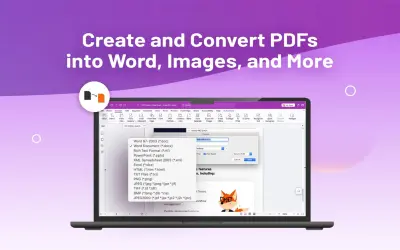
Foxit PDF Editor
Create, edit, eSign, and convert PDFs to Word, Excel, and PowerPoint with OCR and an AI assistant for Foxit PDF Editor.
Foxit Software Inc.Paid
Edit PDFs in SharePoint, Microsoft Teams, and OneDrive with browser-based annotations, signatures, stamps, and layered saves.
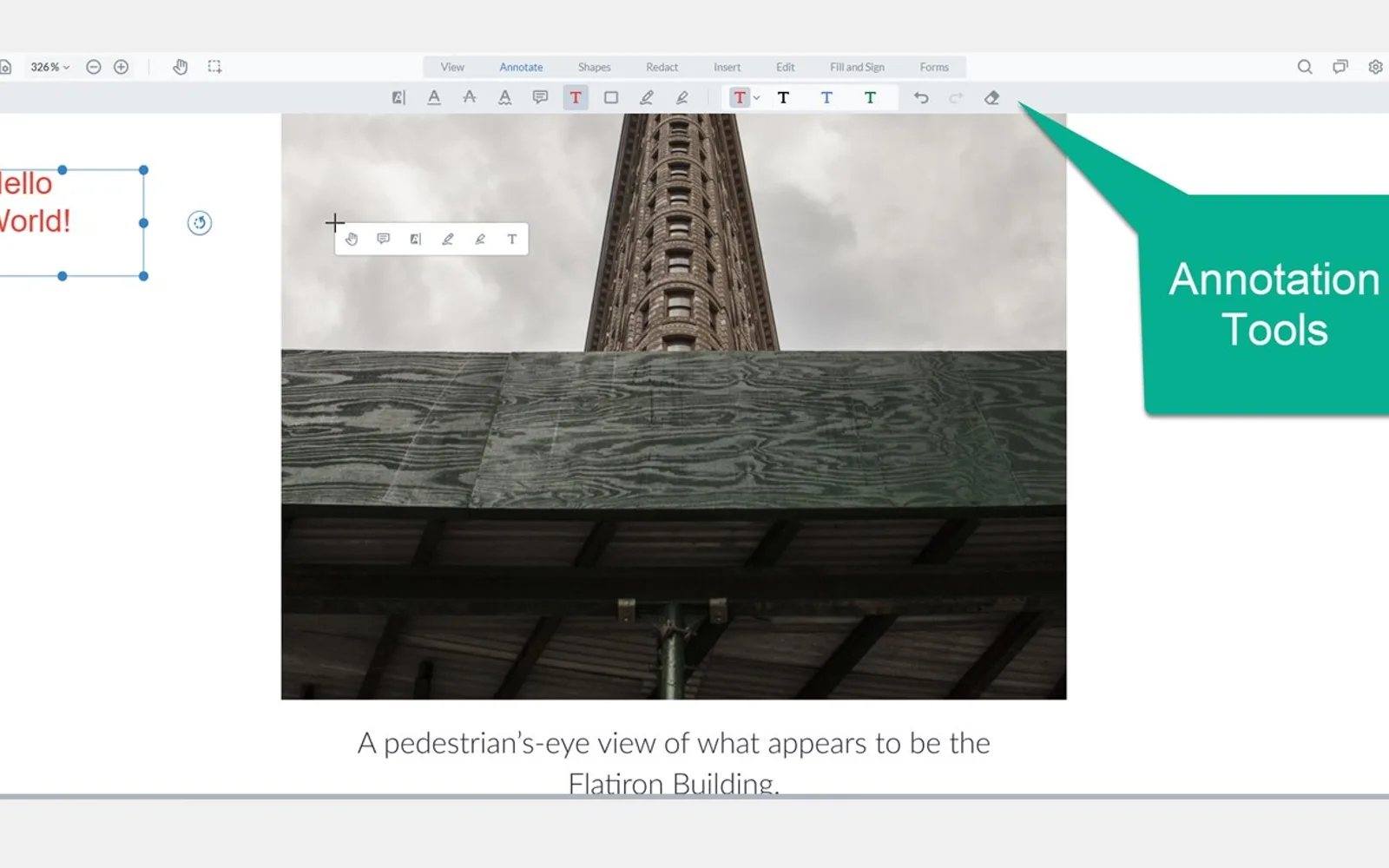
Opens PDF files in a browser from SharePoint, Microsoft Teams, and OneDrive. The editor supports annotations, drawing, highlighting, text and image additions, stamps, and signatures. Edited files can be downloaded or saved as layered PDFs to SharePoint for later editing. In SharePoint, it appears in document library context menus; in Teams.
Adds annotations, drawings, highlights, text, and images to PDF files.
Applies stamps and signatures to PDF files.
Saves revised files as layered PDFs to SharePoint for future editing.
Opens PDF files for editing within the browser.
Appears in the context menu of SharePoint document libraries.
PDF88 and Foxit PDF Editor are both listed with cloud deployment. PDF88 has unknown pricing, while Foxit PDF Editor is listed as paid. PDF88 was updated on Oct 2024, while Foxit PDF Editor was updated in Dec 2025.
| Name | Pricing | Deployment | Updated |
|---|---|---|---|
| this plugin | Price not published | Cloud | |
| Foxit PDF Editor | Paid | Cloud |
966 plugins in SharePoint · Collaboration
Price distribution: 19 free, 11 freemium, 101 paid, 835 price not published
Create, edit, eSign, and convert PDFs to Word, Excel, and PowerPoint with OCR and an AI assistant for Foxit PDF Editor.
Foxit Software Inc.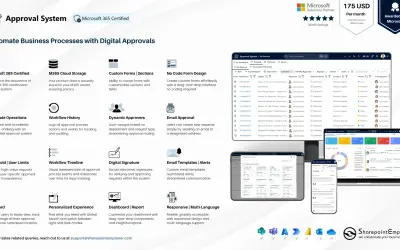
Manages requests and approvals for companies on Microsoft platforms, with SharePoint web part and multi-language support.
SharepointEmpower Private Limited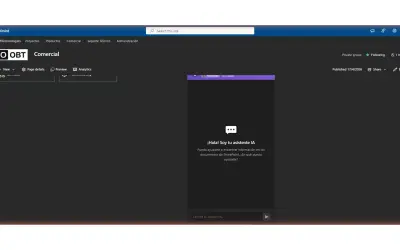
Fully managed AI chatbot for SharePoint, powered by Claude, that answers from your documents with no API key required.
OBTechnologies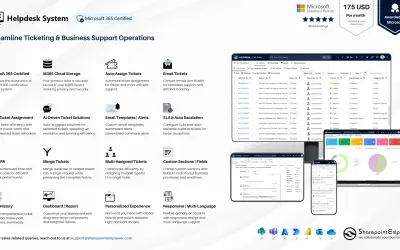
A cloud-based ticket management system for Microsoft platforms that centralizes support tasks and tracks resolution times.
SharepointEmpower Private Limited«The PDF88 for SharePoint, Microsoft Teams and OneDrive allows you to open PDF files within the browser to annotate, draw, highlight, add text or images, and apply stamps and signatures. After your revisions are completed, you can download the file or save back a layered PDF to SharePoint for future editing. The PDF …»