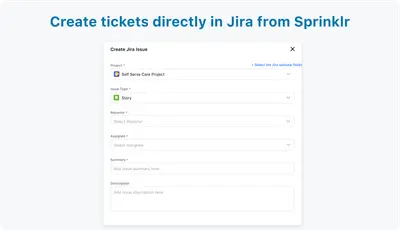
Sprinklr for Jira
Links Sprinklr support tickets with Jira issues and allows issue creation, field selection, and notes in both products.
SprinklrFree
Connects Omnidesk support cases with Jira issues and shares case updates between support and engineering.
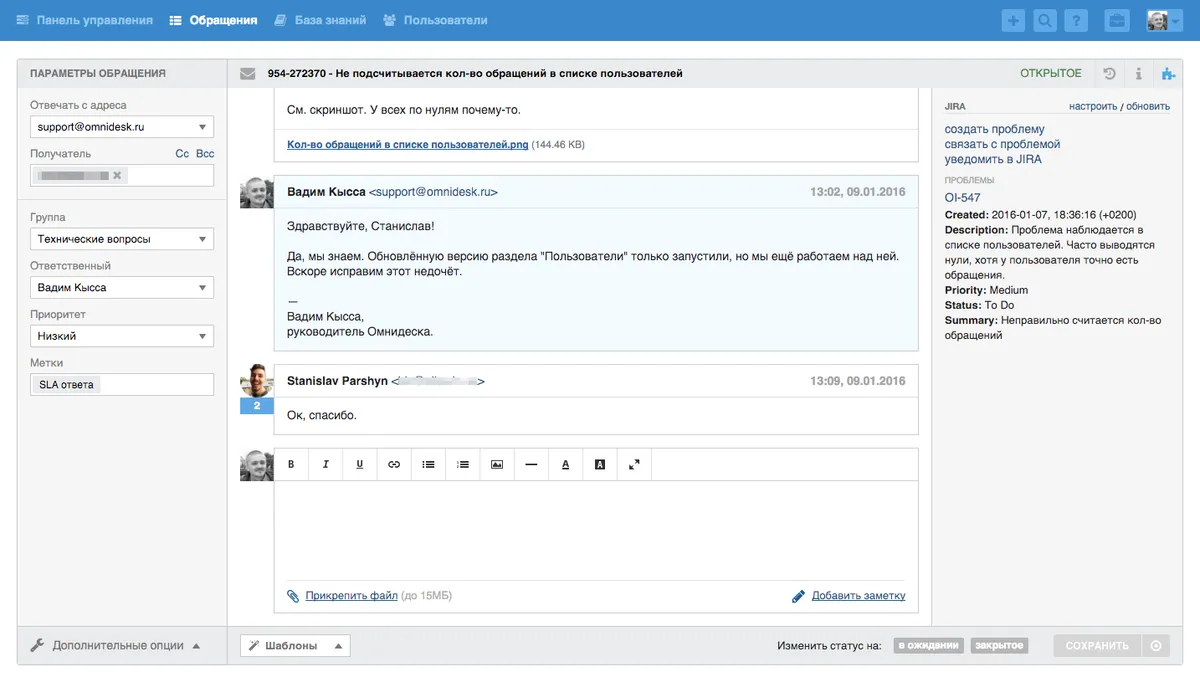
The Jira app displays selected Jira information beside an Omnidesk case, with compact and detailed display options. Cases can be associated with existing Jira issues, or new issues can be opened from Omnidesk with the relevant case information. In Jira, linked cases provide access to customer-support conversations, comments, and private notes. Jira users and support agents can send notifications to one another through the add-on. The add-on and Omnidesk are currently available only in Russian.
An Omnidesk case can be connected to an existing Jira issue.
A new Jira issue can be created from Omnidesk with case information.
The Jira information shown beside an Omnidesk case can be selected for compact or detailed views.
Jira includes comments and private notes from connected Omnidesk cases in its Omnidesk activity tab.
Jira users can contact support agents, and support agents can notify Jira users through private notes.
Engineering teams, support teams, support agents, and Jira users.
Omnidesk is free and cloud-only, while Chat for Jira Service Management is paid and supports data-center, cloud, and server deployment. Omnidesk was updated in Jun 2022, compared with Aug 2026 for Chat for Jira Service Management.
| Name | Pricing | Deployment | Updated |
|---|---|---|---|
| this plugin | Free | Cloud | |
| Chat for Jira Service Management | Paid | Cloud · Data Center · Server |
495 plugins in Jira · IT support and service
Price distribution: 157 free, 126 freemium, 212 paid
Links Sprinklr support tickets with Jira issues and allows issue creation, field selection, and notes in both products.
Sprinklr
Adds real-time customer chat and request updates to Jira Service Management.
Appfire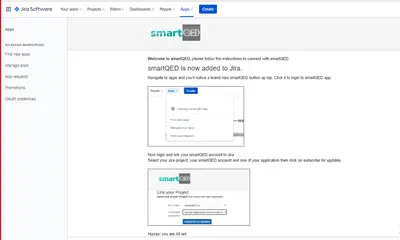
Map Jira issues in smartQED with fishbone analyses, linked comments, and map snapshots attached to tickets.
smartQED, Inc.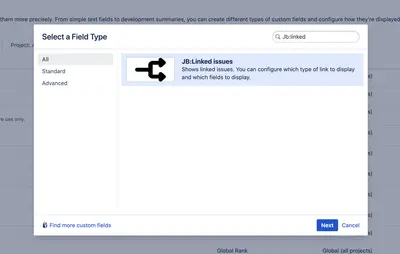
Displays selected fields from linked Jira issues through a configurable custom field.
JiBrok«The add-on and the Omnidesk itself are currently available only in Russian. THE Jira APP WITHIN OMNIDESK: Jira data is displayed in the Omnidesk sidebar on the case's page. You can configure what Jira info is shown both in compact and detailed views. Omnidesk cases can be linked to any existing Jira issues. Creating …»