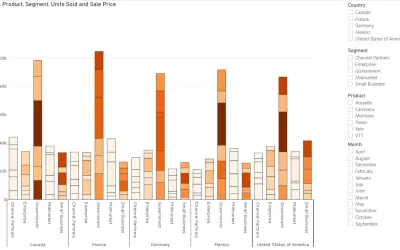
Power Plot Visual by Akvelon
Creates visualizations from diverse chart types, combines multiple charts on one canvas, and adds custom annotations and tooltips.
AkvelonFreemium
Uses AI in spreadsheets to process cell data, write text, generate formulas, and explain formulas.
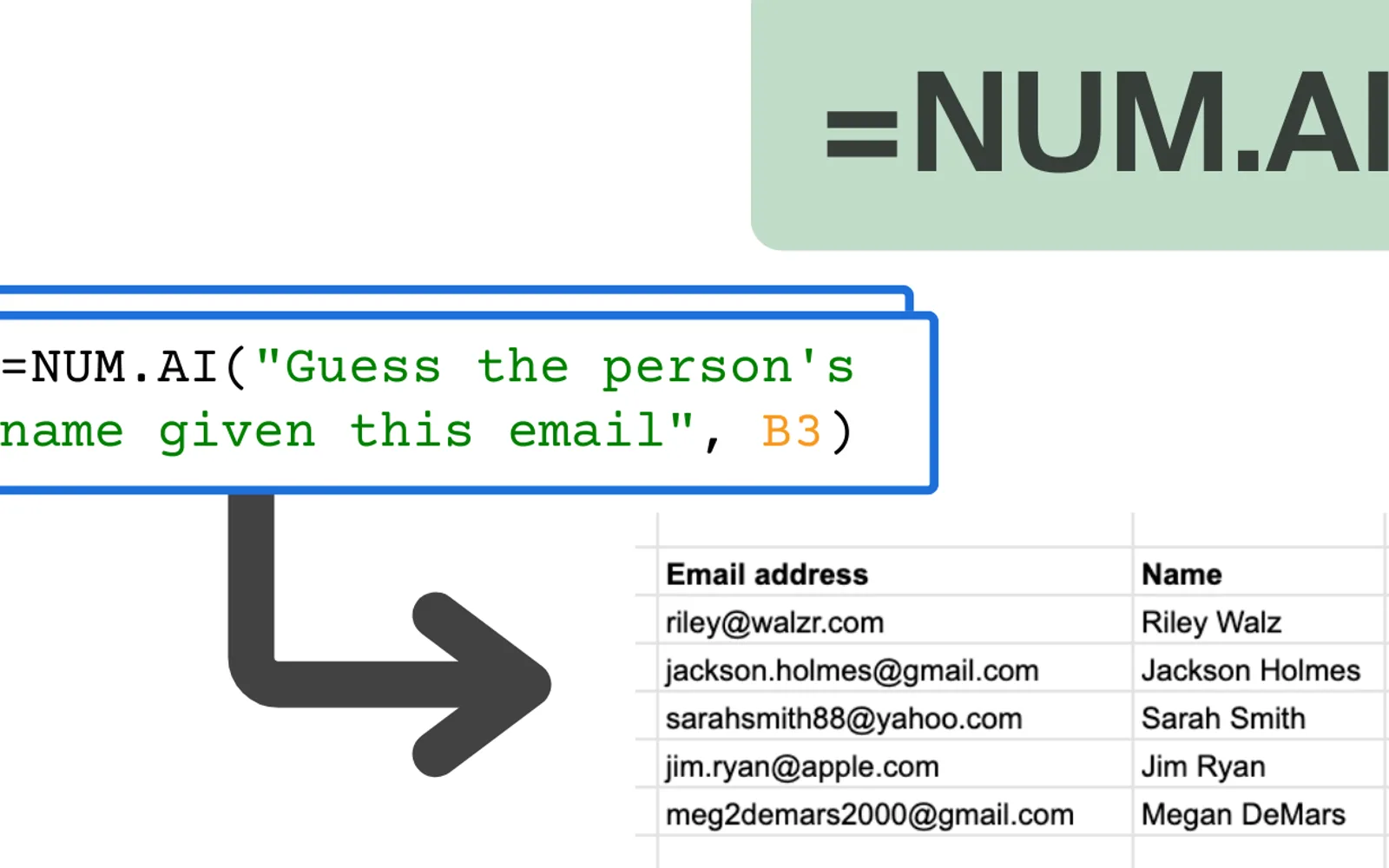
The add-in provides spreadsheet functions for sending cell content and prompts to AI models. It can apply a task across additional cells, classify items, analyze sentiment, and format cells based on examples. It can also generate text, create formulas from plain-English instructions, and explain formulas in plain English.
The NUM.AI function sends prompts and spreadsheet cell content to AI models.
The NUM.INFER function applies a task to other cells after examples are provided.
The NUM.WRITE function creates text from instructions and cell content.
The add-in generates spreadsheet formulas from plain-English descriptions.
The Explain formula function describes what a formula does in plain English.
2,531 plugins in Analytics
Price distribution: 125 free, 147 freemium, 1,350 paid, 909 price not published
Creates visualizations from diverse chart types, combines multiple charts on one canvas, and adds custom annotations and tooltips.
Akvelon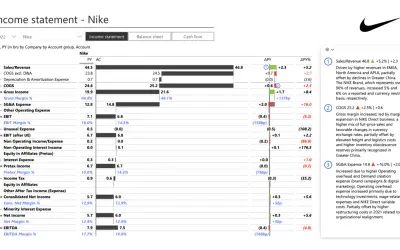
Creates financial and business reports in Power BI with automatic variance calculations, P&L logic, and drill-down (s5, s6).
Zebra BI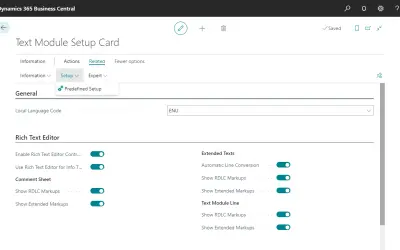
COSMO Text Module provides extended text management with a WYSIWYG editor for Microsoft Dynamics 365 Business Central.
COSMO CONSULT
Discover the why behind your data.
Data Courage«Use AI to perform repetitive tasks and use spreadsheets like a power user. Here’s how: Prompt AI models in your sheets • Use the =NUM.AI function directly in your spreadsheet to directly feed prompts to AI models. • Want to summarize a customer support message? =NUM.AI(“Here’s a message from a customer:”, A2 …»