
BlumShapiro Live Tiles with Count
BlumShapiro Live Tiles with Count adds configurable tiles with list item counts to a SharePoint site, filterable by CAML query.
BlumShapiroPrice not published
Filter SharePoint list or library items using multiple metadata columns.
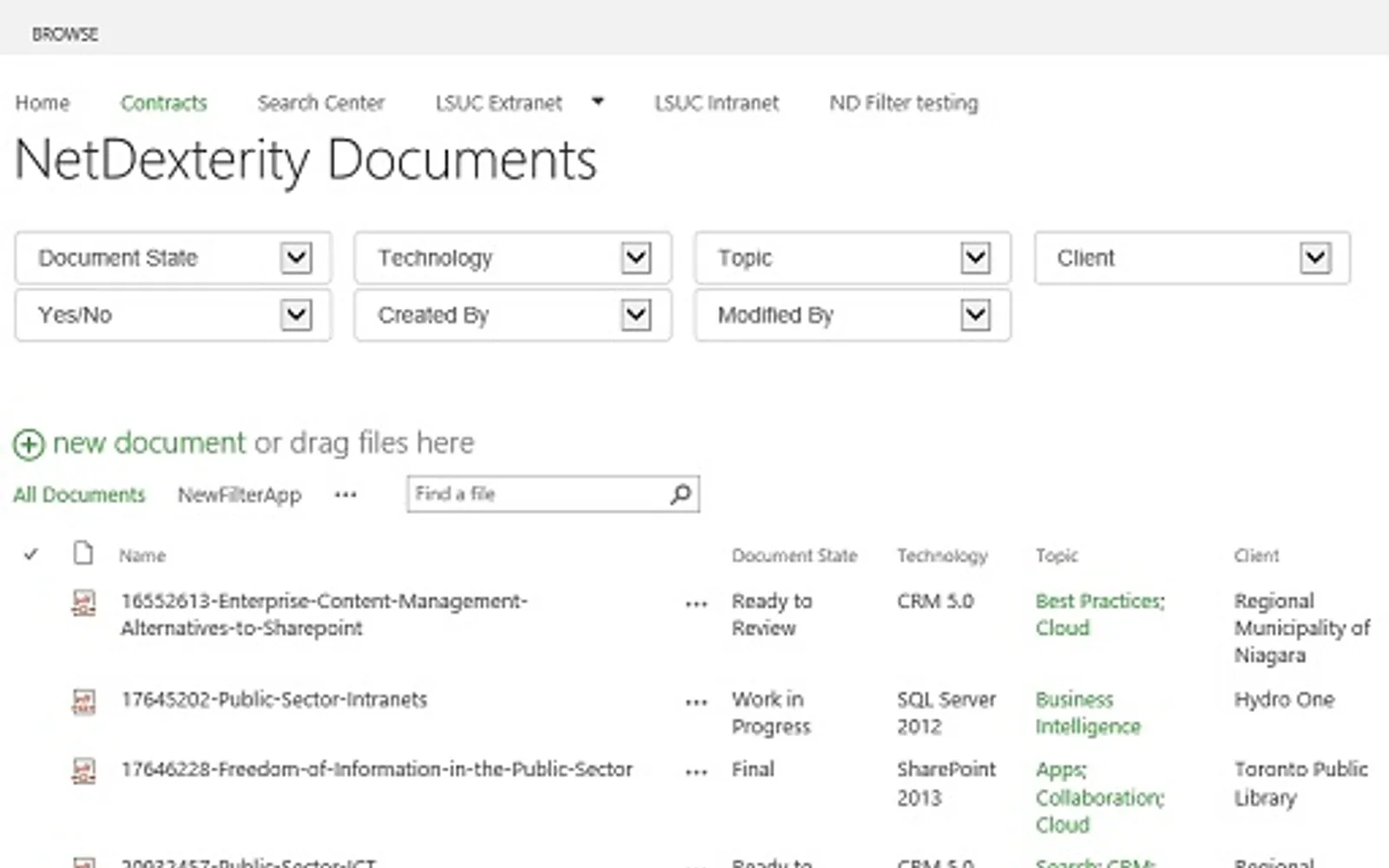
ND|Filter adds a web part to SharePoint lists or document libraries. It filters items using existing metadata columns, including simultaneous filtering across multiple columns. Filter values are limited to those represented in the data, and options adjust as filters are applied. The app updates when columns are added or removed.
Filters SharePoint content using multiple metadata columns at the same time.
Shows filter values that are represented in the list or library data.
Updates available filter options after each filter is applied.
Automatically updates when SharePoint metadata columns are added or removed.
ND|Filter and BlumShapiro Live Tiles with Count both use cloud deployment. ND|Filter has an unknown pricing model and was updated on Mar 2014, while BlumShapiro Live Tiles with Count also has an unknown pricing model and was updated in Apr 2022.
| Name | Pricing | Deployment | Updated |
|---|---|---|---|
| this plugin | Price not published | Cloud | |
| BlumShapiro Live Tiles with Count | Price not published | Cloud |
23 plugins in SharePoint · Design & Engineering
Price distribution: 1 paid, 22 price not published
BlumShapiro Live Tiles with Count adds configurable tiles with list item counts to a SharePoint site, filterable by CAML query.
BlumShapiro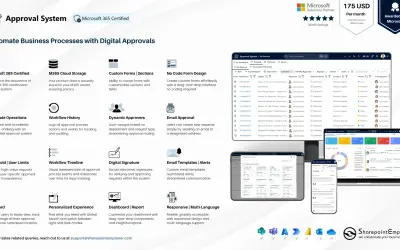
Manages requests and approvals for companies on Microsoft platforms, with SharePoint web part and multi-language support.
SharepointEmpower Private Limited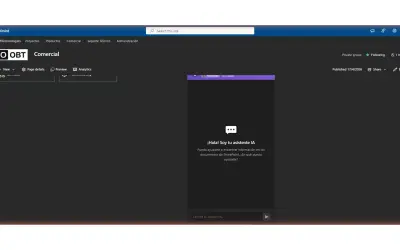
Fully managed AI chatbot for SharePoint, powered by Claude, that answers from your documents with no API key required.
OBTechnologies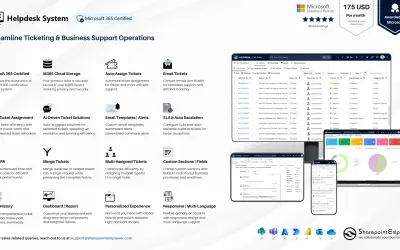
A cloud-based ticket management system for Microsoft platforms that centralizes support tasks and tracks resolution times.
SharepointEmpower Private Limited«Target what you need, when you need it. Over time, SharePoint document libraries and lists can grow to contain hundreds (or even thousands!) of items. Searching for a subset within such a large collection can be frustrating and time-consuming. Using the metadata already associated with your list or library, ND»