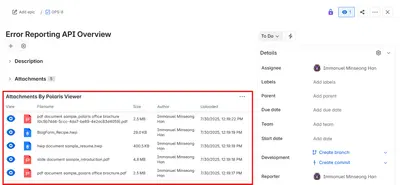
Polaris HWP Viewer for Jira
View HWP, HWPX, Office, and ODT files from Jira issue panels.
Polaris OfficePaid
Convert spoken or typed text into Jira issue descriptions and comments.
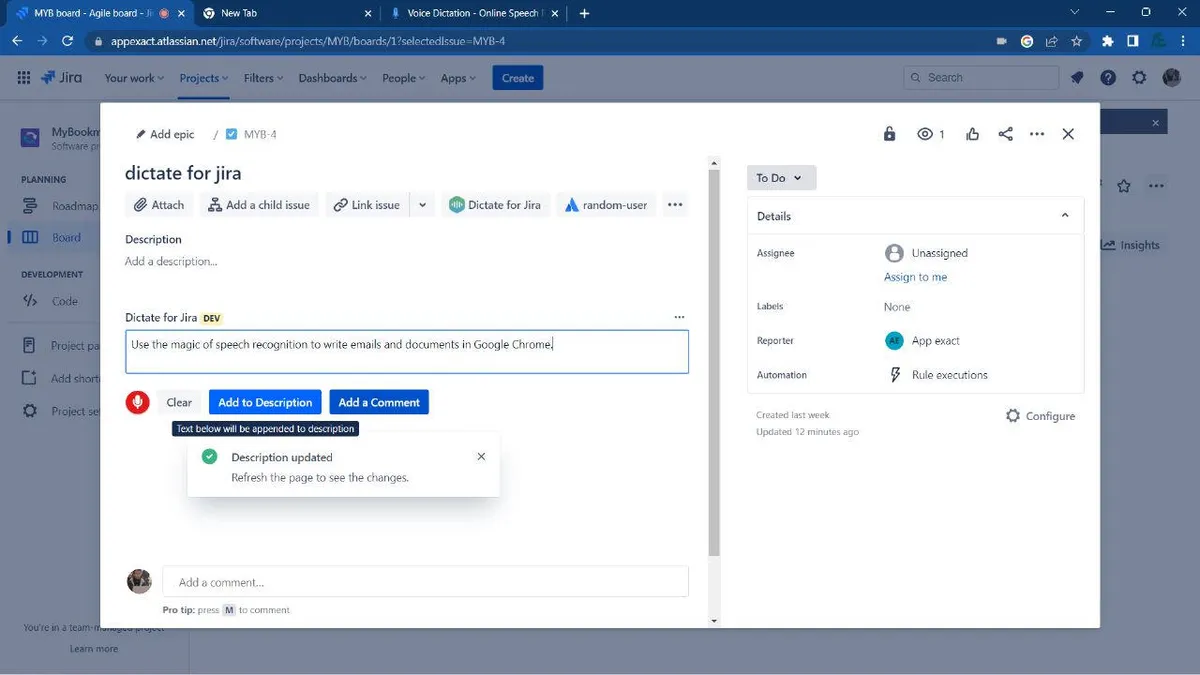
The app converts microphone input into text in Chrome and also accepts keyboard input. Text can be added to Jira issue descriptions or comments.
A microphone button converts recorded speech into text in Chrome.
Text can also be entered using the keyboard.
Entered text can be added to Jira issue descriptions.
Entered text can be added as a Jira issue comment.
My Speech Recognizer for Jira is free, while Polaris HWP Viewer for Jira is paid. Both are cloud deployments.
| Name | Pricing | Deployment | Updated |
|---|---|---|---|
| this plugin | Free | Cloud | |
| Polaris HWP Viewer for Jira | Paid | Cloud |
505 plugins in Jira · Content and communication
Price distribution: 127 free, 198 freemium, 180 paid
View HWP, HWPX, Office, and ODT files from Jira issue panels.
Polaris Office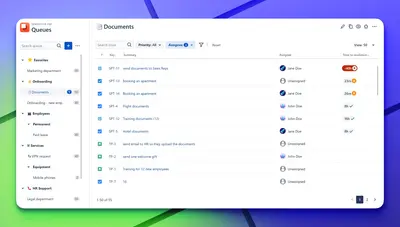
Organizes Jira and JSM issues from multiple projects into shared queues with access controls and queue management.
Deviniti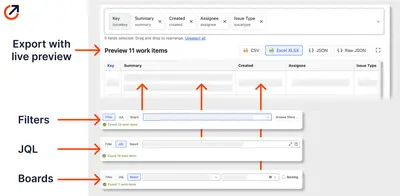
Scheduled Jira exports create reports with custom fields, change history, and delivery by email, SFTP, download link, or API.
Advanced Insights
Embed shared Microsoft Power BI links in Jira issue tabs and dashboards with notes, images, PDFs, and other apps.
Apps+«The App allows text to be written using the microphone or keyboard, then add them to issue descriptions and add a comment . Also, using the microphone can only be done on the Chrome browser, because The Chrome browser has a built-in fast and secure solution for converting microphone-recorded speech to text. You can …»