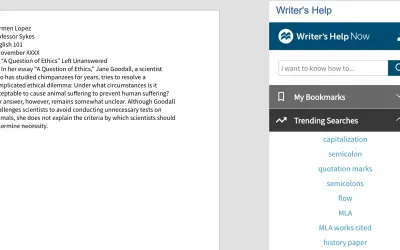
Writer’s Help Now, Hacker - Reference for Writers
Searches Writer's Help 2.0, Hacker Version topics from within Microsoft Word or Word Online and shows results in a task pane.
Macmillan LearningPrice not published
Convert Markdown to formatted Word content and selected Word content back to Markdown.
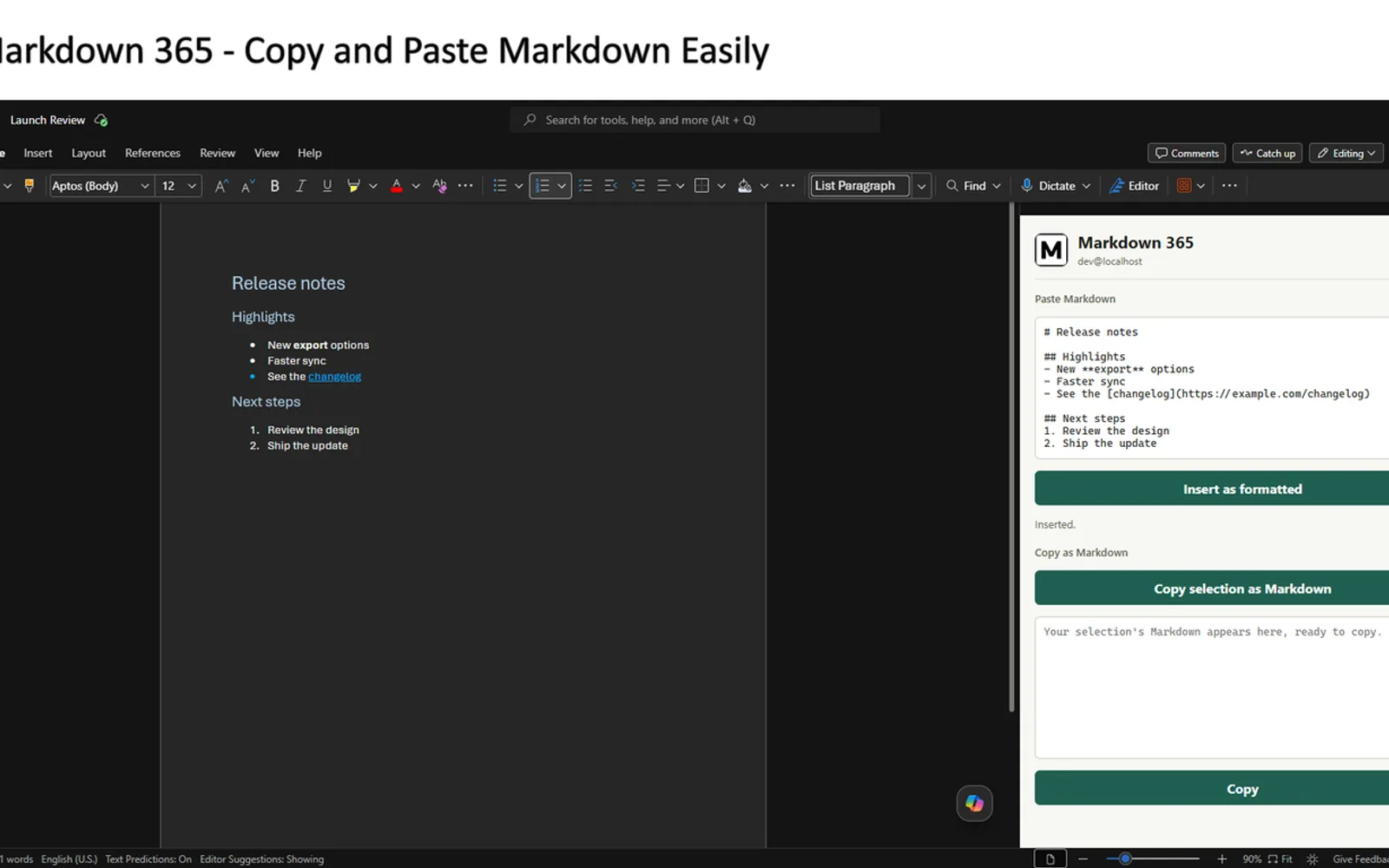
Markdown 365 adds Markdown content to Word with headings, lists, links, tables, and code formatting. It also converts selected Word content into Markdown for copying elsewhere. The workflow uses a Word task pane for insertion and a command for exporting selected content.
Markdown pasted into the task pane is inserted into Word with formatting for headings, lists, links, tables, and code.
A selected portion of a Word document can be copied in Markdown form.
The add-in converts content from Markdown to Word and from Word to Markdown.
Tables, nested lists, and code blocks are converted in both directions.
Markdown 365 and Writer’s Help Now, Hacker - Reference for Writers both use cloud deployment and have an unknown pricing model. Markdown 365 was updated on Jul 2026, while Writer’s Help Now, Hacker - Reference for Writers was updated in Jan 2023.
| Name | Pricing | Deployment | Updated |
|---|---|---|---|
| this plugin | Price not published | Cloud | |
| Writer’s Help Now, Hacker - Reference for Writers | Price not published | Cloud |
96 plugins in Word · Data Management
Price distribution: 2 free, 1 freemium, 13 paid, 80 price not published
Searches Writer's Help 2.0, Hacker Version topics from within Microsoft Word or Word Online and shows results in a task pane.
Macmillan Learning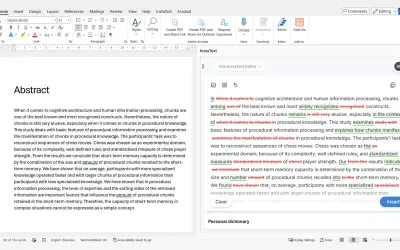
InstaText, built for Microsoft Word, suggests improvements to clarity, sentence flow, and word choice in your text.
InstaText d.o.o.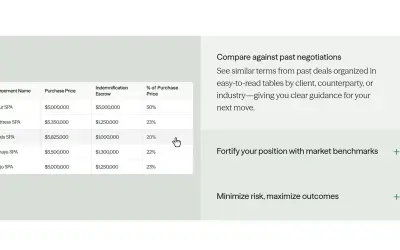
Draftwise executes contract drafting, review, and search workflows within Microsoft Word using an organization's legal knowledge.
DraftWise Inc
Autopilot integrates Zhipu AI and other AI models into Microsoft Excel, PowerPoint, and Word on Windows, Mac, Web, and iPad.
Smart Barn Technologies«Copy and paste Markdown in Word. Markdown 365 inserts Markdown into your Word document as formatted content, and turns a formatted selection back into Markdown, so notes, README files, and AI output move in and out of Word without manual reformatting. Key Features • Paste Markdown as formatted content: Paste Markdown …»