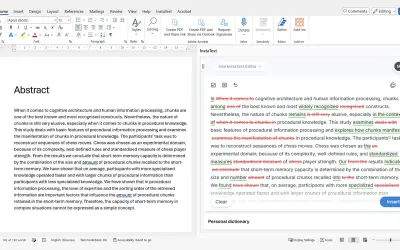
InstaText
InstaText, built for Microsoft Word, suggests improvements to clarity, sentence flow, and word choice in your text.
InstaText d.o.o.Price not published
Access LitiGate cases, search document information, and add results to Word documents.
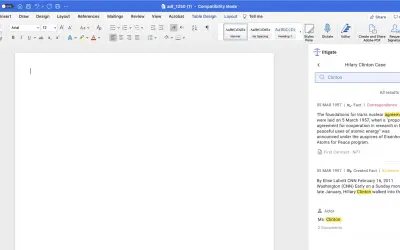
The add-in lets existing LitiGate users access a case in Word. It searches documents for information and adds search results to a Word document with a button.
Existing LitiGate users can access their case through the Word add-in.
The add-in searches for information appearing in documents.
Search results can be added to a Word document with a button.
Existing LitiGate users.
152 plugins in Word · Analytics
Price distribution: 2 free, 5 freemium, 37 paid, 108 price not published
InstaText, built for Microsoft Word, suggests improvements to clarity, sentence flow, and word choice in your text.
InstaText d.o.o.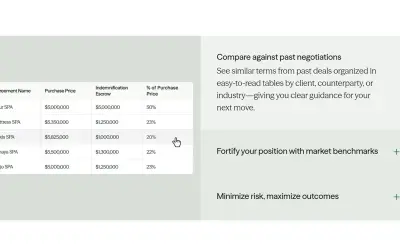
Draftwise executes contract drafting, review, and search workflows within Microsoft Word using an organization's legal knowledge.
DraftWise Inc
Autopilot integrates Zhipu AI and other AI models into Microsoft Excel, PowerPoint, and Word on Windows, Mac, Web, and iPad.
Smart Barn Technologies
Ghostwriter Author is a Microsoft Word add-in that applies Zhipu AI, Azure, and other AI models to writing and text tasks.
Smart Barn Technologies«The LitiGate word add-in allows existing LitiGate users to access their case and search for any piece of information appearing in your documents. The add-in also allows users to add any results to a word document with a click of a button.»