
My Links
SharePoint app that keeps personal links available across all installed locations and displays centrally managed Org Links.
Dalikoo Inc.Price not published
Resizes and rotates images in SharePoint picture and Site Assets libraries.
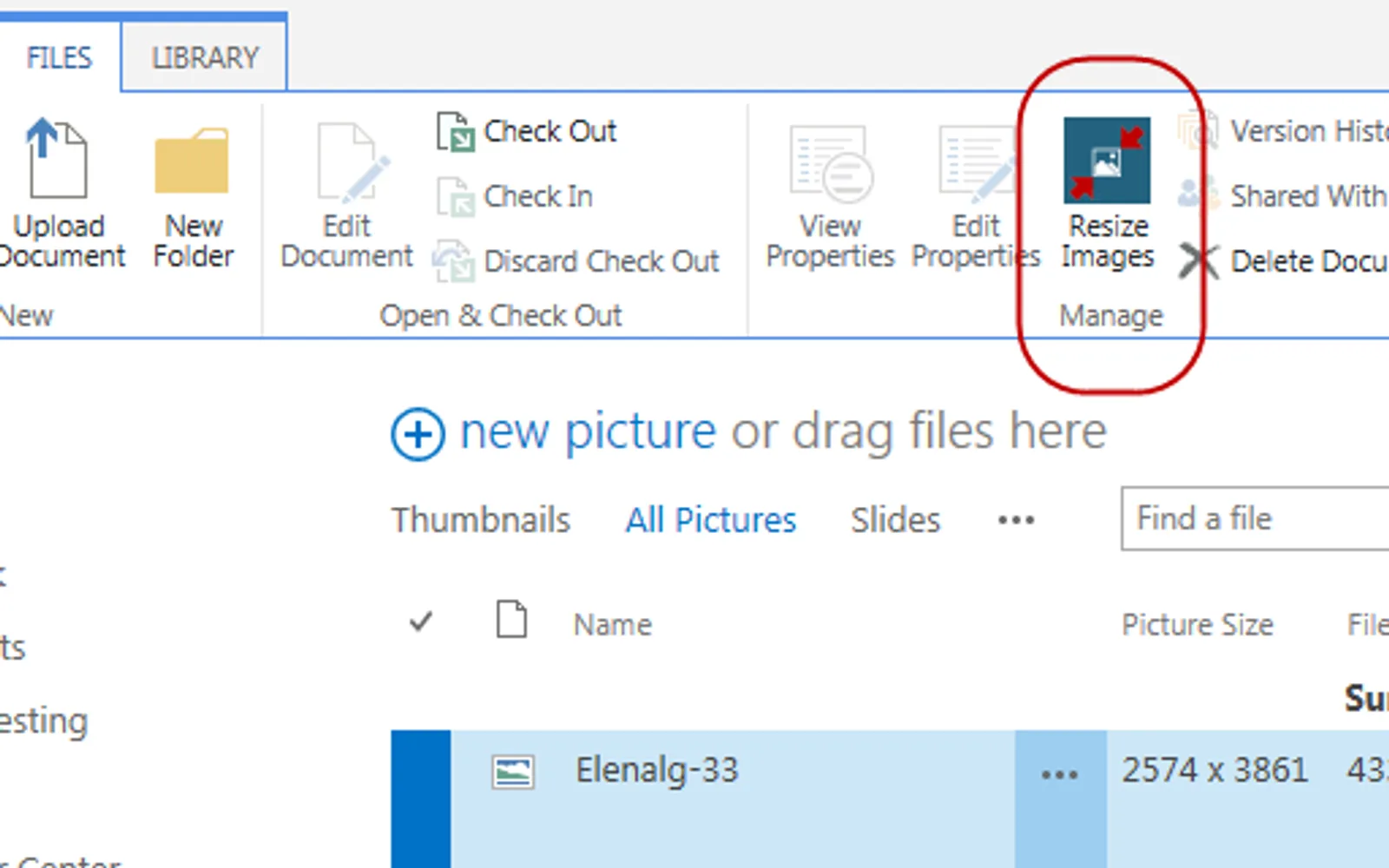
Resizes images after upload to a SharePoint picture library using maximum pixel width and height while preserving aspect ratio. Images can be processed individually from the item menu or in batches from the library ribbon. The app can also rotate images left or right and records each operation in a Resize Log list. Site Assets library support is included, with a 1280x1024px maximum for resized pictures in the free version.
Sets maximum pixel width and height for images in SharePoint picture libraries.
Processes multiple selected images from the FILES tab of a picture library ribbon.
Resizes one image from its item menu.
Rotates images left or right during the resize process.
Provides resize functionality for an existing SharePoint Site Assets library.
Image Resizer has unknown pricing and cloud deployment, while My Links also has unknown pricing and cloud deployment. Image Resizer was updated on Apr 2022, while My Links was updated in Nov 2023.
| Name | Pricing | Deployment | Updated |
|---|---|---|---|
| this plugin | Price not published | Cloud | |
| My Links | Freemium | Cloud |
25 plugins in SharePoint · Utilities
Price distribution: 1 paid, 24 price not published
SharePoint app that keeps personal links available across all installed locations and displays centrally managed Org Links.
Dalikoo Inc.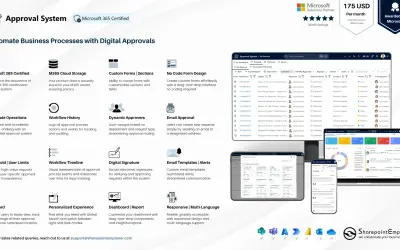
Manages requests and approvals for companies on Microsoft platforms, with SharePoint web part and multi-language support.
SharepointEmpower Private Limited
Fully managed AI chatbot for SharePoint, powered by Claude, that answers from your documents with no API key required.
OBTechnologies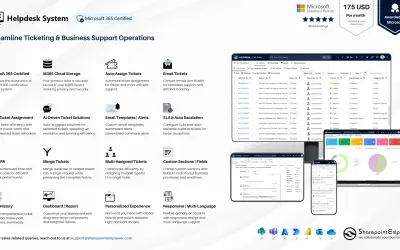
A cloud-based ticket management system for Microsoft platforms that centralizes support tasks and tracks resolution times.
SharepointEmpower Private Limited«Often, images that end up in a SharePoint picture library have a pixel resolution far greater than is useful on the browser that they'll be rendered within. This is certainly true of the pictures taken with today's high-res cameras. Besides occupying unnecessary storage space, large images result in slow image …»